> For the complete documentation index, see [llms.txt](https://docs.playhattori.io/llms.txt). Markdown versions of documentation pages are available by appending `.md` to page URLs; this page is available as [Markdown](https://docs.playhattori.io/game-info/game-systems/region/treasures.md).
# Treasures
When a player enters a region, they can collect valuable resources in two main ways: looting the corpses of defeated enemies or opening hidden stashes on the map. Below, we’ll dive into each method in detail.
## Corpses
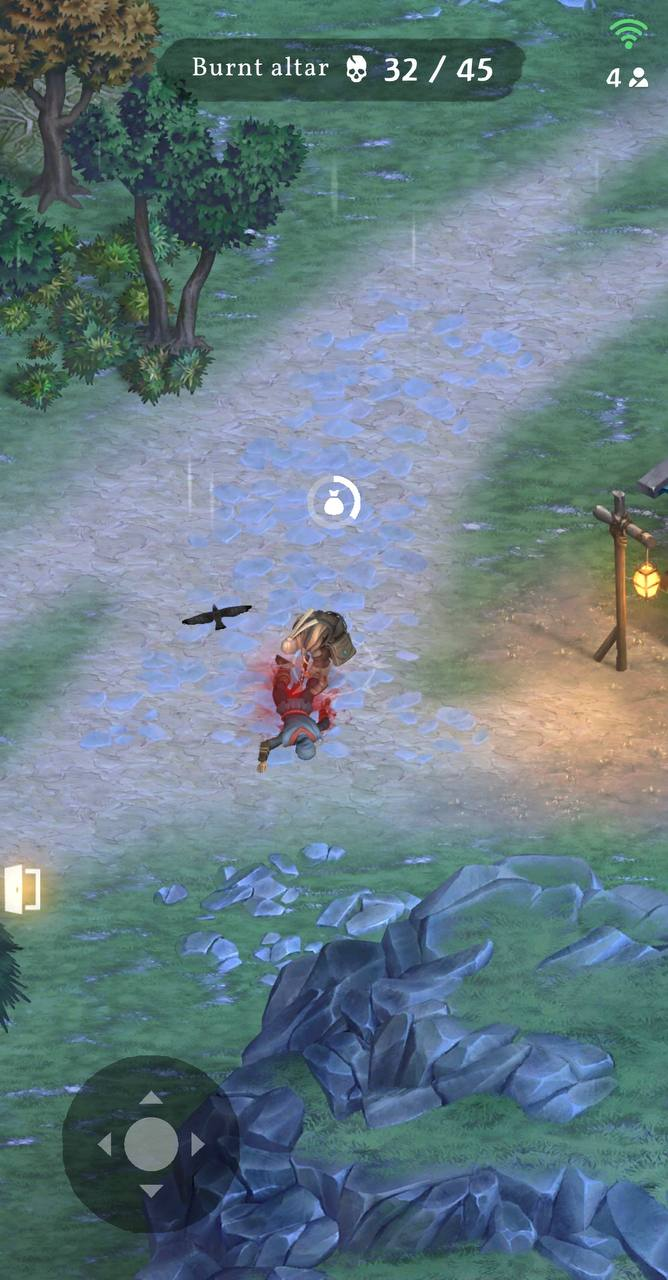
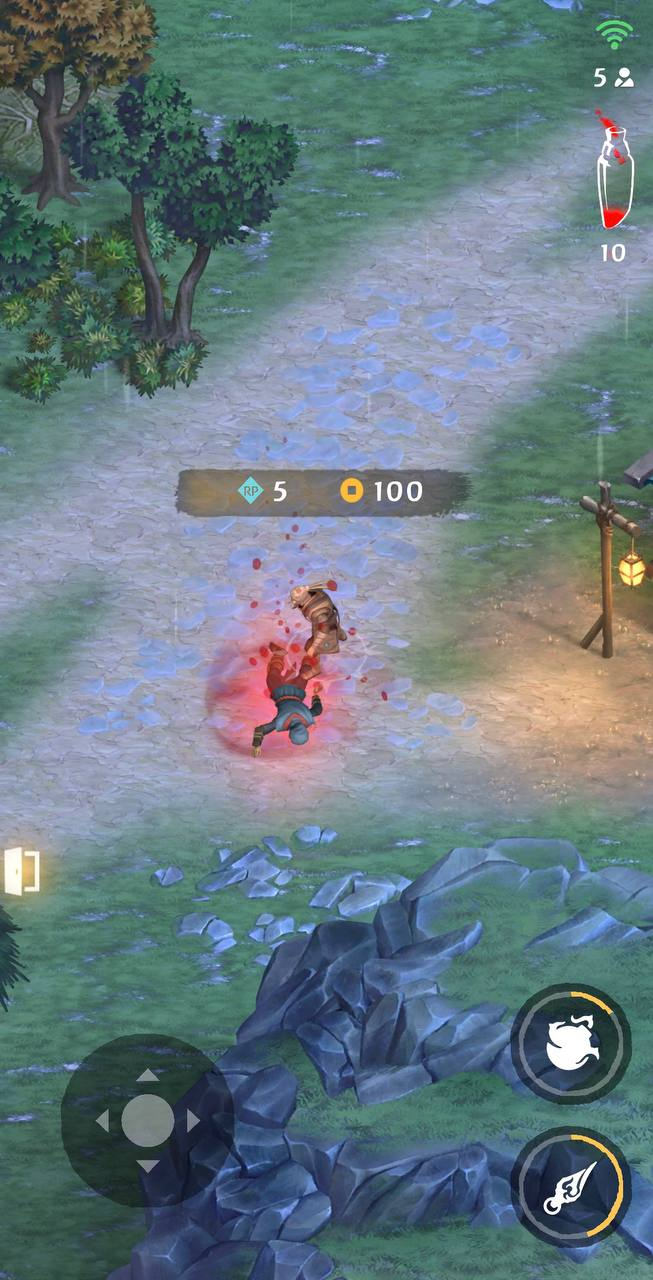
After defeating an opponent, their corpse appears at the battle location and remains on the map for a limited time. When the player approaches and stops within its radius, an automatic interaction starts, and collected rewards appear above the player’s head.
#### **Mechanic**
After a player’s victory, a model of the defeated opponent spawns at the battle site. The body stays on the map for a short time before vanishing with a fading effect.
* Interaction with a corpse starts automatically when the player approaches and stops within its radius.
* **Interaction Interruptions:**
* Player moves.
* Player attacks.
* Player uses a smoke bomb.
* Player takes damage from an opponent.
* When interaction begins, the corpse’s disappearance timer pauses until the player:
* Completes the search and claims the reward.
* Moves away from the corpse.
#### Rewards
Players can loot the following rewards from a corpse:
* Gold currency.
* Blood.
* RP (see [Respect Points](/game-info/game-systems/respect-points-rp.md) section for details).
* LP (see [Event: Leagues ](/game-info/game-systems/bazaar/game-events/event-leagues.md)section for details).
## Stashes
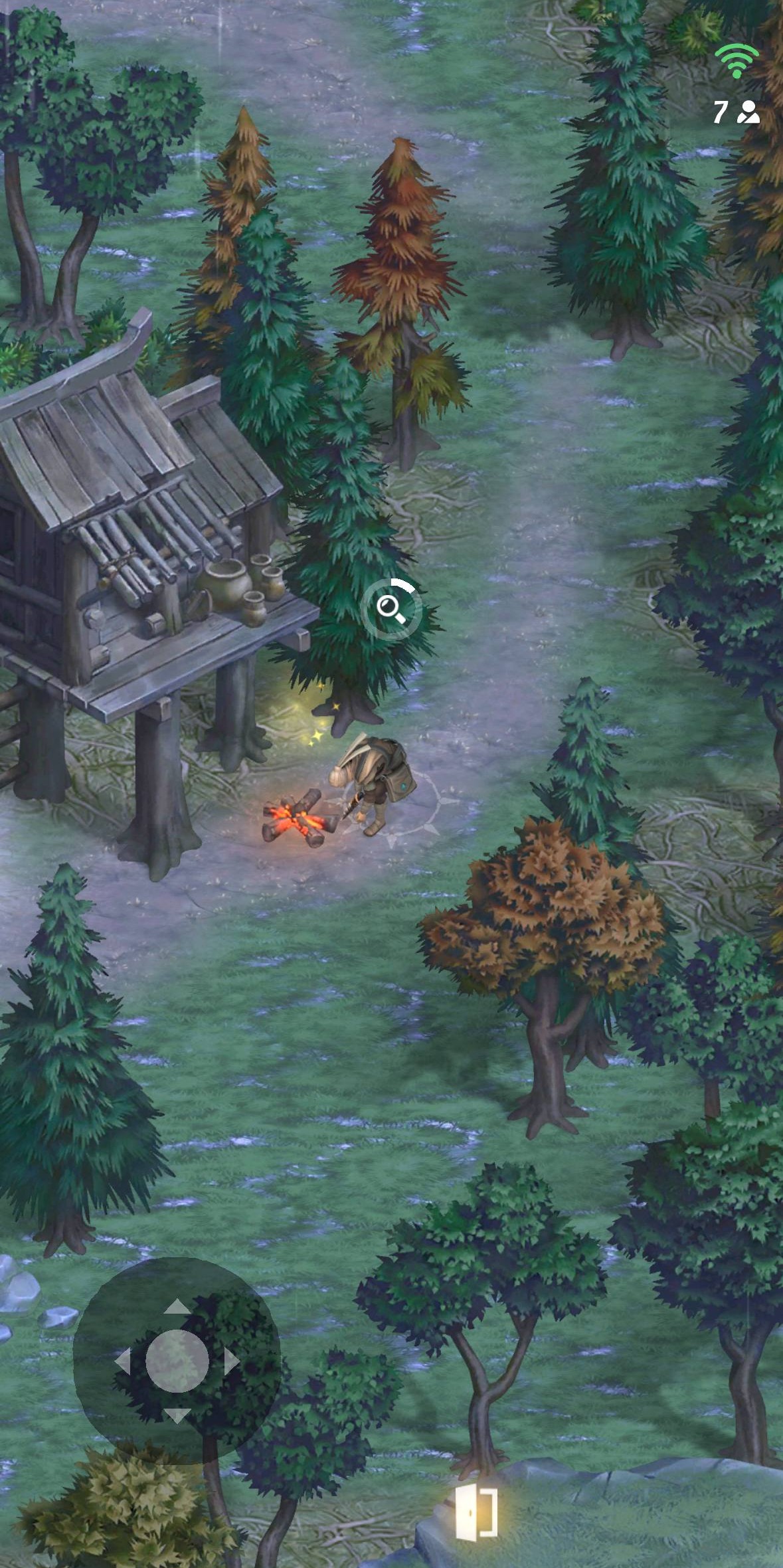
Carefully selected locations in each region where players can interact to discover a chest or stash with a certain probability.
#### **Mechanic**
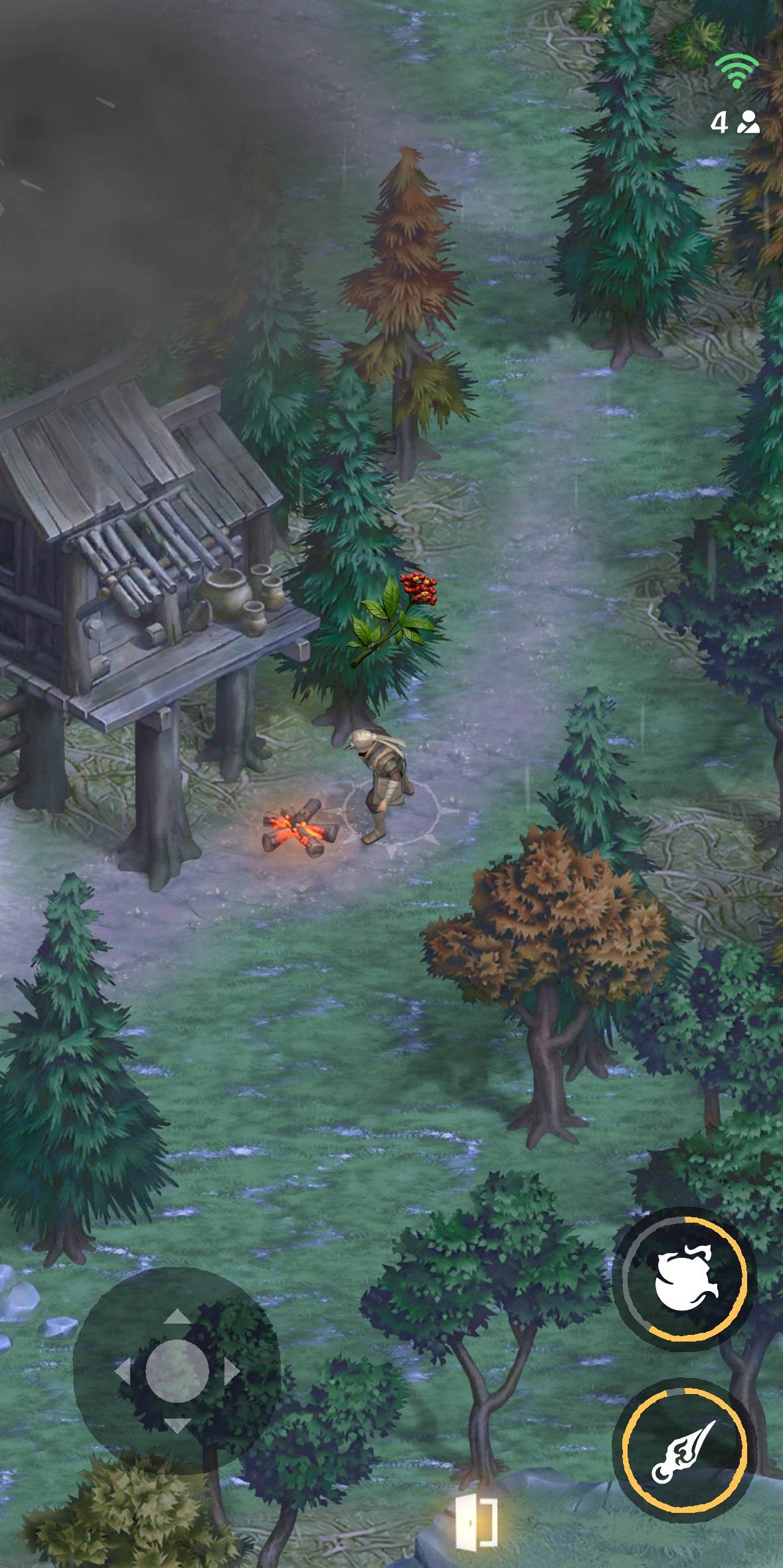
Stashes are pre-placed points on the map where players can find useful resources. On successful discovery, the reward appears above the player’s head without needing confirmation.
* Interaction with a corpse starts automatically when the player approaches and stops within its radius.
* **Interaction Interruptions:**
* Player moves.
* Player attacks.
* Player uses a smoke bomb.
* Player takes damage from an opponent.
#### **Details**
There are up to 10 active stash spawn points are set on each region’s map.
Each point can be in one of two states:
* Active: shows a highlighted animation.
* Passive: unavailable for interaction.
When a player approaches and stops in an active point’s zone, the collecting process begins.
#### **Rewards**
Players can loot the following rewards from a stash:
* Herbs and Plants.
* Lockpicks.
* Gold Currency.
* RP (see Item [Respect Points](/game-info/game-systems/respect-points-rp.md) section for details).
* LP (see [Event: Leagues ](/game-info/game-systems/bazaar/game-events/event-leagues.md)section for details).