# Welcome to Hattori

<figure><img src="https://1600250607-files.gitbook.io/~/files/v0/b/gitbook-x-prod.appspot.com/o/spaces%2FOztbzZyXUmP3BH4IPnha%2Fuploads%2F7ZdBE5FiJxtAwLvZXWaD%2FComponent%20255.png?alt=media&amp;token=4bf6cb9d-c4b6-45e1-8418-7256ad66cc16" alt=""><figcaption></figcaption></figure>

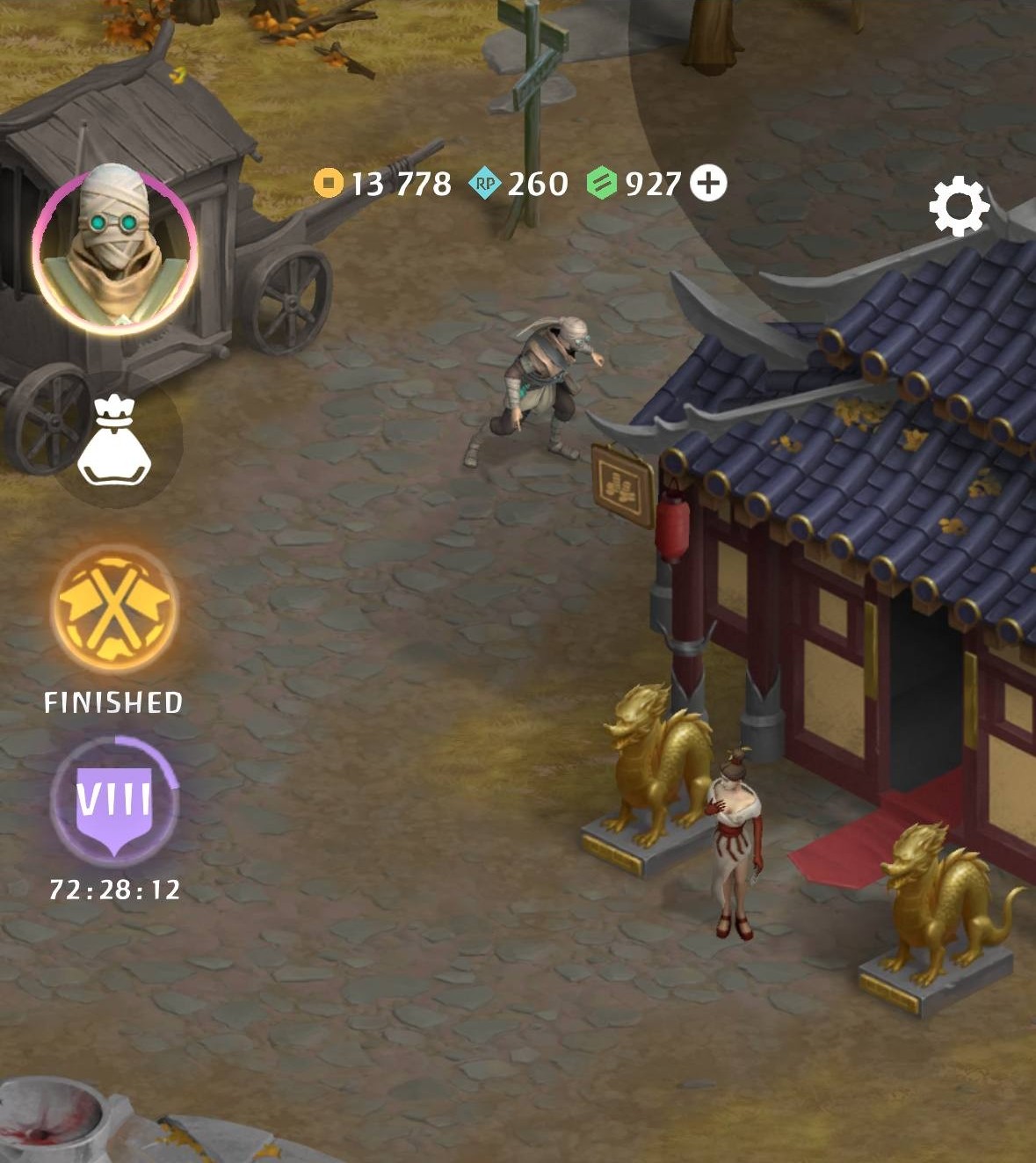
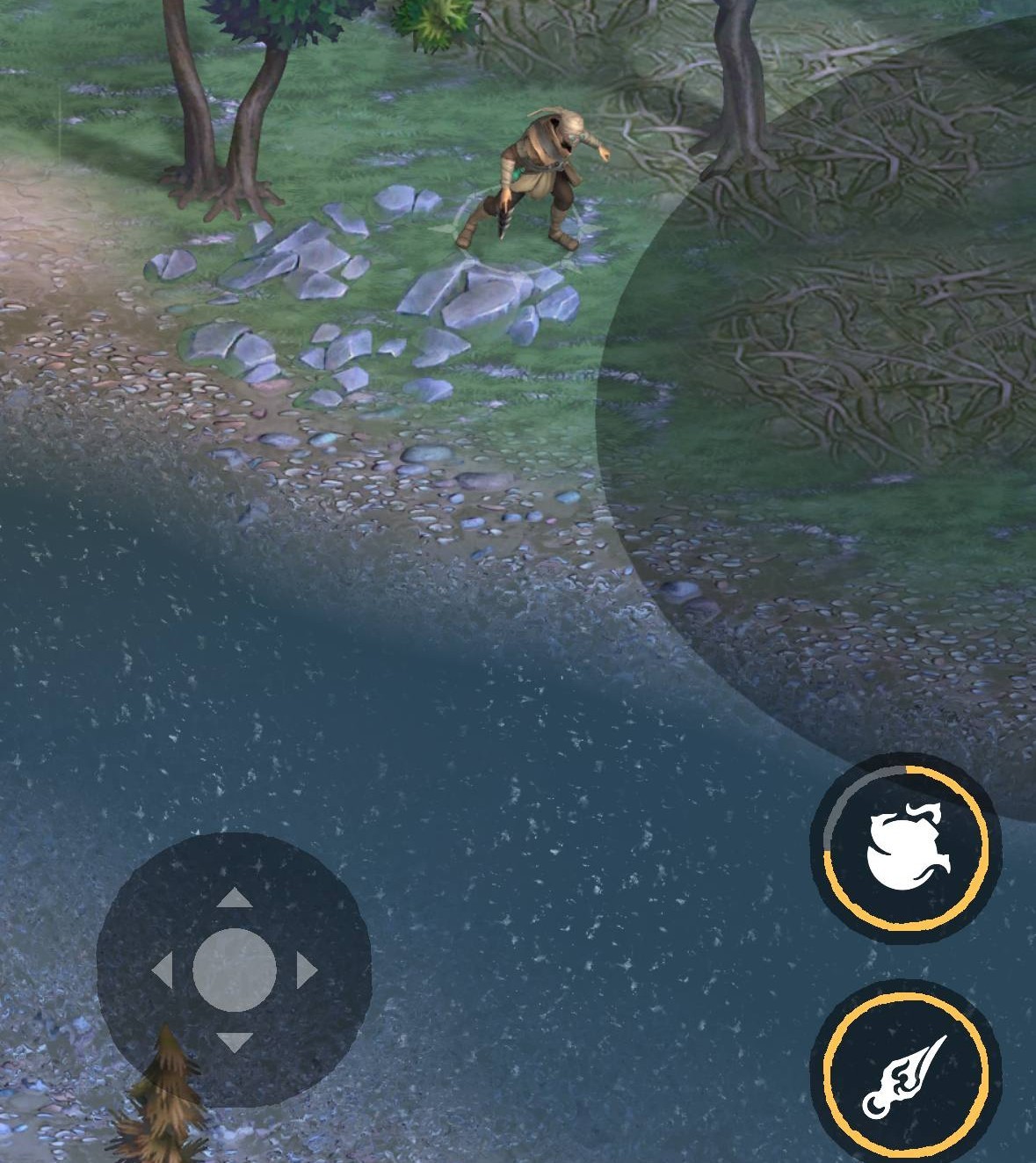
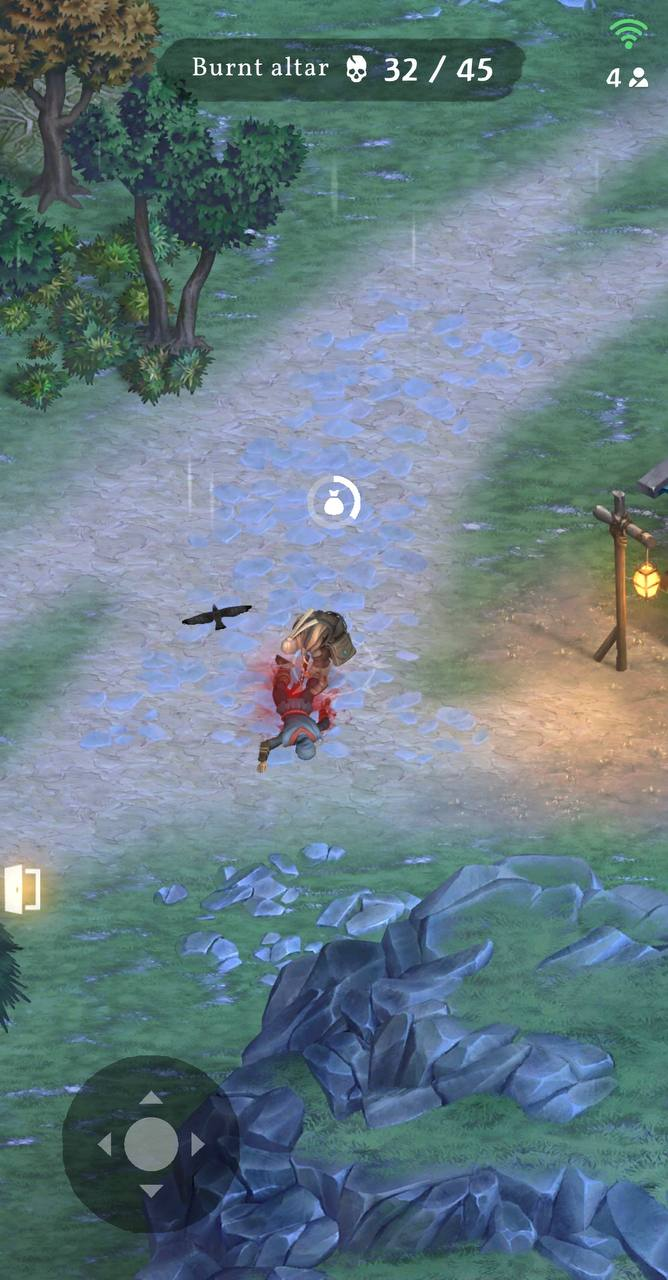
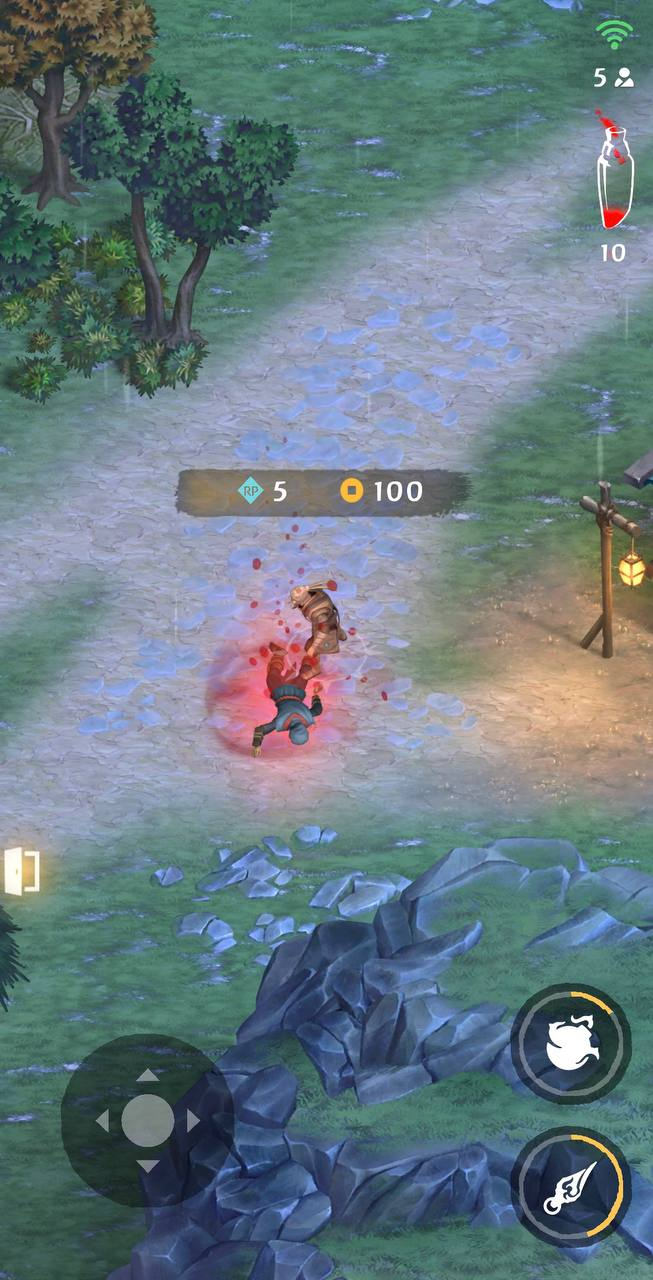
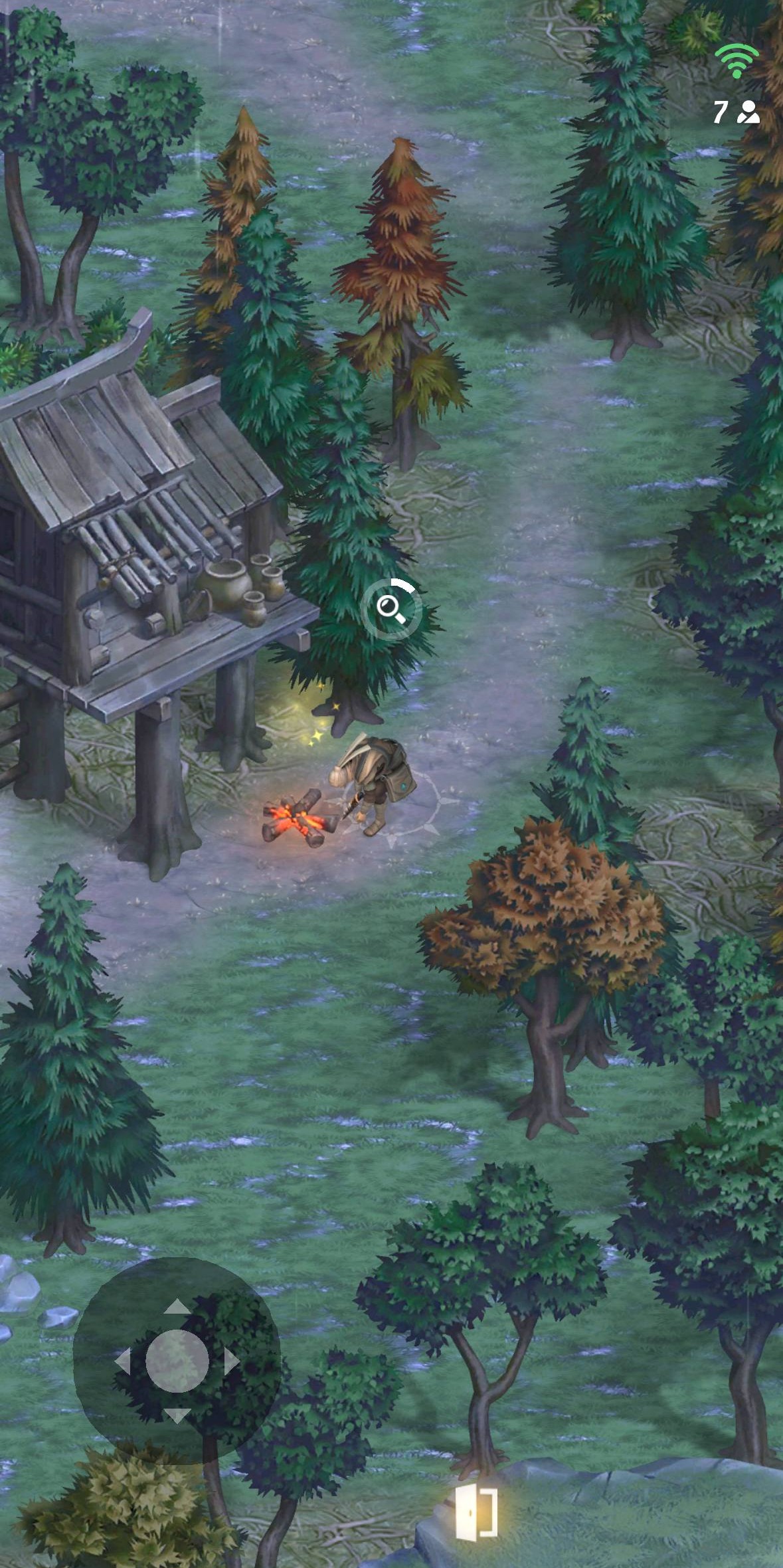
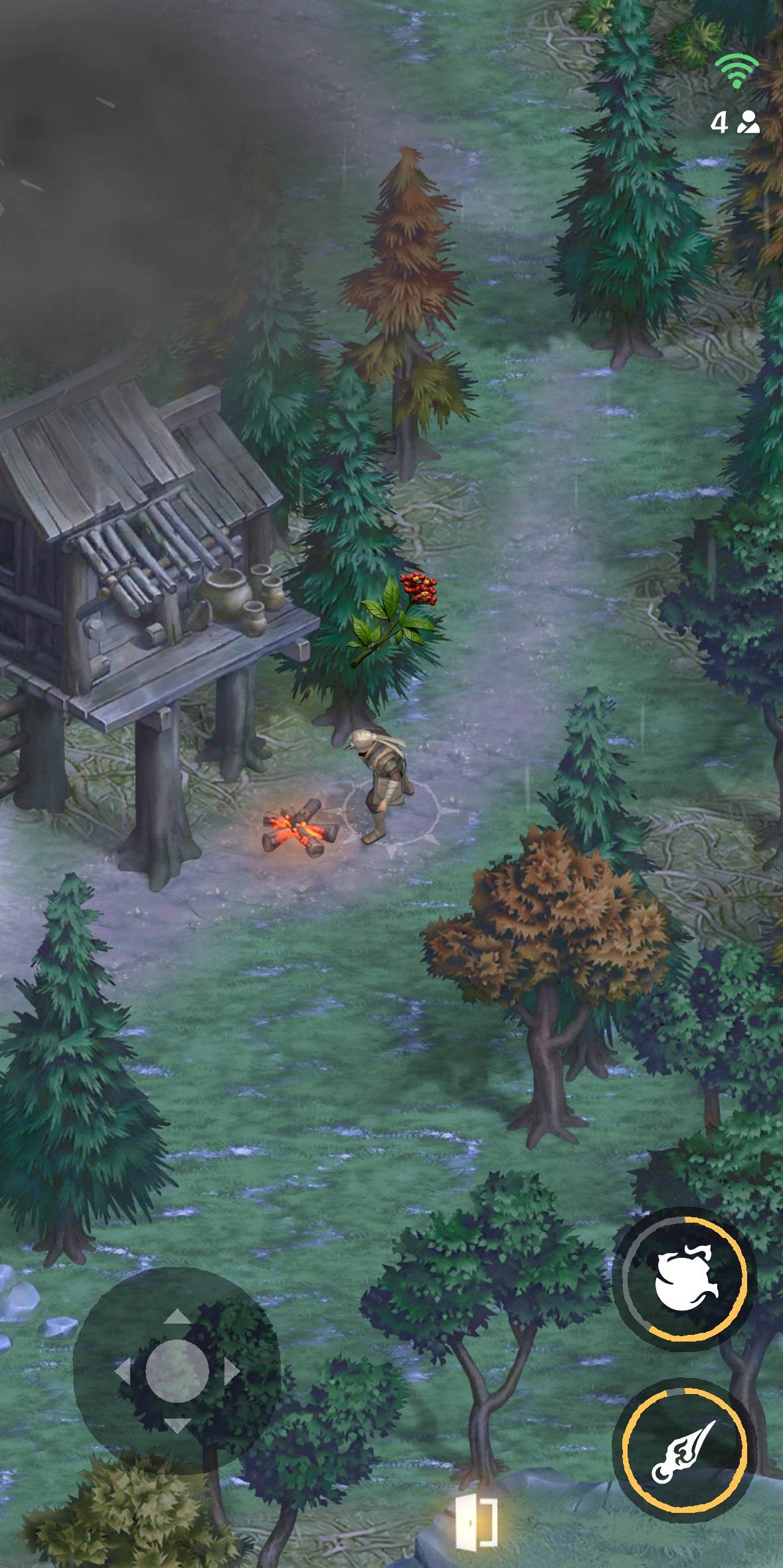
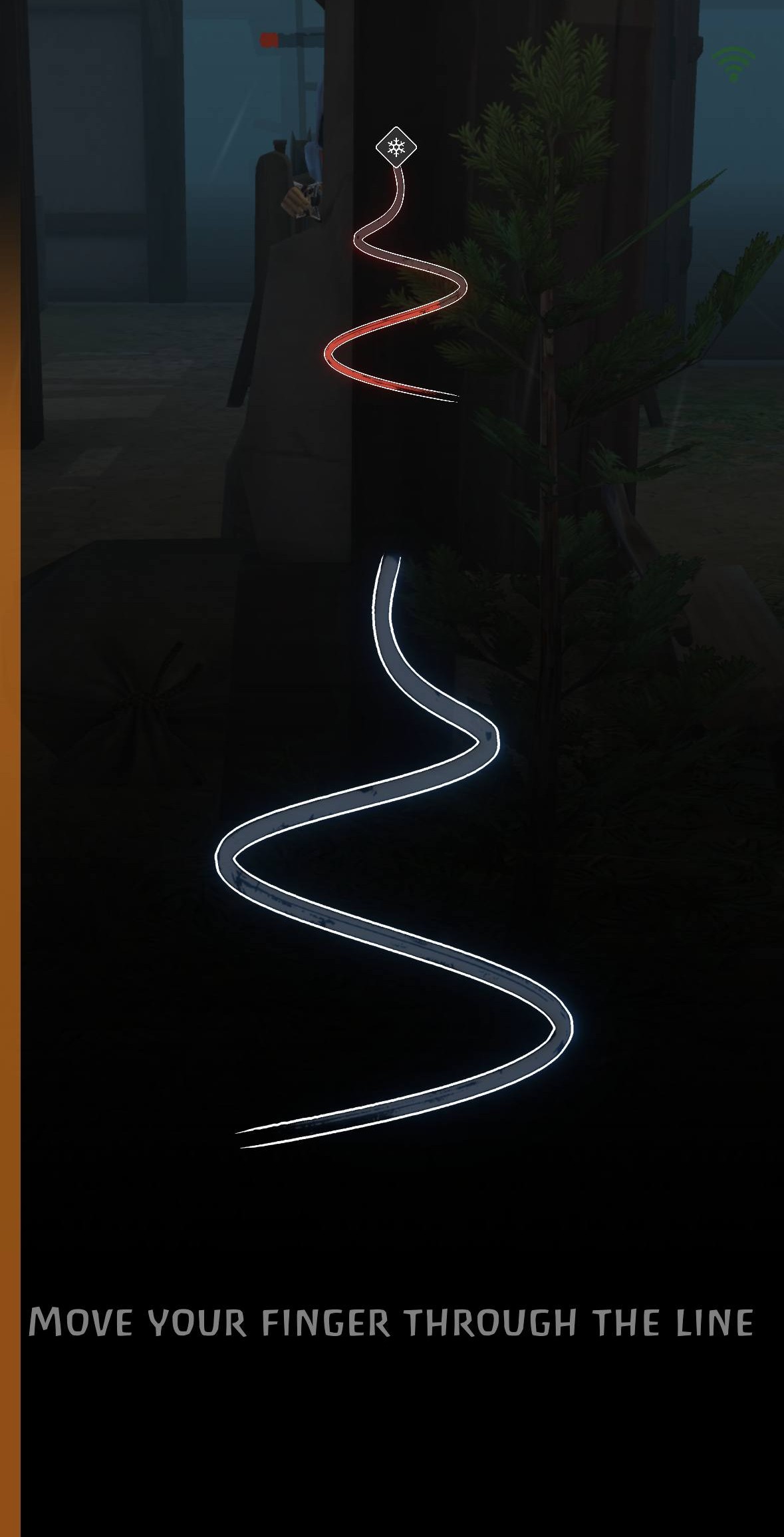
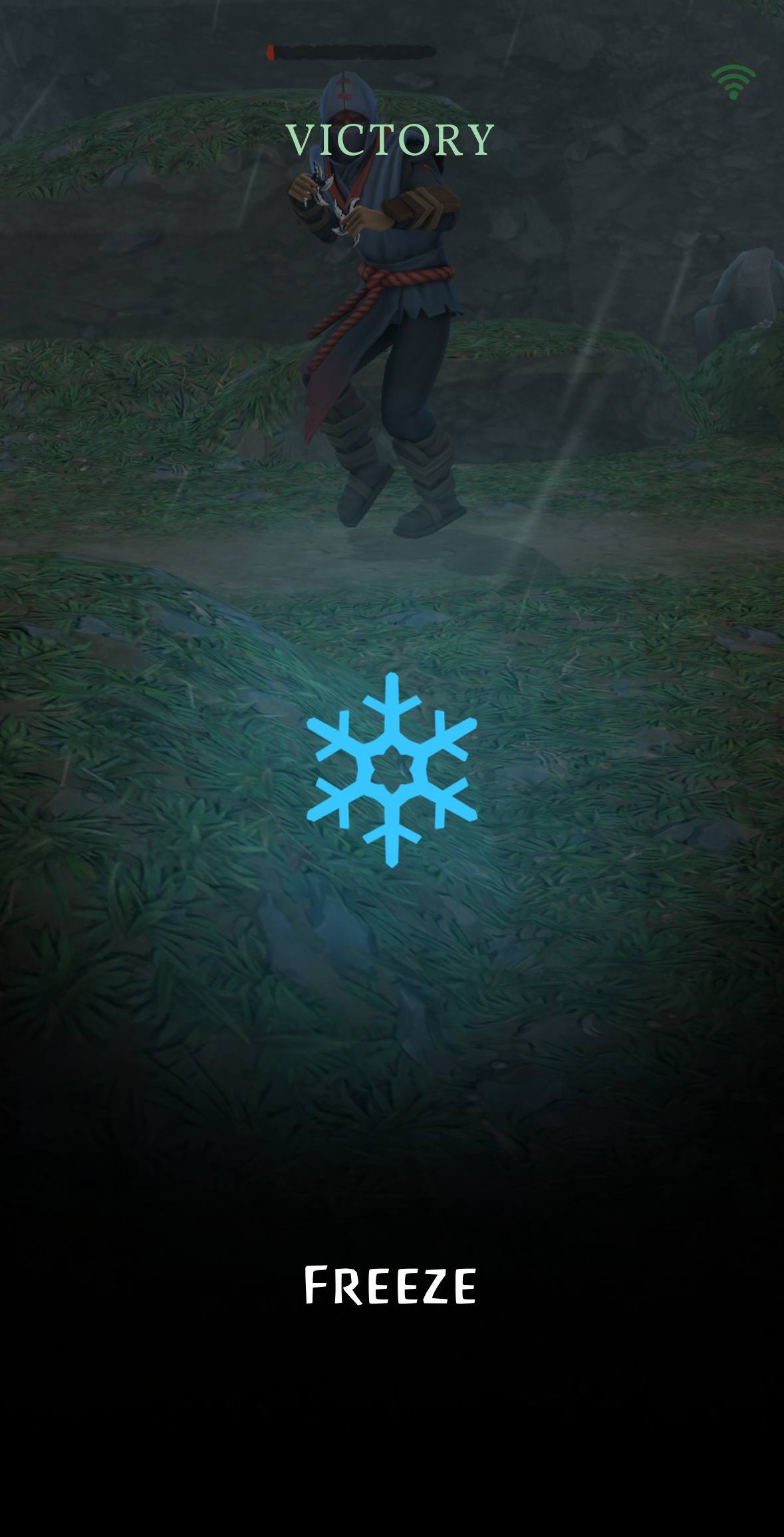
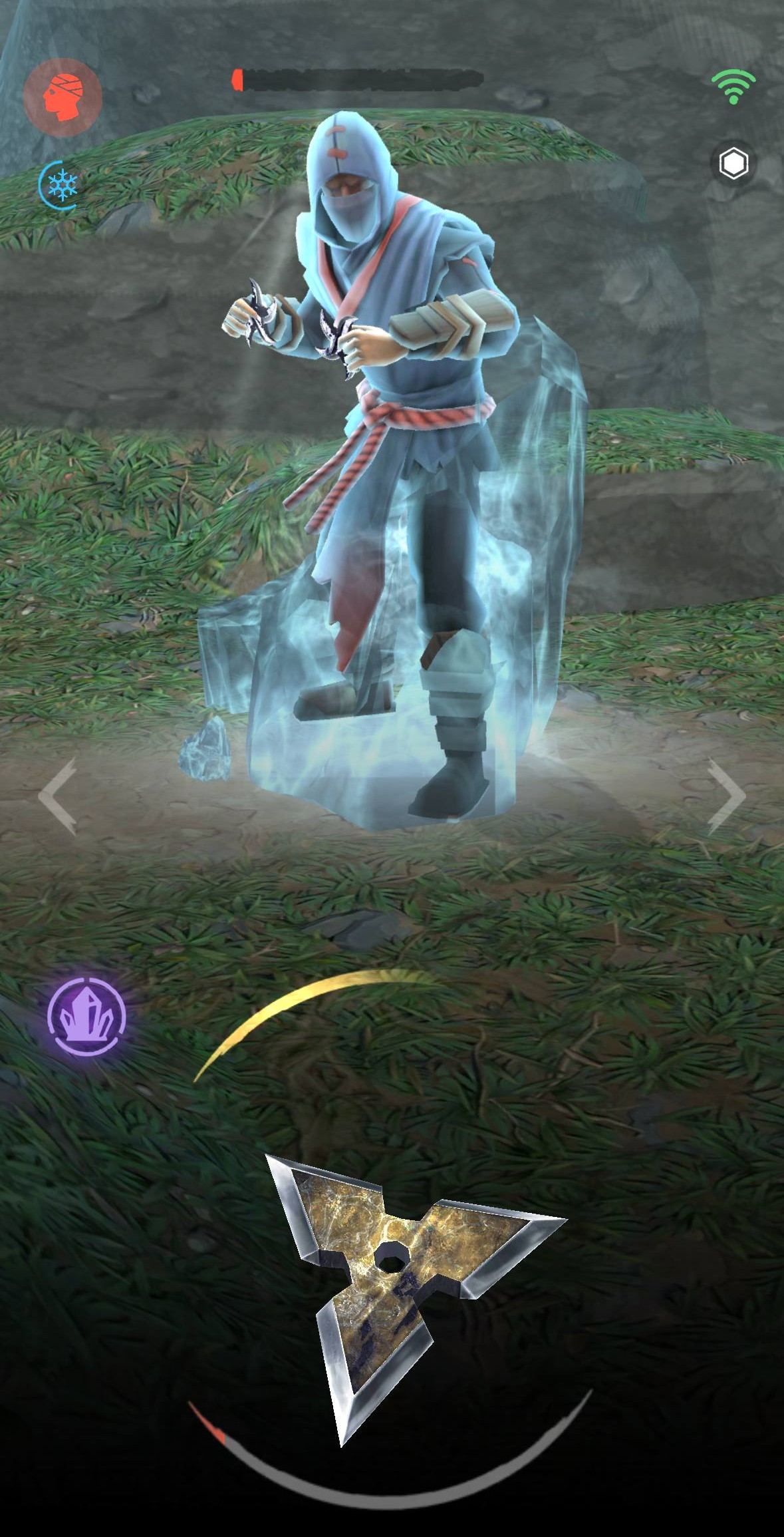
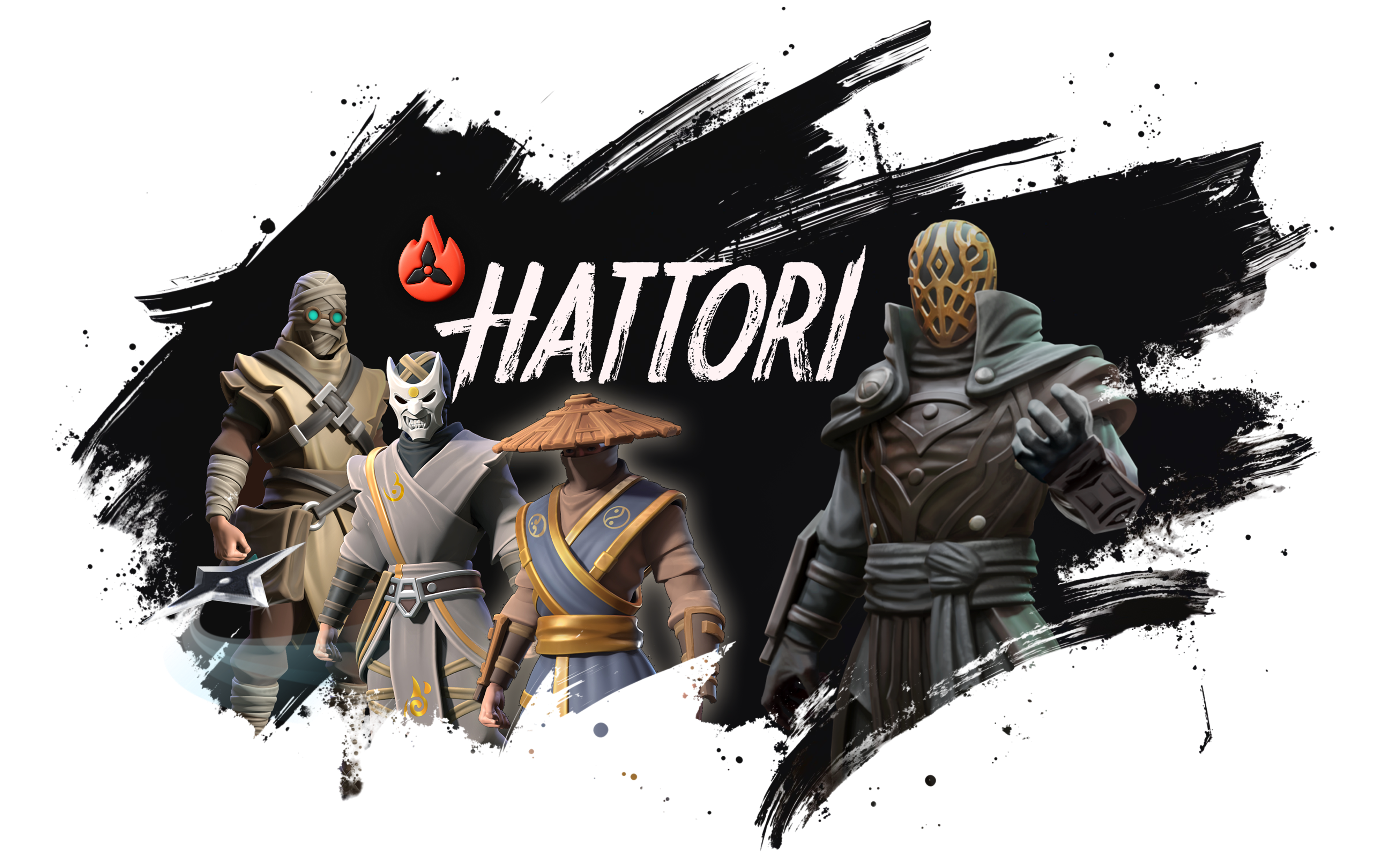
**Hattori** is a unique PvP action game that takes players into the world of ancient Japan.

In Hattori, ninjas fight each other using shurikens, special equipment, and power stones. Dynamic and exciting battles require skill, strategy, and fast reactions.

## **Hattori combines the simplicity of Web2 games with the economy of Web3**

Players can join for free without needing any knowledge of crypto, while fair tokenomics ensures they keep the real value of their achievements.

Each hero has unique abilities, letting players create their own playstyles.

**The project creates an ecosystem where players can earn** [**$HATTORI**](/hattori-token/hattori-role) **in different ways:** making custom content, promoting the project, competing in tournaments, or PvP battles.

**Hattori** [**solves key problems**](/project-structure/business-model/problems-we-solve) **of modern Web3 games:** token inflation, high entry barriers, and limited earning options. With a well-thought-out economy and a fair reward system, it offers a transparent and balanced model.

The project is built on advanced technologies, including blockchain and a powerful cross-platform engine, ensuring stability and high performance.

## New here?

This page is the best place to begin → <a href="/overview/first-steps" class="button primary">First Steps</a>

***

## **Join our community and earn together**

<img src="https://1600250607-files.gitbook.io/~/files/v0/b/gitbook-x-prod.appspot.com/o/spaces%2FOztbzZyXUmP3BH4IPnha%2Fuploads%2FCNnpnP9cFlCzxh3K5gu1%2Fsite3.png?alt=media&amp;token=f4988b3f-f6f4-47ef-abaf-0798ee5643e1" alt="" data-size="line"> [**Our website**](https://playhattori.io/)

<img src="https://1600250607-files.gitbook.io/~/files/v0/b/gitbook-x-prod.appspot.com/o/spaces%2FOztbzZyXUmP3BH4IPnha%2Fuploads%2FFHlDZQvKTYNx2yzgfcjj%2Fd742c847ad82ed6d8815d948adcd4487.png?alt=media&amp;token=87344f4e-4a5c-485c-9473-7cddf1a7daf6" alt="" data-size="line"> [**Discord**](https://discord.gg/hattoriofficial)

<img src="https://1600250607-files.gitbook.io/~/files/v0/b/gitbook-x-prod.appspot.com/o/spaces%2FOztbzZyXUmP3BH4IPnha%2Fuploads%2F3ql4yzkP5TvHsMQKo0lI%2Fx-social-media-round-icon.png?alt=media&amp;token=634ff8bd-12be-412c-b78e-ec2c2793b06f" alt="" data-size="line"> [**X (Twitter)**](https://x.com/hattorigame)

<img src="https://1600250607-files.gitbook.io/~/files/v0/b/gitbook-x-prod.appspot.com/o/spaces%2FOztbzZyXUmP3BH4IPnha%2Fuploads%2FbeS04G1zvhj2JswiEhgD%2Fimage.png?alt=media&amp;token=c5cb655f-97e8-4670-9fbe-b635c9bd6bc1" alt="" data-size="line"> [**Telegram Channel**](https://t.me/hattorigame)

<img src="https://1600250607-files.gitbook.io/~/files/v0/b/gitbook-x-prod.appspot.com/o/spaces%2FOztbzZyXUmP3BH4IPnha%2Fuploads%2FbeS04G1zvhj2JswiEhgD%2Fimage.png?alt=media&amp;token=c5cb655f-97e8-4670-9fbe-b635c9bd6bc1" alt="" data-size="line"> [**Hattori Telegram Mini App**](https://t.me/hattoribot)

## Download links:

<img src="https://1600250607-files.gitbook.io/~/files/v0/b/gitbook-x-prod.appspot.com/o/spaces%2FOztbzZyXUmP3BH4IPnha%2Fuploads%2FpFUen4w2p2Gs7JHS5NFW%2Fimage%201.png?alt=media&amp;token=8e2140c5-1434-4fe4-b694-84011fc177d6" alt="" data-size="line"> [**Google Play**](https://play.google.com/store/apps/details?id=com.hattorigame.Hattori2)

<img src="https://1600250607-files.gitbook.io/~/files/v0/b/gitbook-x-prod.appspot.com/o/spaces%2FOztbzZyXUmP3BH4IPnha%2Fuploads%2FHMYISo49q5Z6LPj8Jh9y%2Fimage%202.png?alt=media&amp;token=055e5ae8-6daa-4090-ba35-3b99c7c78194" alt="" data-size="line"> [**App Store**](https://apps.apple.com/us/app/hattori-battle-clash/id6742995620)

## **Media Kit:**

<img src="https://1600250607-files.gitbook.io/~/files/v0/b/gitbook-x-prod.appspot.com/o/spaces%2FOztbzZyXUmP3BH4IPnha%2Fuploads%2FgDSKYc8K1n35J22HXuvG%2Fimage.png?alt=media&amp;token=49454436-a777-4401-be9b-c50ee1210ce1" alt="" data-size="line"> [**Media Kit**](https://drive.google.com/drive/folders/1VtcYWiDV-0yz-RgMX1eMmbObZ9U0hnJj?usp=sharing)


# First Steps

Hey warrior!

Welcome to Hattori, a PvP action game where ninjas throw shurikens and battle to prove who's best. This page will guide your first steps and show how the ecosystem works.

To dive into Hattori’s ecosystem the right way, you gotta know what the project’s made of.

## About Game and TG-app

#### <img src="https://1600250607-files.gitbook.io/~/files/v0/b/gitbook-x-prod.appspot.com/o/spaces%2FOztbzZyXUmP3BH4IPnha%2Fuploads%2FvdFUHPnmAbD4h4CZcy68%2Flogo.webp?alt=media&amp;token=4ca9d283-4ddd-4699-b6b8-717e0eac1482" alt="" data-size="line"> Game

Hattori’s on iOS and Android, so play on whatever works for you.

You can just enjoy the battles for fun or dive into the Web3 side and earn [**$HATTORI**](/hattori-token/hattori-role) by joining events.

More on gameplay and mechanics here → [**\[Game Introduction\]**](/game-info/game-introduction)

**To start playing and earning, download the game here:** <img src="https://1600250607-files.gitbook.io/~/files/v0/b/gitbook-x-prod.appspot.com/o/spaces%2FOztbzZyXUmP3BH4IPnha%2Fuploads%2FpFUen4w2p2Gs7JHS5NFW%2Fimage%201.png?alt=media&amp;token=8e2140c5-1434-4fe4-b694-84011fc177d6" alt="" data-size="line"> [**Google Play**](https://play.google.com/store/apps/details?id=com.hattorigame.Hattori2) or <img src="https://1600250607-files.gitbook.io/~/files/v0/b/gitbook-x-prod.appspot.com/o/spaces%2FOztbzZyXUmP3BH4IPnha%2Fuploads%2FHMYISo49q5Z6LPj8Jh9y%2Fimage%202.png?alt=media&amp;token=055e5ae8-6daa-4090-ba35-3b99c7c78194" alt="" data-size="line"> [**App Store**](https://apps.apple.com/us/app/hattori-battle-clash/id6742995620?l=en-GB)&#x20;

#### <img src="https://1600250607-files.gitbook.io/~/files/v0/b/gitbook-x-prod.appspot.com/o/spaces%2FOztbzZyXUmP3BH4IPnha%2Fuploads%2FbeS04G1zvhj2JswiEhgD%2Fimage.png?alt=media&amp;token=c5cb655f-97e8-4670-9fbe-b635c9bd6bc1" alt="" data-size="line"> Telegram App

Telegram App is the Web3 core of the project.

It pulls your game data and builds quests, events and other stuff around it. By taking part, you get a shot at earning [**$HATTORI**](/hattori-token/hattori-role).

Once you’ve downloaded the game, check out the → [**\[Telegram App Tutorial\]**](/app-tutorial)

***

Curious about the ways you can earn in Hattori? Check out the next page:

{% content-ref url="/pages/ivfbKz9mGfDAzbGLcu7v" %}
[How to earn](/overview/how-to-earn)
{% endcontent-ref %}


# How to earn

Hattori is a project where the token is designed to reward players, not to extract value from them.

Players can choose different strategies to earn, depending on their skills, activity level and involvement in the ecosystem. Below are all available and some upcoming ways to earn in Hattori.

## **Daily Quests**

Players can complete daily quests inside the [Telegram Mini App](/app-tutorial). Anyone who earns more than 100 Eligible Points (EP) in one day receives a share of the daily reward pool on the next day.

More details can be found on [Quests page](/activities/quests).

## **Weekly Events**

Weekly game events reward skill and active gameplay. Each event has its own rules and prize pool. The top 30% of players receive guaranteed rewards. All other participants join a raffle. The more points a player earns, the higher their chance to win.

More details can be found on [Events page](/activities/events).

## **Three Level Referral System**

Players can invite other users and earn a percentage from **all rewards earned by their referrals**. The system includes **three levels**, meaning rewards also come from referrals of referrals.

More details can be found on [Referal Program page](/activities/referral-program).

## **Promo Codes**

Promo codes are a reward for loyal users who follow announcements and stay up to date. Many posts include promo codes with a limited number of activations. The fastest users who activate them receive free tokens.

More details can be found on [Promo Code page](/promo-code).

## **Social Campaigns**

Hattori regularly runs social campaigns with prizes in $HATTORI tokens and USDT. New social campaigns are planned on a regular basis.

Follow [project announcements](/) to stay informed.

## **Bug Reports and Ideas**

Useful feedback is valued and rewarded. Players can report bugs or share ideas and receive token rewards for strong contributions. There is a dedicated [ideas channel in Discord](https://discord.com/channels/1118657356893528104/1255600790660190338), where suggestions are reviewed regularly.

Best ideas will be implemented directly into the game.

## Ambassador Program

The Ambassador Program is designed for active players who want to be more involved in the Hattori ecosystem.

Ambassadors receive access to **exclusive tasks** with rewards in **$HATTORI tokens and USDT**. Everyone can apply using the form below. If your application is approved, you'll be added to a private ambassador chat. There you'll find all details about tasks, structure, rewards and future activities.

If you want to try yourself as an ambassador, please fill out the [Ambassador Application Form](https://docs.google.com/forms/d/e/1FAIpQLSeeQiOfYmu6zgId-OSweEG7JxApYLbB7IWNRp3QIiMB7DT5VA/viewform).

## **Upcoming Earning Mechanics**

Additional earning mechanics will be introduced in the future, including player tournaments, bets, $HATTORI staking and much more.

More details about new earning mechanics will be shared after launch.

## Growing rewards

The $HATTORI token isn't designed to take money from the community. Its main purpose is to **reward players and return value back to them**.

Hattori follows a simple and transparent model:

* As more players join the game, overall activity grows.
* This increases the project’s revenue through in-game mechanics, ads, comissions and other sources.
* When the project earns more, it's ready to allocate **larger reward pools** for players.

This creates a positive and fair cycle: more players lead to higher revenue, higher revenue leads to bigger rewards, and bigger rewards attract more players.

In this model, players and the project grow together. The success of the game directly strengthens the reward system, making long-term participation more valuable for the entire community.

## **Choose Your Path**

Hattori gives every player a way to grow and earn.

* Are you a skilled gamer? Join quests and events.
* Know how to bring people? Earn on referrals.
* Good at finding bugs or creating ideas? Share them.
* Or simply follow social posts and catch promo codes.

Each path is valid, and players can combine multiple strategies. In Hattori, there are no criteria or restrictions for the airdrop. Any player can earn tokens and will be able to sell them.


# Mission & Goals

#### **Mission**

Our team’s expertise allows us to make Hattori a benchmark for Play-to-Earn (P2E) games by combining engaging gameplay, a fair economic system, and accessibility for all players, regardless of their experience or initial investment.

Our goal is to develop the project into more than just entertainment, a new interaction model where every player’s effort is rewarded, and the ecosystem remains sustainable and transparent.

#### **Goals**

* Attract millions of players, starting with the Web3 audience and gradually expanding to Web2 users.
* Build a transparent and sustainable game economy that maintains the value of tokens and rewards.
* Develop unique and engaging gameplay to ensure long-term player retention.
* Create a strong player community involved in tournaments, content creation, and project growth.

## **Key Goal for 2026**

:trophy: Achieve 200,000 daily active users (DAU), making the project one of the largest in the Web3.

{% hint style="info" %}
Our primary goal is to achieve 200,000 Daily Active Users (DAU) and conduct a Token Generation Event (TGE). This milestone will enable us to fully sustain the project, cover all internal expenses, increase user rewards, and support larger buybacks. \
\
To reach this goal, we will allocate 15 million $HATTORI as rewards for our players. We are committed to ensuring the project’s long-term success. Players who dedicate time to our project, engage in gameplay, and participate in activities should be rewarded and enjoy the experience. \
\
Our top priority is the community. We aim for the project to grow and reach new heights thanks to a community that believes in us and receives everything we promise. This is the foundation of our principles.
{% endhint %}


# Strategy Roadmap

## Current stage: **Early Expansion & TGE Preparation**

{% hint style="info" %}
Currently, we're raising $1 million in a seed round, which will become the foundation for the next stage of growth. Learn more about Seed Round [here](/seed-round).
{% endhint %}

## Project roadmap stages

<details>

<summary><strong>Product Launch</strong> <img src="https://1600250607-files.gitbook.io/~/files/v0/b/gitbook-x-prod.appspot.com/o/spaces%2FOztbzZyXUmP3BH4IPnha%2Fuploads%2FmQipDYsxn4pp5DIWHUsf%2FGroup%202%20(1).png?alt=media&amp;token=0cba0e3d-1afe-4e5a-bcff-7673a222ed2d" alt="" data-size="line"></summary>

* The project is fully completed and ready for scaling.
* All key features and processes have been refined, and the product has passed the necessary tests, making it ready for a broader market launch.

</details>

<details>

<summary><strong>Scaling</strong> <img src="https://1600250607-files.gitbook.io/~/files/v0/b/gitbook-x-prod.appspot.com/o/spaces%2FOztbzZyXUmP3BH4IPnha%2Fuploads%2FmQipDYsxn4pp5DIWHUsf%2FGroup%202%20(1).png?alt=media&amp;token=0cba0e3d-1afe-4e5a-bcff-7673a222ed2d" alt="" data-size="line"></summary>

* Tournaments with large prize pools.
* Telegram Mini App testing.
* Affiliate marketing strategies to enhance audience reach.
* A unique and profitable referral system designed to stimulate user acquisition.

</details>

<details>

<summary><strong>Growth Optimization</strong> <img src="https://1600250607-files.gitbook.io/~/files/v0/b/gitbook-x-prod.appspot.com/o/spaces%2FOztbzZyXUmP3BH4IPnha%2Fuploads%2FmQipDYsxn4pp5DIWHUsf%2FGroup%202%20(1).png?alt=media&amp;token=0cba0e3d-1afe-4e5a-bcff-7673a222ed2d" alt="" data-size="line"></summary>

* Introduction of new gameplay and [Telegram Mini App](/activities) mechanics.
* Influencers onboarding.
* Improvement key metrics, including ARPPU (average revenue per paying user), CAC (customer acquisition cost), retention, and DAU (daily active users).

</details>

<details>

<summary><strong>Early Expansion &#x26; TGE Preparation</strong> <img src="https://1600250607-files.gitbook.io/~/files/v0/b/gitbook-x-prod.appspot.com/o/spaces%2FOztbzZyXUmP3BH4IPnha%2Fuploads%2FmQipDYsxn4pp5DIWHUsf%2FGroup%202%20(1).png?alt=media&amp;token=0cba0e3d-1afe-4e5a-bcff-7673a222ed2d" alt="" data-size="line"></summary>

* Introduction of new **gameplay** and **Telegram Mini App** mechanics
* First **collaborations with influencers** and **Telegram Mini Apps**
* Launch of the **Seed round**
* Detailed development of the [**TGE roadmap**](/tge-roadmap) and token launch structure
* Improvement of key metrics, including **ARPPU**, **CAC**, **Retention**, and **DAU**

</details>

#### **Foundation & Launch Phase** <img src="https://1600250607-files.gitbook.io/~/files/v0/b/gitbook-x-prod.appspot.com/o/spaces%2FOztbzZyXUmP3BH4IPnha%2Fuploads%2FJdamhU7ky3erUGCqBZTD%2Fimage.png?alt=media&amp;token=a67cebbb-8548-4475-8112-850c250b88c9" alt="" data-size="line">

* **Token Generation Event (TGE)** of the $HATTORI token ✅
* Finalization of the **Seed round**
* Optimization of **reward distribution mechanics** and incentives
* Influencer onboarding and content collaborations
* Partnerships with **Telegram Mini Apps** and ecosystem projects
* Improvement of key metrics, including DAU, Retention, ARPPU, and CAC
* Preparing scalable systems for post-TGE growth

#### **Expansion & Market Leadership** <img src="https://docs.playhattori.io/~gitbook/image?url=https%3A%2F%2F1600250607-files.gitbook.io%2F%7E%2Ffiles%2Fv0%2Fb%2Fgitbook-x-prod.appspot.com%2Fo%2Fspaces%252FOztbzZyXUmP3BH4IPnha%252Fuploads%252F4sn99lYkYcP5N0sKNXSP%252FGroup%25203.png%3Falt%3Dmedia%26token%3D53c7437a-1255-4a7c-b1c5-7b7051c3f8d4&#x26;width=160&#x26;dpr=4&#x26;quality=100&#x26;sign=9b7028dd&#x26;sv=2" alt="" data-size="line">

* Launch of **new gameplay and Telegram Mini App features**
* Optimization of the **economic model** to increase player rewards
* Large-scale **tournaments** and competitive events
* Collaborations with **brands and strategic partners**
* Building a stronger community by engaging both Web2 and Web3 players
* Strong focus on **user-generated content (UGC)** and community-driven growth
* Generating stable revenue through organic growth strategies
* Long-term ambition to become a **Top 10 crypto project** in the market


# Team

* **Boris (Founder & CEO)** – 20+ years building digital businesses. A pioneer in web and mobile product development since 2004. He has built platforms with over 10 million users and successfully turned his passion for game development into a business. Built startups, raised capital, developed profitable algorithmic trading systems, designed game economies with sustainable retention and monetization metrics. Visionary of the project and crypto investor.\
  **Contact:** <https://www.linkedin.com/in/boris-romanchevskiy>
* **Yang (СРО)** – 4+ years of experience in Web3 projects as BD, Community Lead and Marketing Lead. 5+ experience as Product Owner, Product Manager. Combines management skills, audience understanding and marketing approaches for community growth and product development.\
  **Contact:** <https://t.me/yang_hattori> or <https://www.linkedin.com/in/yangyyang/>
* **Illia (CTO)** – A technical expert in game development with 6 years of experience across hardcore, midcore, and casual genres for both mobile and PC, leveraging Unreal Engine, Unity, and C++ to create innovative games that push the boundaries of player experience.\
  **Contact:** [https://www.linkedin.com/in/illia-rybas](https://www.linkedin.com/in/illia-rybas/)

The project is supported by a team of 11–12 professionals specializing in development, design, community management, and marketing, ensuring the successful delivery of every aspect.


# Media Kit

This media kit is designed to be your creative companion, offering a flexible foundation that you can tailor to your unique style. You’re free to experiment with your own fonts, colors, and sizes, ensuring that the kit enhances your personal flair rather than restricting it. Whether you’re crafting a post, a video, or any other content, this resource is here to inspire and support your vision, giving you the tools to stand out while staying true to the Hattori spirit.

Feel empowered to edit our provided images, leveraging AI tools or any creative techniques you love to bring your ideas to life. The goal is to encourage your imagination, whether it’s adding dynamic effects, adjusting layouts, or blending elements to match your audience’s taste. This flexibility allows you to adapt the kit for various platforms, from Telegram and Discord to Twitter and Instagram, making it versatile for all your promotional needs.

There are no strict rules set in stone, but we do ask that **your edits respect the project’s integrity**. Avoid any modifications that could harm Hattori’s reputation or misuse someone else’s content in a negative way, let’s keep the community positive and authentic! We’re committed to evolving this media kit, so expect regular updates and improvements based on your feedback and the project’s growth. As we refine it, you’ll gain access to new assets, templates, and ideas to keep your content fresh and engaging.

Stay tuned for these enhancements, and feel free to share your suggestions with us, we’re all about building this together!

## <img src="https://1600250607-files.gitbook.io/~/files/v0/b/gitbook-x-prod.appspot.com/o/spaces%2FOztbzZyXUmP3BH4IPnha%2Fuploads%2FgDSKYc8K1n35J22HXuvG%2Fimage.png?alt=media&amp;token=49454436-a777-4401-be9b-c50ee1210ce1" alt="" data-size="line"> [**Media Kit**](https://drive.google.com/drive/folders/1VtcYWiDV-0yz-RgMX1eMmbObZ9U0hnJj?usp=sharing)


# App Tutorial

This guide walks you through how to connect to the Telegram App and start earning $HATTORI. There are two ways to link your game account to the Telegram App: via a [deeplink](#linking-via-deeplink) or [manually](#manual-linking). Below is the step-by-step guide.

## **Linking via Deeplink**

<div><figure><img src="https://1600250607-files.gitbook.io/~/files/v0/b/gitbook-x-prod.appspot.com/o/spaces%2FOztbzZyXUmP3BH4IPnha%2Fuploads%2F9ie4AZI5KL6Z9NOnmIqo%2FAuto_1.jpg?alt=media&amp;token=1df0306b-c1e7-4d4e-8875-3e97f1e58ff0" alt="" width="375"><figcaption><p>Step 1. Press Link Button</p></figcaption></figure> <figure><img src="https://1600250607-files.gitbook.io/~/files/v0/b/gitbook-x-prod.appspot.com/o/spaces%2FOztbzZyXUmP3BH4IPnha%2Fuploads%2FCvqtw6KVF2s3JbC4n6SX%2FAuto_2.jpg?alt=media&amp;token=6396154d-eb41-4ffc-aec0-5214ebf59ca8" alt="" width="375"><figcaption><p>Step 2. Press "Back to Telegram" Button</p></figcaption></figure> <figure><img src="https://1600250607-files.gitbook.io/~/files/v0/b/gitbook-x-prod.appspot.com/o/spaces%2FOztbzZyXUmP3BH4IPnha%2Fuploads%2Fq10b4FAxoC2nE8MLM3rG%2FAuto_3.png?alt=media&amp;token=3ec43eec-a422-48ba-b971-1dfab287a06c" alt="" width="375"><figcaption><p>Step 3. Your Account is ready</p></figcaption></figure></div>

#### **Step 1 — Press the Link Button**

1. Open Hattori Telegram App.
2. Make sure you've installed the game.
3. Press "Link Game Account" button to start the linking process.

#### **Step 2 — Confirm Linking in the App**

1. If the Hattori game is installed, pressing the "Link Game Account" button will open the game and display a screen confirming successful linking.
2. Press the "Back to Telegram" button to return to the bot.

{% hint style="info" %}
If an error occurs (e.g., another account is already linked to this Telegram), an error code will appear.
{% endhint %}

#### **Step 3 — Access the Linked Telegram App**

1. After completing previous steps, the Telegram App can be accessed via the external button in the channel list or the button in the chat, and it will remain linked.
2. Now that your game account’s linked to the Telegram App, it’s time for the fun part farming **$HATTORI**. Join [quests](/activities/quests), [events](/activities/events) and other activities that show up in the App.
3. Details on current tasks and earning methods are in → [\[**Telegram App Activities**\]](/activities)

{% hint style="info" %}
It’s normal to still see an active "Copy ID" button next to "Hattori App" in the game settings. If you see your character's costume on the Telegram App’s main page, that means your account is successfully linked. We’ll add a display for the linked account in the game later.
{% endhint %}

{% hint style="warning" %}
For the quests and events to start tracking your in-game progress correctly, you need to complete the very first [daily task](/game-info/game-systems/bazaar/in-game-rewards/daily-tasks) (win 1 battle in the region), which you can see after initial tutorial and claim the reward in the corresponding in-game [section](/game-info/game-systems/bazaar/in-game-rewards/daily-tasks#general-description). After that, your progress will be tracked properly forever.
{% endhint %}

If the deeplink process doesn't work, link your account manually.

## Manual Linking

<div><figure><img src="https://1600250607-files.gitbook.io/~/files/v0/b/gitbook-x-prod.appspot.com/o/spaces%2FOztbzZyXUmP3BH4IPnha%2Fuploads%2F9DBcCF7tgfld9wTGEuoR%2FManual_1.jpg?alt=media&amp;token=3179331a-c016-4008-8d63-905fa8df7205" alt="" width="375"><figcaption><p>Step 1.<br>Go to Settings</p></figcaption></figure> <figure><img src="https://1600250607-files.gitbook.io/~/files/v0/b/gitbook-x-prod.appspot.com/o/spaces%2FOztbzZyXUmP3BH4IPnha%2Fuploads%2F8tz5LjR7SgPTHlbLoEjR%2FManual_2.jpg?alt=media&amp;token=d588dcd7-417f-44b5-8780-c453e9b95e82" alt="" width="375"><figcaption><p>Step 2.<br>Press "Link Manually"</p></figcaption></figure> <figure><img src="https://1600250607-files.gitbook.io/~/files/v0/b/gitbook-x-prod.appspot.com/o/spaces%2FOztbzZyXUmP3BH4IPnha%2Fuploads%2FNsQtpW1No8HwuQAexkuW%2FManual_3.jpg?alt=media&amp;token=d5fdd0bf-f4fa-4266-8fd5-c0239560f73b" alt="" width="375"><figcaption><p>Step 3. <br>Paste your key from the game</p></figcaption></figure> <figure><img src="https://1600250607-files.gitbook.io/~/files/v0/b/gitbook-x-prod.appspot.com/o/spaces%2FOztbzZyXUmP3BH4IPnha%2Fuploads%2Fq10b4FAxoC2nE8MLM3rG%2FAuto_3.png?alt=media&amp;token=3ec43eec-a422-48ba-b971-1dfab287a06c" alt="" width="375"><figcaption><p>Step 4.<br>Your Account is ready</p></figcaption></figure></div>

#### **Step 1 —** Set up the App

1. Go to the Telegram App here → [**\[Open App\]**](https://t.me/hattoribot)
2. Hit **"Open Telegram App"** or **"Play game directly"**.
3. Wait for it to load, might take a bit the first time because it’s pulling all components. Runs faster after that next time.
4. After tutorial click on "Settings" icon.

#### Step 2 — Start Linking

1. Press "Link Account Manually" button
2. You'll see detailed instructions inside.

#### Step 3 — Link your game account

1. Make sure you've installed the game from <img src="https://1600250607-files.gitbook.io/~/files/v0/b/gitbook-x-prod.appspot.com/o/spaces%2FOztbzZyXUmP3BH4IPnha%2Fuploads%2FpFUen4w2p2Gs7JHS5NFW%2Fimage%201.png?alt=media&amp;token=8e2140c5-1434-4fe4-b694-84011fc177d6" alt="" data-size="line"> [**Google Play**](https://play.google.com/store/apps/details?id=com.hattorigame.Hattori2) or <img src="https://1600250607-files.gitbook.io/~/files/v0/b/gitbook-x-prod.appspot.com/o/spaces%2FOztbzZyXUmP3BH4IPnha%2Fuploads%2FHMYISo49q5Z6LPj8Jh9y%2Fimage%202.png?alt=media&amp;token=055e5ae8-6daa-4090-ba35-3b99c7c78194" alt="" data-size="line"> [**App Store**](https://apps.apple.com/us/app/hattori-battle-clash/id6742995620) and completed the in-game tutorial.
2. Go to game settings.
3. Copy your game key: Settings → Profile Icon <img src="https://1600250607-files.gitbook.io/~/files/v0/b/gitbook-x-prod.appspot.com/o/spaces%2FOztbzZyXUmP3BH4IPnha%2Fuploads%2FugNpReyF5nWmr3Y1MCuX%2Fimage.png?alt=media&amp;token=fdd9aaaf-1642-4784-a901-6b0dfcf16d3c" alt="" data-size="line"> → "HATTORI APP" link button:

<figure><img src="https://1600250607-files.gitbook.io/~/files/v0/b/gitbook-x-prod.appspot.com/o/spaces%2FOztbzZyXUmP3BH4IPnha%2Fuploads%2F1Qu7hVr7MyfxGD8L3BCP%2Fimage.png?alt=media&amp;token=6a0d5520-3443-4313-aac0-6dc642e12ac9" alt="" width="375"><figcaption></figcaption></figure>

4. Paste it into the Telegram App when asked and confirm the link.

#### Step 4 — Start farming

* After completing previous steps, the Telegram App can be accessed via the external button in the channel list or the button in the chat, and it will remain linked.
* Now that your game account’s linked to the Telegram App, it’s time for the fun part farming **$HATTORI**. Join [quests](/activities/quests), [events](/activities/events) and other activities that show up in the bot.
* Details on current tasks and earning methods are in → [\[**Telegram App Activities**\]](/activities)

{% hint style="info" %}
It’s normal to still see an active "Copy ID" button next to "Hattori App" in the game settings. If you see your character's costume on the Telegram App’s main page, that means your account is successfully linked. We’ll add a display for the linked account in the game later.
{% endhint %}

{% hint style="warning" %}
For the quests and events to start tracking your in-game progress correctly, you need to complete the very first [daily task](/game-info/game-systems/bazaar/in-game-rewards/daily-tasks) (win 1 battle in the region), which you can see after initial tutorial and claim the reward in the corresponding in-game [section](/game-info/game-systems/bazaar/in-game-rewards/daily-tasks#general-description). After that, your progress will be tracked properly forever.
{% endhint %}


# Activities

Hattori is a hybrid system where the Web2 core is powered up by a Web3 layer in Telegram. Once you link your account, the App pulls game data and turns it into quests, events and challenges with **$HATTORI** rewards. No manual checks, everything runs smooth and in sync.

This setup lets us bring Web3 mechanics in without touching the game itself. Telegram layer lives on its own but fully tracks your in-game actions.

Earn tokens just by playing. No need to spend money. Just skill and commitment.

### **Below you can check out all types of available activities:**

{% content-ref url="/pages/wqaMrLhRJfwyExGzhZ2f" %}
[Events](/activities/events)
{% endcontent-ref %}

{% content-ref url="/pages/dIFzNaX9TuGkXkrjdo0F" %}
[Quests](/activities/quests)
{% endcontent-ref %}

{% content-ref url="/pages/dlxFQU7EfGHuzD0PV9CL" %}
[Referral program](/activities/referral-program)
{% endcontent-ref %}


# Events

Events are competitive challenges where players earn **$HATTORI** by showing skill in different game modes. Each week from 3 to 10 events go live and you pick where to jump in. Join all of them or go for ones with less competition where your odds are better.

Check the [Guides](/activities/events/guides) section to better understand how to interact with events.

## Duration

Most events run for 7 days. Watch the timer joining in the last few hours might not be worth it.

You can check current events and their deadlines in "Events" tab in the Mini App.

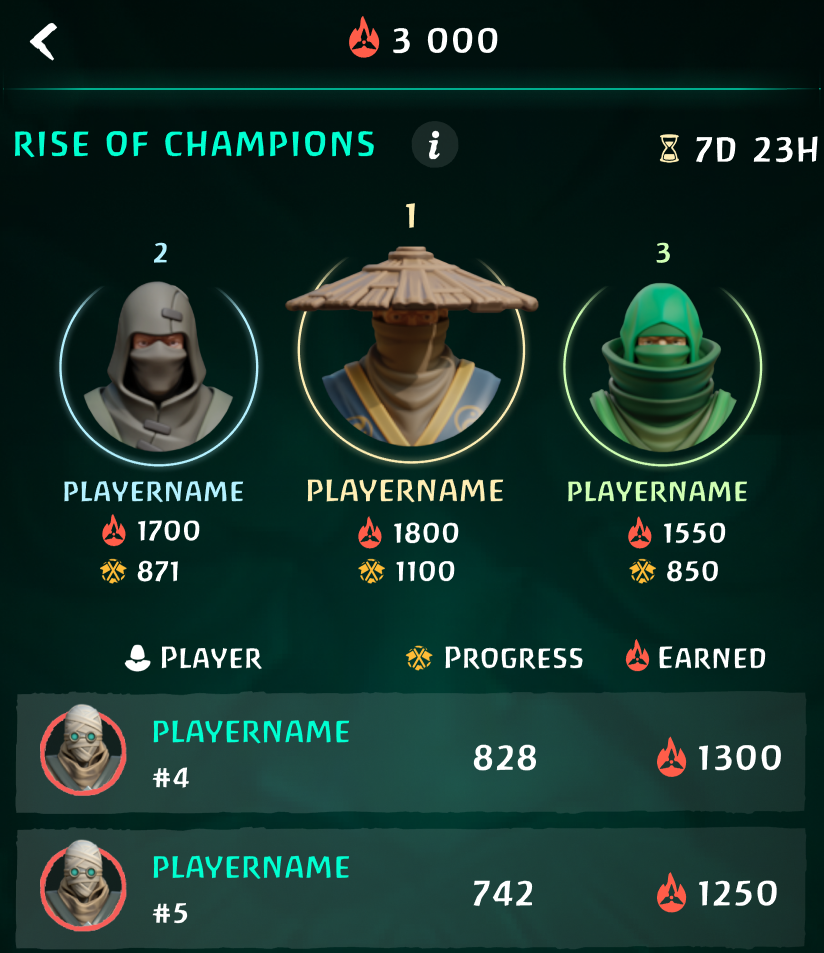
<figure><img src="https://1600250607-files.gitbook.io/~/files/v0/b/gitbook-x-prod.appspot.com/o/spaces%2FOztbzZyXUmP3BH4IPnha%2Fuploads%2FvMdY5X5BvX7dLzLMhqPt%2Fimage.png?alt=media&amp;token=db6613f2-559d-4e39-845f-5bea657b3ad3" alt="" width="375"><figcaption></figcaption></figure>

## Rewards Distribution

Each event has its own prize pool, which you can find on the event page.

The total prize pool is split **into two parts**:

* 85% goes to rewards for winners.
* 15% is set aside for a raffle among non-top players.

**The winners pool** includes players who are in the top 30% of those who scored at least one point.

> For example, if there are 120 participants and 100 of them have one or more points, the top 30% of 100 is 30 players. These 30 share 85% of the prize pool. Inside this pool, players receive $HATTORI based on their score. The more points they earn, the bigger their reward.

**The non-top players pool** includes participants who didn’t reach the top 30% but still scored one or more points. The remaining 15% of the total prize pool is distributed among them under these rules:

1. **A Fixed Reward** for non-top players is set at 80% of the smallest reward in the winners pool.
   * For example, if the last player in the top 30% gets 100 tokens, non-top players receive 80 tokens. This makes sure that non-top players do not earn more than winners.
2. **The number of winners** in the non-top players pool is calculated. It is determined by the formula Total Non-top Players Pool / Fixed Reward.
   * If the pool is 1,600 tokens and the Fixed Reward is 80 tokens, then 1,600 / 80 = 20 winners.
3. **How are non-top player winners chosen?**

   * Unlike in the winners pool, here the **more points you have, the higher your chance** to win the Fixed Reward.
   * On the event leaderboard, you will see **percentages next to names showing your chance to win**. For example, if one player has 5 points and another has 10, both in the non-top players pool, the second one has 2x more chance to win. This motivates everyone to earn more points.

   <figure><img src="https://1600250607-files.gitbook.io/~/files/v0/b/gitbook-x-prod.appspot.com/o/spaces%2FOztbzZyXUmP3BH4IPnha%2Fuploads%2F387XCRXYYd8Dq2GtW0vK%2Fimage.png?alt=media&amp;token=3fe88603-c128-423a-8fcf-b2db09e21328" alt="" width="375"><figcaption></figcaption></figure>

   * The system **randomly** picks 20 winners (using our example) based on these probabilities.

   <figure><img src="https://1600250607-files.gitbook.io/~/files/v0/b/gitbook-x-prod.appspot.com/o/spaces%2FOztbzZyXUmP3BH4IPnha%2Fuploads%2FNPhi3g8dAkyAUcQNbUhi%2Fimage.png?alt=media&amp;token=0f10465b-ce36-41c5-8d36-dd9b35bcf79d" alt="" width="375"><figcaption></figcaption></figure>

## Conclusion

This creates a balanced system where the top 30% of players are motivated to earn more points for bigger rewards because there is a direct link between score and payout. At the same time, non-top players are also motivated to score higher, since a better score gives them a higher chance to win in the raffle. Everyone stays active and engaged.

Check these sections to learn more about how to participate in Events:

{% content-ref url="/pages/5UDUOBaXTDhLJrWwjXmu" %}
[Guides](/activities/events/guides)
{% endcontent-ref %}

{% content-ref url="/pages/I8sdyexb9FOrUAmjczmA" %}
[Events Details](/activities/events/events-details)
{% endcontent-ref %}


# Guides

## How to join

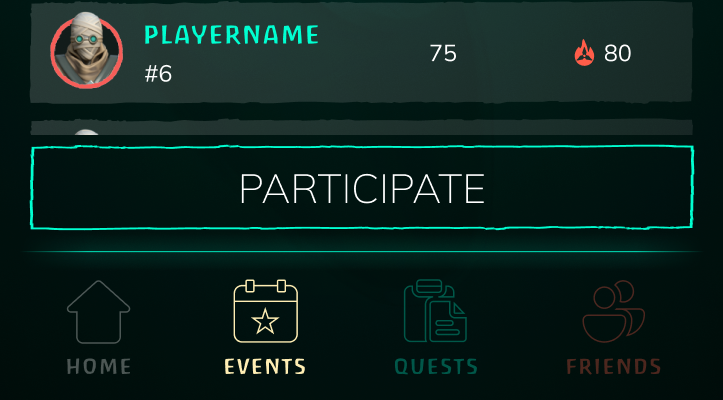
To join, you need to go to current events and hit the "Participate" button inside each event. Until you do, the Telegram App won’t track your game data and you won’t show up on the leaderboard. Even if you play, nothing gets counted unless you hit that button.

<figure><img src="https://1600250607-files.gitbook.io/~/files/v0/b/gitbook-x-prod.appspot.com/o/spaces%2FOztbzZyXUmP3BH4IPnha%2Fuploads%2FAqS1ouzr0MZhUhn8bAEs%2F2025-05-29_015946.png?alt=media&amp;token=4d0dabb9-772d-445a-abd2-391c45685a51" alt="" width="362"><figcaption></figcaption></figure>

Once you’re in, head to the game and start racking up points. Every event has its own rules some want wins without damage, others focus on headshots or finding hidden stashes. All rules are listed inside the event so make sure to read them first, click on "i" button for that.

<figure><img src="https://1600250607-files.gitbook.io/~/files/v0/b/gitbook-x-prod.appspot.com/o/spaces%2FOztbzZyXUmP3BH4IPnha%2Fuploads%2FvMdY5X5BvX7dLzLMhqPt%2Fimage.png?alt=media&amp;token=db6613f2-559d-4e39-845f-5bea657b3ad3" alt="" width="375"><figcaption></figcaption></figure>

The main leaderboard has three columns:

* **Player**: The player’s name. The current player’s name is highlighted for easy reference.
* **Progress**: The number of points the player has earned in the event so far.
* **Earned**: The estimated reward, showing how much $HATTORI from the pool the player will receive if the leaderboard stays unchanged until the event ends.

## How to claim

Once the event ends, open the Completed tab and find the event. If you made it into the reward zone, you’ll see an <mark style="color:green;">Eligible tag.</mark>&#x20;

You can claim your rewards in two ways. First, go to the "Completed Events" tab to see which events you’re eligible for (a toggle at the top lets you filter for eligible events only). By default, only the last 10 events are shown, tap "See More" to view older ones. Then, choose one of these options:

1. In the "Completed Events" screen, press the "Claim All" button to collect rewards from all unclaimed eligible events at once.
2. Open a specific event, find the "Claim" button at the bottom, and tap it to add the $HATTORI to your balance.

<div><figure><img src="https://1600250607-files.gitbook.io/~/files/v0/b/gitbook-x-prod.appspot.com/o/spaces%2FOztbzZyXUmP3BH4IPnha%2Fuploads%2FIo6YSiLUChu3PoTQOSu7%2FEvents_1_EN.png?alt=media&amp;token=751487ea-e047-42d4-a62a-5db0f60660df" alt="" width="375"><figcaption></figcaption></figure> <figure><img src="https://1600250607-files.gitbook.io/~/files/v0/b/gitbook-x-prod.appspot.com/o/spaces%2FOztbzZyXUmP3BH4IPnha%2Fuploads%2FHWAvzb0Na1yoRk1bbdCI%2FEvents_2_EN.png?alt=media&amp;token=afb4ead5-2e34-485d-9790-7baf83a441cb" alt="" width="375"><figcaption></figcaption></figure></div>


# Events Details

Here you can find detailed description of each event.

{% hint style="info" %}
All progress in events counts only from the moment a player joins the event. Previous progress isn’t included.
{% endhint %}

## Invite Event

Invite new friends using your referral link. If they become active players, you earn 1 point in the event leaderboard for each active friend.

#### Notes

* **More active friends** = more points. **More points** = a higher leaderboard position and a **bigger reward**.
* A player is counted as active **only if they start actively playing the game and taking part in Telegram app activities**, such as events, quests, or inviting new friends. Simply downloading the game and linking it to the Telegram app **is not enough**.

## Champions Rise

Win battles, secure the highest number of victories, and top the leaderboard.

#### Notes

* Players need to score the most victories in a region.
* All wins count, even if the player doesn’t exit the region.

## Loot Hunter's Frenzy

Explore the region and collect treasures. The more loot caches you find, the faster you’ll secure victory!

#### Notes

* Players must collect treasures from stashes or corpses in the region.
* 1 looted stash or corpse = 1 point.
* A successful region exit is required to count.

## Herbalist's Blessing

Use potions: drink elixirs to heal and boost your abilities. The more you consume, the stronger you get. Survive your foes and become the master of alchemy.

#### Notes

* Players need to drink as many potions as possible.
* Potions can be found at the Bazaar’s herbalist, where they can be crafted and consumed.
* Any drinked potion counts.

## Deadeye Challenge

Aim for the head, land more headshots than anyone else, and prove your deadly precision!

#### Notes

* Players aim to land as many headshots as possible.
* Headshots count in any fight, whether won or lost.

## Power Unleashed

Harness Power Stones: activate their energy to overwhelm foes. The more stones you use, the stronger you become.

#### Notes

* Players must hit opponents with an activated Power Stone.
* 1 hit with an active Power Stone = 1 point.
* Missings are not counted.

## Headshot Matery

Win using only headshots and make your enemies tremble at your precision.

#### Notes

* Players need to win fights by hitting only the head.
* Only fights with 100% accuracy and 100% headshot damage count
* 1 win = 1 point.

## Flawless Execution

Win the most battles without a single miss and prove your skill.

#### Notes

* Players aim to win as many fights as possible without missing.
* Only wins with 100% accuracy count.

## Unstoppable Streak

Win without a single defeat in one session. Defeat as many enemies as possible and become the strongest.

#### Notes

* Players need to achieve the longest streak of consecutive wins in one region run.
* The best streak is recorded on the leaderboard. For example, if a player enters a region and wins 3 times in a row, 3 is recorded. If they win 6 times in a row on the next run, 6 is recorded.
* Streaks start counting from at least 2 consecutive wins.
* A successful region exit is required for the streak to count.

## Leg Breaker

Attack the legs without a miss. Slow enemies, and knock them down. Achieve the most victories by landing hits only on the legs.

### Notes

* Players need to win as many fights as possible hitting only the legs.
* Only wins count.
* Must have 100% accuracy and 100% leg damage.

## Body Breaker

Attack the torso without a miss. Break through enemy defenses, wear down opponents and prove your strength.

#### Notes

* Players need to win as many fights as possible hitting only the body.
* Only wins count.
* Must have 100% accuracy and 100% body damage.

## Disarming Victory

Attack the arms without a miss. Prevent enemies from fighting and secure the most victories by hitting only their arms.

### Notes

* Players need to win as many fights as possible hitting only the arms.
* Only wins count.
* Must have 100% accuracy and 100% arm damage.


# Quests

## **Quests**

Quests are a steady way to earn $HATTORI without heavy competition.

Unlike events where you fight for top spots, here you just complete tasks with no pressure from other players. Rewards are smaller but easier to get.

#### **How it works**

Each day you get a new set of in-game quests. You’ve got 24 hours to finish them, then they reset. For each completed quest, you earn **Eligible Points (EP)**.

If you hit **100 EP** or more in a day, you qualify for the daily token earn. If not, you miss out on that day’s reward.

After completing a quest, go to the Telegram App and claim it. You’ll see your EP balance in the top left corner update.

A timer at the top of the screen shows when quests expire. Quests refresh daily at 00:00 GMT.

<figure><img src="https://1600250607-files.gitbook.io/~/files/v0/b/gitbook-x-prod.appspot.com/o/spaces%2FOztbzZyXUmP3BH4IPnha%2Fuploads%2FWBA5oIX788PAmJlpzox5%2Fimage.png?alt=media&amp;token=1712e02a-0598-48a4-be83-9e6c6165ed86" alt="" width="375"><figcaption></figcaption></figure>

#### **How rewards are calculated**

{% hint style="info" %}
**Simple formula:** Daily pool / number of eligible players
{% endhint %}

**Example:** if the pool is 10 000 tokens and 1 000 players qualify, each gets 10 tokens.

**How to claim**

No need to click anything. If you meet the requirements, tokens get added to your balance automatically. Just make sure your quests are claimed, to ensure your balance reaches 100+ EP.

Check [Quests Details](/activities/quests/quests-details) to learn more about each quest.


# Quests Details

Here’s the description of all quests currently available in the Telegram Mini App. To complete quests, enter the game and follow their instructions. You don’t need to launch the game directly from the TG App, quests are tracked automatically.&#x20;

The list is quite large, so for your convenience, use Ctrl + F on Windows or Cmd + F on MacOS to quickly find the quest you’re interested in.

## Open a Chest (with Cloth for Outfits or with Shuriken Paints) <a href="#id-206" id="id-206"></a>

[Chests](/game-info/game-systems/bazaar/in-game-rewards/chests) can be obtained in several ways:

* From the Minimap window, accessed when leaving a Region via the Bazaar. The Minimap shows locations as buildings. Click a building to see X/Y progress, where X is the number of kills counted toward opening the chest, and Y is the maximum kills needed. When X equals Y, kills stop counting at that location. Find another location where X is less than Y to keep earning kills. The bottom of the Minimap shows total kill progress for the current chest. When enough kills are earned, the chest opens, and progress resets for the next one. There are 10 chests total; after the 10th, kills stop counting.
* Get a Blood Progression chest. After completing all [Blood Progression](/game-info/game-systems/bazaar/charatacters-and-locations/blood-altar) stages, players receive chests as a gift. Check your progress at the Blood Altar in the Bazaar. After that, player can recieve chests after every 420 collected blood.

## Craft a Potion <a href="#id-209" id="id-209"></a>

* Quests may require crafting a Plantain Tincture, Ginseng Decoction, or Spirulina Extract.
* To complete, visit the [Herbalist](/game-info/game-systems/bazaar/charatacters-and-locations/herbalist) at the Bazaar, ensure you have the required ingredients (which can be bought from her or found in the [Region](/game-info/game-systems/region/treasures)), craft the specified potion, and use it when needed or save it for later.
* If crafting is not sped up with emeralds or ads, you need to re enter the Herbalist after the timer finishes so the quest progress can update.

{% hint style="info" %}

## How it works

* If a player stays in the Herbalist, starts crafting, and finishes it using emeralds or ads, the elixir appears in the balance immediately and the task in the Telegram Mini App is counted automatically. No additional actions are required.
* If a player starts crafting and leaves the Herbalist, and the craft finishes automatically after the timer ends, the player must enter the Herbalist again to receive the elixir and to have the quest correctly counted in the Telegram Mini App.
  {% endhint %}

## Win Battles in a Specific Location <a href="#id-212" id="id-212"></a>

* Quests may require defeating opponents in the Burned Altar, Watermill, Bandit Camp, Village, Temple, Fisherman Hut, or Forester Hut locations.
* To complete, go to the specified location in the [Region](/game-info/game-systems/region), and defeat the required number of opponents. Check Locations names [here](/game-info/game-systems/region).

## Win Battles with Minimum Health Remaining <a href="#id-216" id="id-216"></a>

* Quests may require winning battles with at least 25%, 50%, or 75% health remaining.
* To complete, go to the Region, find an opponent, win the battle while retaining at least the specified health percentage. Use your shield to meet the condition.

## Pour Blood into the Altar <a href="#id-217" id="id-217"></a>

* This quest involves collecting and depositing blood into the [Blood Altar](/game-info/game-systems/bazaar/charatacters-and-locations/blood-altar).
* Collect blood from defeated enemies in the [Region](/game-info/game-systems/region), use a larger flask for more capacity by watching an ad or wearing a costume that boosts flask size, and return to the [Bazaar](/game-info/game-systems/bazaar) to pour the blood into the Blood Altar.

## Inflict Injuries on the Enemy <a href="#id-220" id="id-220"></a>

* This quest requires causing injuries to opponents in battle.
* Enter the Region, engage opponents, target a specific body part to increase the chance of inflicting an injury, and use [Power Stones](/game-info/game-systems/bazaar/player-profile/power-stone) to boost damage and complete the quest faster.

## Win Battles with an Injury <a href="#id-221" id="id-221"></a>

* This quest involves winning battles while injured.
* Go to the Region, get injured if you don’t already have an [injury](/game-info/game-systems/battle/traumas), and without healing, find an opponent, fight, and win. Repeat as many times as required by the quest conditions.

## Heal an Injury <a href="#id-225" id="id-225"></a>

* This quest requires healing an [injury](/game-info/game-systems/battle/traumas) with a potion.
* Get injured during battles in the Region, visit the [Herbalist](/game-info/game-systems/bazaar/charatacters-and-locations/herbalist) at the Bazaar, and craft and use a Plantago Tincture to heal the injury.

## Catch Enemies with a Harpoon <a href="#id-222" id="id-222"></a>

* This quest involves using a [harpoon](/game-info/game-systems/bazaar/player-profile/harpoon) to start battles.
* Enter the [Region](/game-info/game-systems/region), find an enemy, use a harpoon to catch them and initiate a [battle](/game-info/game-systems/battle), and ensure each successful harpoon hit counts toward the quest.

## Loot a Corpse <a href="#id-223" id="id-223"></a>

* This quest requires looting items or blood from [corpses](/game-info/game-systems/region/treasures).
* Defeat enemies in the Region and loot their corpses for items and blood, or loot random corpses found in the Region. Return to the Bazaar without being catched or killed to complete the quest.

## Loot a Treasure <a href="#id-224" id="id-224"></a>

* This quest involves collecting items from [stashes](/game-info/game-systems/region/treasures).
* Enter the Region, locate glowing stashes, approach a stash, and wait until the looting process completes, with the reward appearing above your character’s head.

## Visit an NPC <a href="#id-200" id="id-200"></a>

* Quests may require visiting the [Blacksmith](/game-info/game-systems/bazaar/charatacters-and-locations/blacksmith), [Merchant](/game-info/game-systems/bazaar/charatacters-and-locations/merchant), or [Herbalist](/game-info/game-systems/bazaar/charatacters-and-locations/herbalist).
* Go to the [Bazaar](/game-info/game-systems/bazaar), find the specified NPC, and interact with them to complete the quest.

## Win Battles <a href="#id-226" id="id-226"></a>

* This quest requires winning a specified number of battles.
* Go to the [Region](/game-info/game-systems/region), find opponents, win duels against them, and repeat as many times as required by the quest conditions.

## Collect Drops of Blood <a href="#id-218" id="id-218"></a>

* Go to the Region, find an enemy, and defeat them in battle to collect blood drops in a [flask](/game-info/game-systems/bazaar/charatacters-and-locations/blood-altar).
* The flask holds up to 90 drops.
* Watch an ad when entering the Region to increase capacity, or use a costume with a larger flask to make this quest easier.

## Collect at Least 40 or 50 Blood in One Region Run <a href="#id-230" id="id-230"></a>

* Go to the Region and collect at least 40 or 50 drops of blood in a flask.
* Complete the quest by successfully exiting the Region to the Bazaar and pouring the blood into the [Blood Altar](/game-info/game-systems/bazaar/charatacters-and-locations/blood-altar).

## Gather Plants <a href="#id-237" id="id-237"></a>

* Quests may require gathering Plantain, Ginseng, or Spirulina.
* Go to the [Region](/game-info/game-systems/region), find [stashes](/game-info/game-systems/region/treasures), search them to collect the specified plant for crafting elixirs, and check the plant’s appearance at the [Herbalist](/game-info/game-systems/bazaar/charatacters-and-locations/herbalist) in the [Bazaar](/game-info/game-systems/bazaar) for reference.

## Drink the Elixir <a href="#id-242" id="id-242"></a>

* This quest involves consuming an elixir.
* Visit the [Herbalist](/game-info/game-systems/bazaar/charatacters-and-locations/herbalist) at the Bazaar and drink any elixir you have, or if you don’t have one, craft it using ingredients found in the Region or bought from the Herbalist.

## Successfully Escape from the Region with Loot <a href="#id-243" id="id-243"></a>

* This quest requires exiting the [Region](/game-info/game-systems/region) with collected items.
* Go to the Region, collect at least one item from a defeated opponent or a stash, and exit the Region successfully to keep the loot.

## Win a Battle by Hitting a Specific Body Part <a href="#id-254" id="id-254"></a>

* Quests may require hitting the head, torso, left arm, right arm, left leg, or right leg, with variations of 2, 3, 5, or 7 hits.
* Note: The torso refers to the upper body, above the groin and below the shoulders, it's not the same as "body" in [battle stats](/game-info/game-systems/battle/battle-stats).
* To complete, go to the Region, start a battle, hit the specified body part the required number of times, and ensure **hits to other body parts do not count** toward the quest.


# Referral program

Hattori's built for everyone to find their own way to earn.

If you're into building and growing communities, we’ve got a powerful 3-level referral system that lets you turn that into a real income stream.

Some win events, some grind quests, some build networks. **This system is made for network builders like you.**

## **How it works**

You earn a share from everything your referrals make. Not just the ones you brought in, but also those they invite.

* **Level 1** — you invited them → you get 10% of their earnings
* **Level 2** — invited by your level 1 → you get 2.5%
* **Level 3** — invited by your level 2 → you get 1%

Rewards trigger once your cut hits $0.01 or more (based on token price at the moment).

{% hint style="info" %}
**Example:**

You earn 1 token, token = $0.10 → you get $0.10 → reward paid

You earn 0.05 tokens, token = $0.10 → $0.005 → no payout
{% endhint %}

The system's built to be sustainable. It's not some pyramid scheme. No endless payouts. Just real value for real effort.

## **What counts as earnings**

Everything: event rewards, quest rewards, and referral rewards. Every time your referrals earn, you get your share. You don't take anything from them because it’s extra on top.

So if your level 1 referral makes 1,000 tokens, they get the full 1,000. You get your 100 on top.

## **Passive income, for real**

There’s no time cap. Bring in influencers or strong players who play hard and win often, and you’ll build a revenue stream that keeps working for you.


# Wallet

This page explains how the wallet works inside the Hattori Telegram Mini App and what actions you can do with your $HATTORI.

## **How to start**

In the bottom right corner of the Mini App you can see the **Wallet** tab.

<figure><img src="https://1600250607-files.gitbook.io/~/files/v0/b/gitbook-x-prod.appspot.com/o/spaces%2FOztbzZyXUmP3BH4IPnha%2Fuploads%2F9iZIBG6sLE5kXHfaZaer%2Fimage.png?alt=media&amp;token=e031a4bb-fb0a-435d-a12c-508859c84e36" alt="" width="375"><figcaption></figcaption></figure>

To start using the wallet, **you need to connect your TON wallet.**

You can find the [connection guide here](/wallet/how-to-connect).

In the future you'll be able to connect wallet not only inside the Mini App but also on our [website](https://playhattori.io/).

## **Wallet functionality**

#### **1. Claim**

Claim means sending your unlocked tokens to your TON wallet. You can claim tokens if you want to store them outside the Mini App or send them to someone else. The swap process includes an automatic claim, so if you want to sell tokens you can go directly to the [Swap page](/wallet/how-to-swap).

<figure><img src="https://1600250607-files.gitbook.io/~/files/v0/b/gitbook-x-prod.appspot.com/o/spaces%2FOztbzZyXUmP3BH4IPnha%2Fuploads%2FNmcRza3NqnfyMmdnLfzL%2Fimage.png?alt=media&amp;token=a1f6ae31-4cfb-493a-ab45-23d5b70ff22b" alt="" width="363"><figcaption></figcaption></figure>

After claiming, the tokens are sent to your TON wallet.

You can check the detailed [claim guide here](https://docs.playhattori.io/wallet/how-to-claim).

#### **2. Swap**

You can swap Hattori to USDT and USDT to Hattori. Please check the [detailed swap guide here](https://docs.playhattori.io/wallet/how-to-swap).

<figure><img src="https://1600250607-files.gitbook.io/~/files/v0/b/gitbook-x-prod.appspot.com/o/spaces%2FOztbzZyXUmP3BH4IPnha%2Fuploads%2FgJAV0yt6ZC1qXdt9QYJb%2Fimage.png?alt=media&amp;token=4b66c063-d56e-43c2-bcf6-948dad5d7e17" alt="" width="357"><figcaption></figcaption></figure>

{% hint style="warning" %}
Keep in mind that you can swap only **unlocked (Red) $HATTORI**.

If you have **locked (Blue) $HATTORI**, they need to unlock first.

After they unlock they automatically become Red and can be swapped.

You can read more about Red and Blue $HATTORI [here](/pre-tge-vesting-mechanics).
{% endhint %}

After the swap, your USDT or $HATTORI will arrive directly to your TON wallet. You can use them in any way you want.

Each swap has the following costs:

<table><thead><tr><th width="135.90478515625">Cost</th><th>Why</th></tr></thead><tbody><tr><td>Pool Fee</td><td>This is the project fee. It is one of the ways the Hattori ecosystem earns money.</td></tr><tr><td>Slippage</td><td>Slippage is the small difference between the price you see and the price you get.<br>It happens because the price changes while the swap is being processed.</td></tr><tr><td>Network Fee</td><td>This is the TON blockchain fee. It is paid to TON validators, not to the project.</td></tr></tbody></table>

{% hint style="warning" %}
By default, the slippage uses the **auto mode**.

The exact values will appear after you enter the swap amount and press the **Swap** button.

You will then see the confirmation screen, where all fees and final numbers are shown before the transaction is sent.
{% endhint %}

#### **3. History**

From any page in wallet you can see your transactions history.

<figure><img src="https://1600250607-files.gitbook.io/~/files/v0/b/gitbook-x-prod.appspot.com/o/spaces%2FOztbzZyXUmP3BH4IPnha%2Fuploads%2F3HYbRzAMcdajubWjnwcE%2Fimage.png?alt=media&amp;token=ee8679ca-a3d0-4b2b-b331-848ad694547e" alt="" width="563"><figcaption></figcaption></figure>

In the History tab you can see all your past actions and their statuses:

<figure><img src="https://1600250607-files.gitbook.io/~/files/v0/b/gitbook-x-prod.appspot.com/o/spaces%2FOztbzZyXUmP3BH4IPnha%2Fuploads%2F756pxBkb9zxnHTF8fva6%2Fimage.png?alt=media&amp;token=d6cd3b9c-2920-4d4a-ac51-5cb94fa2d028" alt="" width="320"><figcaption></figcaption></figure>

In the future we will also add deposits to the history.

#### **Learn more** <a href="#learn-more" id="learn-more"></a>

Please continue with the next sections to understand every part of the wallet system in more detail.

{% content-ref url="/pages/0xrIYkosk5MK6q4WYhKK" %}
[How to connect](/wallet/how-to-connect)
{% endcontent-ref %}

{% content-ref url="/pages/ybAfi5myrLENFGuGVcwf" %}
[How to claim](/wallet/how-to-claim)
{% endcontent-ref %}

{% content-ref url="/pages/EPdao9nEbDLJWrlIp5XD" %}
[How to swap](/wallet/how-to-swap)
{% endcontent-ref %}


# How to connect

Before you start, it's important to understand what a crypto wallet is and why you need one.

A crypto wallet is an app that stores your blockchain assets and lets you send or receive tokens.\
To use the wallet inside the Hattori Telegram Mini App, you must already have a TON wallet installed on your phone. For example, TonKeeper, Telegram @Wallet, Trust Wallet or another supported wallet.

Once your TON wallet is ready, you can connect it to the Mini App by following the steps below.

{% stepper %}
{% step %}

### **Open the Wallet page**

On the Wallet page, you'll see a large button called **Connect TON Wallet**. Tap this button.
{% endstep %}

{% step %}

### **Choose your wallet app**

A small window will appear on your screen. Choose the wallet app that’s already installed on your phone.
{% endstep %}

{% step %}

### **Confirm the connection**

If the wallet is installed, your phone will open the app automatically, there you'll see a request to connect. Confirm it, then return to the Hattori Mini App.
{% endstep %}

{% step %}

### **Check that the connection worked**

If everything is correct, you'll see the beginning of your TON address in the top right corner. You’ll also see two new tabs: **Swap** and **Claim**. This means your wallet is connected.
{% endstep %}

{% step %}

### **How to disconnect**

If you want to disconnect your wallet, tap your wallet address in the top right corner and confirm the disconnect.
{% endstep %}
{% endstepper %}

{% tabs %}
{% tab title="Start" %}

<figure><img src="https://1600250607-files.gitbook.io/~/files/v0/b/gitbook-x-prod.appspot.com/o/spaces%2FOztbzZyXUmP3BH4IPnha%2Fuploads%2FIg84NamlJbsMJa7EYd3C%2Fimage.png?alt=media&amp;token=27180cfc-a0b6-46ac-b0d1-b0c2a8bcd95b" alt="" width="279"><figcaption></figcaption></figure>
{% endtab %}

{% tab title="Choose wallet" %}

<figure><img src="https://1600250607-files.gitbook.io/~/files/v0/b/gitbook-x-prod.appspot.com/o/spaces%2FOztbzZyXUmP3BH4IPnha%2Fuploads%2Fqw9yClFVG0cB7apIafUp%2Fimage.png?alt=media&amp;token=b2eac951-ce7f-40dc-95f5-167a93a21421" alt="" width="375"><figcaption></figcaption></figure>
{% endtab %}

{% tab title="Confirm" %}

<figure><img src="https://1600250607-files.gitbook.io/~/files/v0/b/gitbook-x-prod.appspot.com/o/spaces%2FOztbzZyXUmP3BH4IPnha%2Fuploads%2F1kl3UmteY6vjHEPp0JrX%2Fimage.png?alt=media&amp;token=3fa1e42f-5775-48ab-9281-9cf6d8b4076b" alt="" width="364"><figcaption></figcaption></figure>
{% endtab %}

{% tab title="Check" %}

<figure><img src="https://1600250607-files.gitbook.io/~/files/v0/b/gitbook-x-prod.appspot.com/o/spaces%2FOztbzZyXUmP3BH4IPnha%2Fuploads%2FgteuFjSIF0T80rTChgmz%2Fimage.png?alt=media&amp;token=038c4c83-be42-4c57-a0de-1a8fac22d82e" alt="" width="353"><figcaption></figcaption></figure>
{% endtab %}

{% tab title="Disconnect" %}

<figure><img src="https://1600250607-files.gitbook.io/~/files/v0/b/gitbook-x-prod.appspot.com/o/spaces%2FOztbzZyXUmP3BH4IPnha%2Fuploads%2FJPDjtb384wflTsBwbRIL%2Fimage.png?alt=media&amp;token=ba59ca0f-5865-4779-b82d-55f761732614" alt="" width="355"><figcaption></figcaption></figure>
{% endtab %}
{% endtabs %}

After successfull connection you can swap or claim your $HATTORI:

{% content-ref url="/pages/ybAfi5myrLENFGuGVcwf" %}
[How to claim](/wallet/how-to-claim)
{% endcontent-ref %}

{% content-ref url="/pages/EPdao9nEbDLJWrlIp5XD" %}
[How to swap](/wallet/how-to-swap)
{% endcontent-ref %}


# How to claim

On the Claim page you can see your available balance of $HATTORI tokens. This balance shows only the tokens that are unlocked and not claimed yet.&#x20;

{% hint style="warning" %}
Keep in mind that you can claim only **unlocked (Red) $HATTORI**.

If you have **locked (Blue) $HATTORI**, they need to unlock first.

After they unlock they automatically become Red and can be claimed.

You can read more about Red and Blue $HATTORI [here](/pre-tge-vesting-mechanics).
{% endhint %}

## **Step by step claim guide**

{% stepper %}
{% step %}

### Press the Claim button

You can see your available balance to claim above.
{% endstep %}

{% step %}

### Enter the amount

Enter the amount you want to claim and tap Claim.
{% endstep %}

{% step %}

### Check the information and tap Confirm.

Check comissions etc.
{% endstep %}

{% step %}

### Confirm the claim in your TON wallet app.

Make sure you have a small amount of TON to pay the network fee.
{% endstep %}
{% endstepper %}

{% tabs %}
{% tab title="Claim" %}

<figure><img src="https://1600250607-files.gitbook.io/~/files/v0/b/gitbook-x-prod.appspot.com/o/spaces%2FOztbzZyXUmP3BH4IPnha%2Fuploads%2FjdcfOTp3E5rlcVKNdsga%2Fimage.png?alt=media&amp;token=d3f3bbff-a9df-4f3a-9769-d8020d45c13e" alt="" width="363"><figcaption></figcaption></figure>
{% endtab %}

{% tab title="Enter Amount" %}

<figure><img src="https://1600250607-files.gitbook.io/~/files/v0/b/gitbook-x-prod.appspot.com/o/spaces%2FOztbzZyXUmP3BH4IPnha%2Fuploads%2FMO7yAgj6F8jg9rclfOlI%2Fimage.png?alt=media&amp;token=2cef4b49-1daf-422b-ba95-29596e5e20e9" alt="" width="329"><figcaption></figcaption></figure>
{% endtab %}

{% tab title="Check" %}

<figure><img src="https://1600250607-files.gitbook.io/~/files/v0/b/gitbook-x-prod.appspot.com/o/spaces%2FOztbzZyXUmP3BH4IPnha%2Fuploads%2FJSOvZUgJLfZ8jJLBtMYS%2Fimage.png?alt=media&amp;token=6bc71bbb-7656-49d2-9949-f5f26ec405d6" alt="" width="356"><figcaption></figcaption></figure>
{% endtab %}

{% tab title="Confirm" %}

<figure><img src="https://1600250607-files.gitbook.io/~/files/v0/b/gitbook-x-prod.appspot.com/o/spaces%2FOztbzZyXUmP3BH4IPnha%2Fuploads%2FjU9ZsmxYxlswsf4HTVGh%2Fimage.png?alt=media&amp;token=ebd4a417-6777-42ee-8f2b-ae35e6f2e4c4" alt="" width="353"><figcaption></figcaption></figure>
{% endtab %}
{% endtabs %}

#### After Claim

You’ll see the received token in your wallet application.

You’ll also see the transaction status in the pop up window and in the [History](https://docs.playhattori.io/wallet#id-3.-history) tab inside the Mini App.

#### If the claim fails

If the claim doesn’t go through, you’ll see an error screen.

First check that you have enough TON on your wallet to pay the network fee.

If everything looks fine, contact our support team in [Discord](https://discord.com/channels/1118657356893528104/1242091672209457293) or [Telegram](https://t.me/hattori_support_bot).


# How to swap

In the Wallet tab you can swap **$HATTORI to USDT** and **USDT to $HATTORI**.

{% hint style="info" %}
The network fee is paid in TON, so make sure you have some TON on your connected wallet.

1-2$ in TON should be enough for a couple dozen transactions.
{% endhint %}

{% stepper %}
{% step %}

### **Choose the swap pair**

Select the token you want to swap. Use the arrows in the center of the screen to switch the direction of the swap.
{% endstep %}

{% step %}

### Enter amount

Press on highlited field to enter tokens amount for swap.
{% endstep %}

{% step %}

### **Check the details below the swap window and swap**

You’ll see the pool fee, slippage and network fee. Tap **Auto** if you want to change the slippage manually. Keep in mind that if you set the slippage too low, the transaction may take a long time or get stuck. We recommend leaving it on Auto.

After that, press "Swap" button and the confirmation screen will appear.
{% endstep %}

{% step %}

### **Confitm the transaction details**

Make sure everything looks correct. If you agree with all numbers, tap **Confirm**.
{% endstep %}

{% step %}

### **Confirm the swap in your wallet**

Your TON wallet app will open. Confirm the transaction and check that you have a small amount of TON for the network fee. Usually less than 1 USD in TON is enough.
{% endstep %}
{% endstepper %}

{% tabs %}
{% tab title="Choose" %}

<figure><img src="https://1600250607-files.gitbook.io/~/files/v0/b/gitbook-x-prod.appspot.com/o/spaces%2FOztbzZyXUmP3BH4IPnha%2Fuploads%2FBE5o7mOKsXNUPKkV4UTS%2Fimage.png?alt=media&amp;token=2d643932-c3c0-4bb7-9847-b5b8fb81c378" alt="" width="323"><figcaption></figcaption></figure>
{% endtab %}

{% tab title="Enter Amount" %}

<figure><img src="https://1600250607-files.gitbook.io/~/files/v0/b/gitbook-x-prod.appspot.com/o/spaces%2FOztbzZyXUmP3BH4IPnha%2Fuploads%2FcKYpKrIb0Yyr379XVpyY%2Fimage.png?alt=media&amp;token=9f426d54-14ac-4805-9aa3-2099efc4d31d" alt="" width="328"><figcaption></figcaption></figure>
{% endtab %}

{% tab title="Check & Swap" %}

<figure><img src="https://1600250607-files.gitbook.io/~/files/v0/b/gitbook-x-prod.appspot.com/o/spaces%2FOztbzZyXUmP3BH4IPnha%2Fuploads%2FAViwIsoRts7oZLndvIWT%2Fimage.png?alt=media&amp;token=91151a79-b8d3-4e84-92c4-ebd7c935d869" alt="" width="327"><figcaption></figcaption></figure>
{% endtab %}

{% tab title="Confirm" %}

<figure><img src="https://1600250607-files.gitbook.io/~/files/v0/b/gitbook-x-prod.appspot.com/o/spaces%2FOztbzZyXUmP3BH4IPnha%2Fuploads%2FVTo45Sk142JKxr4gCoIt%2Fimage.png?alt=media&amp;token=7ba2c7b5-a95c-44ee-91b8-229d9e314033" alt="" width="237"><figcaption></figcaption></figure>

{% hint style="info" %}
**After confirming the swap, open your connected wallet in the pop-up window and confirm the exchange inside the wallet.**
{% endhint %}
{% endtab %}

{% tab title="Finish" %}

<figure><img src="https://1600250607-files.gitbook.io/~/files/v0/b/gitbook-x-prod.appspot.com/o/spaces%2FOztbzZyXUmP3BH4IPnha%2Fuploads%2Flk8wDLCddmMf1XFFIPp3%2Fimage.png?alt=media&amp;token=2f12d58b-3be5-4fe0-963b-49dde1994328" alt="" width="234"><figcaption></figcaption></figure>
{% endtab %}
{% endtabs %}

### **After the swap**

You’ll see the received token in your wallet application.

You’ll also see the transaction status in the pop up window and in the [History](https://docs.playhattori.io/wallet#id-3.-history) tab inside the Mini App.

<div><figure><img src="https://1600250607-files.gitbook.io/~/files/v0/b/gitbook-x-prod.appspot.com/o/spaces%2FOztbzZyXUmP3BH4IPnha%2Fuploads%2FxtOX99jfbA1sznfpEPn5%2Fimage.png?alt=media&amp;token=49ef40f2-2e61-404e-ac04-0d258ca6b20c" alt="" width="237"><figcaption></figcaption></figure> <figure><img src="https://1600250607-files.gitbook.io/~/files/v0/b/gitbook-x-prod.appspot.com/o/spaces%2FOztbzZyXUmP3BH4IPnha%2Fuploads%2Fh0AZuW67kLGaOjnBgUwt%2Fimage.png?alt=media&amp;token=847e1805-96bf-44a0-b696-78aee46cec91" alt="" width="240"><figcaption></figcaption></figure></div>

#### **If the swap failed**

If the swap doesn’t go through, you’ll see an error screen.

First check that you have enough TON on your wallet to pay the network fee.

If everything looks fine, contact our support team in [Discord](https://discord.com/channels/1118657356893528104/1242091672209457293) or [Telegram](https://t.me/hattori_support_bot).


# Wallet (old)

This page explains how the wallet works inside the Hattori Telegram Mini App and what actions you can do with your $HATTORI.

## **How to start**

In the bottom right corner of the Mini App you can see the **Wallet** tab.

<figure><img src="https://1600250607-files.gitbook.io/~/files/v0/b/gitbook-x-prod.appspot.com/o/spaces%2FOztbzZyXUmP3BH4IPnha%2Fuploads%2F9iZIBG6sLE5kXHfaZaer%2Fimage.png?alt=media&amp;token=e031a4bb-fb0a-435d-a12c-508859c84e36" alt="" width="375"><figcaption></figcaption></figure>

To start using the wallet, **you need to connect your TON wallet.**

You can find the [connection guide here](/wallet-old/how-to-connect-old).

In the future you'll be able to connect wallet not only inside the Mini App but also on our [website](https://playhattori.io/).

## **Wallet functionality**

#### **1. Swap**

You can swap Hattori to USDT and USDT to Hattori. Please check the [detailed swap guide here](/wallet-old/how-to-swap-old).

<figure><img src="https://1600250607-files.gitbook.io/~/files/v0/b/gitbook-x-prod.appspot.com/o/spaces%2FOztbzZyXUmP3BH4IPnha%2Fuploads%2FYsQ1m6jf35KgomtUIS6r%2Fimage.png?alt=media&amp;token=d5e0cd82-b9a6-4e40-a1a8-abe3a37eb1ab" alt="" width="375"><figcaption></figcaption></figure>

{% hint style="warning" %}
Keep in mind that you can swap only **unlocked (Red) $HATTORI**.

If you have **locked (Blue) $HATTORI**, they need to unlock first.

After they unlock they automatically become Red and can be swapped.

You can read more about Red and Blue $HATTORI [here](/pre-tge-vesting-mechanics).
{% endhint %}

After the swap, your USDT or $HATTORI will arrive directly to your TON wallet. You can use them in any way you want.

Each swap has the following costs:

<table><thead><tr><th width="135.90478515625">Cost</th><th>Why</th></tr></thead><tbody><tr><td>Pool Fee</td><td>This is the project fee. It is one of the ways the Hattori ecosystem earns money.</td></tr><tr><td>Slippage</td><td>Slippage is the small difference between the price you see and the price you get.<br>It happens because the price changes while the swap is being processed.</td></tr><tr><td>Network Fee</td><td>This is the TON blockchain fee. It is paid to TON validators, not to the project.</td></tr></tbody></table>

{% hint style="warning" %}
By default, the slippage uses the **auto mode**.

The exact values will appear after you enter the swap amount and press the **Swap** button.

You will then see the confirmation screen, where all fees and final numbers are shown before the transaction is sent.
{% endhint %}

#### **2. Claim**

Claim means sending your unlocked tokens to your TON wallet. You can claim tokens if you want to store them outside the Mini App or send them to someone else. The swap process includes an automatic claim, so if you want to sell tokens you can go directly to the [Swap page](/wallet-old/how-to-swap-old).

<figure><img src="https://1600250607-files.gitbook.io/~/files/v0/b/gitbook-x-prod.appspot.com/o/spaces%2FOztbzZyXUmP3BH4IPnha%2Fuploads%2FGWHRTPCh1EYty6L1fdd4%2Fimage.png?alt=media&amp;token=7b746e33-76d2-4b06-afaf-e1922194ade0" alt="" width="363"><figcaption></figcaption></figure>

After claiming, the tokens are sent to your TON wallet.

You can check the detailed [claim guide here](/wallet-old/how-to-claim-old).

#### **3. History**

From any page in wallet you can see your transactions history.

<figure><img src="https://1600250607-files.gitbook.io/~/files/v0/b/gitbook-x-prod.appspot.com/o/spaces%2FOztbzZyXUmP3BH4IPnha%2Fuploads%2Fu2FHFkvHf3fDi7lS3qwd%2Fimage.png?alt=media&amp;token=acae430b-eefd-4231-9415-1033d8b9c5c1" alt="" width="375"><figcaption></figcaption></figure>

In the History tab you can see all your past actions and their statuses:

<figure><img src="https://1600250607-files.gitbook.io/~/files/v0/b/gitbook-x-prod.appspot.com/o/spaces%2FOztbzZyXUmP3BH4IPnha%2Fuploads%2FvHYVAwbDiT22W8QRkkUv%2Fimage.png?alt=media&amp;token=6524cb3d-f275-4209-b74d-85daeb7b96f4" alt="" width="333"><figcaption></figcaption></figure>

In the future we will also add deposits to the history.

### **Learn more**

Please continue with the next sections to understand every part of the wallet system in more detail.

{% content-ref url="/pages/Fc8FrGIDm9qJAuZgvV8W" %}
[How to connect (old)](/wallet-old/how-to-connect-old)
{% endcontent-ref %}

{% content-ref url="/pages/Bwu65sV6svvTIfQkEiVM" %}
[How to swap (old)](/wallet-old/how-to-swap-old)
{% endcontent-ref %}

{% content-ref url="/pages/FIHXwwiqPBj1DRAI29e8" %}
[How to claim (old)](/wallet-old/how-to-claim-old)
{% endcontent-ref %}


# How to connect (old)

Before you start, it's important to understand what a crypto wallet is and why you need one.

A crypto wallet is an app that stores your blockchain assets and lets you send or receive tokens.\
To use the wallet inside the Hattori Telegram Mini App, you must already have a TON wallet installed on your phone. For example, TonKeeper, Telegram @Wallet, Trust Wallet or another supported wallet.

Once your TON wallet is ready, you can connect it to the Mini App by following the steps below.

{% stepper %}
{% step %}

### **Open the Wallet page**

On the Wallet page, you'll see a large button called **Connect TON Wallet**. Tap this button.
{% endstep %}

{% step %}

### **Choose your wallet app**

A small window will appear on your screen. Choose the wallet app that’s already installed on your phone.
{% endstep %}

{% step %}

### **Confirm the connection**

If the wallet is installed, your phone will open the app automatically, there you'll see a request to connect. Confirm it, then return to the Hattori Mini App.
{% endstep %}

{% step %}

### **Check that the connection worked**

If everything is correct, you'll see the beginning of your TON address in the top right corner. You’ll also see two new tabs: **Swap** and **Claim**. This means your wallet is connected.
{% endstep %}

{% step %}

### **How to disconnect**

If you want to disconnect your wallet, tap your wallet address in the top right corner and confirm the disconnect.
{% endstep %}
{% endstepper %}

{% tabs %}
{% tab title="Start" %}

<figure><img src="https://1600250607-files.gitbook.io/~/files/v0/b/gitbook-x-prod.appspot.com/o/spaces%2FOztbzZyXUmP3BH4IPnha%2Fuploads%2FE6LPmBnv6ZNEn7yC3va8%2Fimage.png?alt=media&amp;token=3ff2de54-ca0a-40e5-b856-f676cc7e7875" alt="" width="319"><figcaption></figcaption></figure>
{% endtab %}

{% tab title="Choose wallet" %}

<figure><img src="https://1600250607-files.gitbook.io/~/files/v0/b/gitbook-x-prod.appspot.com/o/spaces%2FOztbzZyXUmP3BH4IPnha%2Fuploads%2FX6bLgDLewammKS80eGCE%2Fimage.png?alt=media&amp;token=05eabd08-ddb0-443e-82b1-50e3d521849f" alt="" width="375"><figcaption></figcaption></figure>
{% endtab %}

{% tab title="Confirm" %}

<figure><img src="https://1600250607-files.gitbook.io/~/files/v0/b/gitbook-x-prod.appspot.com/o/spaces%2FOztbzZyXUmP3BH4IPnha%2Fuploads%2FHplLIPljAWESRORVaUay%2Fimage.png?alt=media&amp;token=b21a1051-1051-400e-b358-a2f5adaf8e0c" alt="" width="375"><figcaption></figcaption></figure>
{% endtab %}

{% tab title="Check" %}

<figure><img src="https://1600250607-files.gitbook.io/~/files/v0/b/gitbook-x-prod.appspot.com/o/spaces%2FOztbzZyXUmP3BH4IPnha%2Fuploads%2Fa1yO4tLyZTtZ2vX0m6i1%2Fimage.png?alt=media&amp;token=3ca13844-0c97-4b3b-b972-9e357592e4d3" alt="" width="343"><figcaption></figcaption></figure>
{% endtab %}

{% tab title="Disconnect" %}

<figure><img src="https://1600250607-files.gitbook.io/~/files/v0/b/gitbook-x-prod.appspot.com/o/spaces%2FOztbzZyXUmP3BH4IPnha%2Fuploads%2FIenI203KyHneLsldwn1b%2Fimage.png?alt=media&amp;token=5e698eb2-a4de-4ef0-ab0d-81be5711a144" alt=""><figcaption></figcaption></figure>
{% endtab %}
{% endtabs %}

After successfull connection you can swap or claim your $HATTORI:

{% content-ref url="/pages/Bwu65sV6svvTIfQkEiVM" %}
[How to swap (old)](/wallet-old/how-to-swap-old)
{% endcontent-ref %}

{% content-ref url="/pages/FIHXwwiqPBj1DRAI29e8" %}
[How to claim (old)](/wallet-old/how-to-claim-old)
{% endcontent-ref %}


# How to swap (old)

In the Wallet tab you can swap **$HATTORI to USDT** and **USDT to $HATTORI**.

{% hint style="info" %}
The network fee is paid in **TON**, so make sure you have some TON on your connected wallet.

1$ should be enough for 1 swap.
{% endhint %}

{% stepper %}
{% step %}

### **Choose the swap pair**

Select the token you want to swap. Use the arrows in the center of the screen to switch the direction of the swap.
{% endstep %}

{% step %}

### Enter amount

Press on highlited field to enter tokens amount for swap.
{% endstep %}

{% step %}

### **Check the details below the swap window and swap**

You’ll see the pool fee, slippage and network fee. Tap **Auto** if you want to change the slippage manually. Keep in mind that if you set the slippage too low, the transaction may take a long time or get stuck. We recommend leaving it on Auto.

After that, press "Swap" button and the confirmation screen will appear.
{% endstep %}

{% step %}

### **Confitm the transaction details**

Make sure everything looks correct. If you agree with all numbers, tap **Confirm**.
{% endstep %}

{% step %}

### **Confirm the swap in your wallet**

Your TON wallet app will open. Confirm the transaction and check that you have a small amount of TON for the network fee. Usually less than 1 USD in TON is enough.
{% endstep %}
{% endstepper %}

{% tabs %}
{% tab title="Choose" %}

<figure><img src="https://1600250607-files.gitbook.io/~/files/v0/b/gitbook-x-prod.appspot.com/o/spaces%2FOztbzZyXUmP3BH4IPnha%2Fuploads%2Fn47bPtDFN97deqa7afL0%2Fimage.png?alt=media&amp;token=798ae07c-28bb-4a17-92e9-ee172fdcfac9" alt="" width="375"><figcaption></figcaption></figure>
{% endtab %}

{% tab title="Enter Amount" %}

<figure><img src="https://1600250607-files.gitbook.io/~/files/v0/b/gitbook-x-prod.appspot.com/o/spaces%2FOztbzZyXUmP3BH4IPnha%2Fuploads%2FgONsV5oMANCjaFlrUsC2%2Fimage.png?alt=media&amp;token=a440851a-6d4a-4d7f-a287-4e5ce35f3eee" alt="" width="328"><figcaption></figcaption></figure>
{% endtab %}

{% tab title="Check & Swap" %}

<figure><img src="https://1600250607-files.gitbook.io/~/files/v0/b/gitbook-x-prod.appspot.com/o/spaces%2FOztbzZyXUmP3BH4IPnha%2Fuploads%2FhcQxort1k1BzVQPT2iPw%2Fimage.png?alt=media&amp;token=168e86f3-5a2d-4b19-a520-131fe31ea0e1" alt="" width="375"><figcaption></figcaption></figure>
{% endtab %}

{% tab title="Confirm" %}

<figure><img src="https://1600250607-files.gitbook.io/~/files/v0/b/gitbook-x-prod.appspot.com/o/spaces%2FOztbzZyXUmP3BH4IPnha%2Fuploads%2FeHks8k1hcQT6JvLdDNKN%2Fimage.png?alt=media&amp;token=a5845f80-b215-4a94-b853-afa49ca15921" alt="" width="321"><figcaption></figcaption></figure>
{% endtab %}

{% tab title="Finish" %}

<figure><img src="https://1600250607-files.gitbook.io/~/files/v0/b/gitbook-x-prod.appspot.com/o/spaces%2FOztbzZyXUmP3BH4IPnha%2Fuploads%2FycPk4EsTAFamjupeqxg0%2Fimage.png?alt=media&amp;token=cc7bd0e3-9923-4fde-a8aa-8b6b2e8775e0" alt="" width="375"><figcaption></figcaption></figure>
{% endtab %}
{% endtabs %}

#### **After the swap**

You’ll see the received token in your wallet application.

You’ll also see the transaction status in the pop up window and in the [History](/wallet-old) tab inside the Mini App.

<div><figure><img src="https://1600250607-files.gitbook.io/~/files/v0/b/gitbook-x-prod.appspot.com/o/spaces%2FOztbzZyXUmP3BH4IPnha%2Fuploads%2FRwHFlPo66A1OuVOd6yEW%2Fimage.png?alt=media&amp;token=a8d0a2e8-3b5e-4386-b0ec-f16d08c0b43a" alt="" width="273"><figcaption></figcaption></figure> <figure><img src="https://1600250607-files.gitbook.io/~/files/v0/b/gitbook-x-prod.appspot.com/o/spaces%2FOztbzZyXUmP3BH4IPnha%2Fuploads%2FHLJoPkylzxD9bdAxkXdg%2Fimage.png?alt=media&amp;token=c6f04fd6-c8cb-4b88-ac2a-4f5c3f203c65" alt="" width="275"><figcaption></figcaption></figure></div>

#### **If the swap fails**

If the swap doesn’t go through, you’ll see an error screen.

First check that you have enough TON on your wallet to pay the network fee.

If everything looks fine, contact our support team in [Discord](https://discord.com/channels/1118657356893528104/1242091672209457293) or [Telegram](https://t.me/hattori_support_bot).

<figure><img src="https://1600250607-files.gitbook.io/~/files/v0/b/gitbook-x-prod.appspot.com/o/spaces%2FOztbzZyXUmP3BH4IPnha%2Fuploads%2F4PPjUrMysFJTFmFZx7i8%2Fimage.png?alt=media&amp;token=f9b49f78-df85-4ee5-b96d-aa2793e646af" alt="" width="375"><figcaption></figcaption></figure>


# How to claim (old)

On the Claim page you can see your available balance of $HATTORI tokens. This balance shows only the tokens that are unlocked and not claimed yet.&#x20;

{% hint style="warning" %}
Keep in mind that you can claim only **unlocked (Red) $HATTORI**.

If you have **locked (Blue) $HATTORI**, they need to unlock first.

After they unlock they automatically become Red and can be claimed.

You can read more about Red and Blue $HATTORI [here](/pre-tge-vesting-mechanics).
{% endhint %}

## **Step by step claim guide**

{% stepper %}
{% step %}

### Press the Claim button

You can see your available balance to claim above.
{% endstep %}

{% step %}

### Enter the amount

Enter the amount you want to claim and tap Claim.
{% endstep %}

{% step %}

### Check the information and tap Confirm.

Check comissions etc.
{% endstep %}

{% step %}

### Confirm the claim in your TON wallet app.

Make sure you have a small amount of TON to pay the network fee.
{% endstep %}
{% endstepper %}

{% tabs %}
{% tab title="Tap Claim" %}

<figure><img src="https://1600250607-files.gitbook.io/~/files/v0/b/gitbook-x-prod.appspot.com/o/spaces%2FOztbzZyXUmP3BH4IPnha%2Fuploads%2FGWHRTPCh1EYty6L1fdd4%2Fimage.png?alt=media&amp;token=7b746e33-76d2-4b06-afaf-e1922194ade0" alt="" width="363"><figcaption></figcaption></figure>
{% endtab %}

{% tab title="Enter Amount" %}

{% endtab %}

{% tab title="Check" %}

{% endtab %}

{% tab title="Confirm" %}

{% endtab %}
{% endtabs %}

#### After Claim

You’ll see the received token in your wallet application.

You’ll also see the transaction status in the pop up window and in the [History](/wallet-old) tab inside the Mini App.

#### If the claim fails

If the claim doesn’t go through, you’ll see an error screen.

First check that you have enough TON on your wallet to pay the network fee.

If everything looks fine, contact our support team in [Discord](https://discord.com/channels/1118657356893528104/1242091672209457293) or [Telegram](https://t.me/hattori_support_bot).


# Promo Code

## What Is Promo Code

Promo codes are a simple way to get extra rewards in $HATTORI, it's a short special codes that players can enter in the Telegram Mini App to receive $HATTORI rewards. They are used in community events, collaborations, and other activities to thank players for being part of Hattori.

They are made for players who truly live the project — those who join every AMA, read every post, follow all updates, and stay active in our chats. By doing this, they help our community grow and develop. Promo codes are a way to thank them for their support and energy.

## How to Get a Promo Code

#### **1. Community and game events**

We will give promo codes during AMAs, streams, or other social and gaming activities. For example, we may ask stream viewers to send a secret word to our support. The first people who do it get a promo code.

Follow our social channels to not miss these opportunities.

#### 2. Partners and influencers

Sometimes we collaborate with other communities, partners or influencers and give them a batch of promo codes. They can share them with their followers or run small giveaways.

#### 3. Future mechanics

We will add more interesting ways to get promo codes. Examples may include progress milestones, time-limited challenges, referral achievements, community quizzes, and special drops during major releases. Watch our announcements. New rules and steps will be explained in advance so players can prepare.

## How to Use a Promo Code

If you already have a promo code, follow these steps:

{% stepper %}
{% step %}

### Open Telegram Mini App

{% endstep %}

{% step %}

### Go to Settings menu

{% endstep %}

{% step %}

### Tap "Enter Promo Code"

{% endstep %}

{% step %}

### Type your Promo Code and press "Send"

{% endstep %}

{% step %}

### Recieve the $HATTORI reward

{% endstep %}
{% endstepper %}

{% hint style="success" %}
If the promo code is valid, you will see a message that it was activated successfully
{% endhint %}

<div><figure><img src="https://1600250607-files.gitbook.io/~/files/v0/b/gitbook-x-prod.appspot.com/o/spaces%2FOztbzZyXUmP3BH4IPnha%2Fuploads%2FPHEUlhdai1PMdRYBMWYy%2F1.3.png?alt=media&amp;token=51626cd4-1e30-4341-93bf-ab52a02ba6db" alt="" width="375"><figcaption><p>Click "Go On"</p></figcaption></figure> <figure><img src="https://1600250607-files.gitbook.io/~/files/v0/b/gitbook-x-prod.appspot.com/o/spaces%2FOztbzZyXUmP3BH4IPnha%2Fuploads%2FTRlJl6RYSSuj6aFB6tjM%2F1.3%20(1).png?alt=media&amp;token=899d39d0-60c9-4c6c-bbe5-bd0038572eec" alt="" width="375"><figcaption><p>Type your Promo Code</p></figcaption></figure> <figure><img src="https://1600250607-files.gitbook.io/~/files/v0/b/gitbook-x-prod.appspot.com/o/spaces%2FOztbzZyXUmP3BH4IPnha%2Fuploads%2FeaXPEnLrwHfEA7VU1Ykj%2F1.3%20(3).png?alt=media&amp;token=ac945296-b879-4cde-a225-59f1e2f037c7" alt="" width="375"><figcaption><p>Confirm</p></figcaption></figure> <figure><img src="https://1600250607-files.gitbook.io/~/files/v0/b/gitbook-x-prod.appspot.com/o/spaces%2FOztbzZyXUmP3BH4IPnha%2Fuploads%2FydKdRPaa5PDJyeASdyfS%2FFrame%2014635.png?alt=media&amp;token=32bca7bc-ead1-4c60-936a-4a37ebf1288e" alt="" width="375"><figcaption><p>Get the reward</p></figcaption></figure></div>

## Promo Code Rules

* Each promo code has a limited number of activations and a time limit
* You can activate a promo code only if your game account is linked to the TG Mini App. If you do not see the input field, read [how to link your account here](/app-tutorial)
* Each account can activate unique promo code only once

***

Promo codes are not just rewards, they show that you are loyal and active. They are for players who stay close to the project and help our community grow every day.

Stay active, follow our updates on [social media](/), and you'll be the next one to get a secret code.


# Business Model

We're building an ecosystem where players and the community gain real value through a well-thought-out and sustainable economy.

{% hint style="info" %}
Here, we share the core idea of the project and outline the principles that form the foundation of our development approach.
{% endhint %}

## **Free-to-Play Model**

Players can start the game for free by simply downloading it and participating in project activities.

Also players can initially purchase additional power-ups to speed up progress, but this is entirely up to them.

{% hint style="success" %}
This approach ensures the game is accessible to everyone.
{% endhint %}

## **Economic Model**

**Hattori combines the best of Web2 and Web3:**

* **Web2**: Easy onboarding — no need to understand wallets, tokens, or NFTs to start playing.
* **Web3**: Players earn $HATTORI tokens for their activity, engage in the project’s economy, and can reinvest their earnings back into the ecosystem.

## **Revenue Streams**

1. [In-game purchases.](/project-structure/revenue-streams#in-game-purchases)
2. [Advertising.](/project-structure/revenue-streams#a-dvertising)
3. [Web3 transaction fees.](/project-structure/revenue-streams#web3-transaction-fees) (soon)
4. [Battle Bets.](/project-structure/revenue-streams#battle-bets) (soon)
5. [User-generated content (UGC).](/project-structure/revenue-streams#user-generated-content-ugc) (soon)

## **Economic Sustainability**

**The project’s economic model is designed for long-term stability:**

* [Tokenomics is designed](/hattori-token/hattori-sustainability) without excess emission, which protects the value of the token.
* Player rewards are directly tied to project revenue, preventing economic imbalance.
* Growth in the active audience increases rewards, encouraging players to stay in the ecosystem.


# Problems We Solve

When creating Hattori, we focused on solving the problems that slow down the Web3 market.

We made the project simple, stable, and easy to understand for players and investors, avoiding the mistakes that caused other projects to fail.

## 1. Token Inflation

Many Web3 projects face the problem of uncontrolled token inflation.

To distribute rewards and support the project’s operations, new tokens are often minted in unlimited quantities, leading to a sharp drop in their value and destroying the trust of players and investors.

#### How Hattori solve this problem:

* **Limited Supply:** The total number of tokens is fixed at 150 million, with no possibility of creating more.
* **No Staking**: Staking features are avoided to prevent uncontrolled growth of the token supply. Instead, users will have the option to lock their tokens and receive a percentage of the project’s revenue directly in USDT.
* **Buybacks**: Hattori buys back tokens used as rewards and returns them to the treasury. This helps keep the token price stable by reducing the impact of player sales.
* **Team Token Management**: Tokens assigned to the team are only released when necessary. All details about these releases are made public.
* **Strategic Investors**: The project focuses on partnering with long-term strategic investors at every funding stage, creating win-win conditions. By the time their tokens are unlocked, the project will already be stable, minimizing the impact of sales on the token price. Investors can also use OTC deals or negotiate share transfers to avoid market risks.

These measures make Hattori a stable project, able to keep the token price steady and protect the interests of the community and investors.

## 2. Accessibility

One of the main issues with current Web3 games is the high entry barrier.

Most projects require players to buy NFTs or tokens upfront, which discourages potential users and limits audience growth.

#### How Hattori solve this problem:

* **Free-to-Play model:**\
  In Hattori, players can start playing for free. Just download the game and play. No upfront investment is needed. Progress and rewards are based entirely on how active the player is, not on how much they spend.
* **Participation in activities:**\
  Players can take part in various in-game and external activities, such as:

  * Weekly and monthly tournaments.
  * Social events.
  * [Telegram Mini App](/activities) activities.
  * Content creation contests.
  * Lotteries and other unique events.

  These activities give players the chance to earn rewards without spending any money.
* **Attracting Web2 audience:**
  * The project is built on the idea that every player’s activity generates profit for the project and a part of this profit is shared with the community.
  * The simple and accessible approach attracts both Web3 and Web2 users, with Web2 users being a much larger group.
  * This gives Hattori a strong advantage over traditional Web3 games, which are limited to the crypto community.
  * Web2 users can easily convert to Web3 thanks to the simple and clear entry process through game mechanics and tools.

An example of the success of such models is Telegram-based games like ***Hamster Combat***, which attracted millions of players due to their low entry barrier.

## 3. Long-term Stability

Many Web3 projects face a common problem: after rapid growth, their performance often drops sharply. Token popularity and user activity can quickly decline due to underlying economic or gameplay issues. This leads to a loss of interest from players and investors, the ecosystem slowing down, and eventually, the project shutting down.

#### How Hattori solve this problem:

* **Supporting player and investor interest:**\
  Up to 50% of the project’s income is used to maintain the token price and stimulate player activity. This provides ecosystem stability and prevents the token from losing value.
* **Focusing on long-term growth:**\
  The remaining income is invested in regular updates and project development. Adding new content and gameplay features keeps the game engaging for users, holding their attention and preventing a drop in activity.

Hattori creates a sustainable ecosystem where interest in the game is supported both through engaging gameplay and economic measures. This provides ecosystem stability and prevents the token from losing unpredicted value.

***

## Conclusion

Hattori is creating a new model for Web3 games that solves the main problems of the industry. A fair economy, easy access for everyone, and a stable ecosystem form the foundation for long-term success.

This foundation makes Hattori a project that benefits players, investors, and the entire ecosystem, setting a new standard for Web3 gaming.


# Player Expectations

We understand what players want and built Hattori to deliver exactly that.

Our project was designed around user needs to combine excitement, engagement, and long-term value in one ecosystem.

## 1. Income

Players want to earn rewards by investing their time in a project.

The popularity of Telegram-based apps shows that this trend is growing. Before these models appeared, simple P2E projects attracted attention because of their earning potential, and interest in this market kept increasing.

In 2024, it became clear that people are willing to spend their time if they know their efforts will be rewarded. Successful projects like Hamster Combat, Catizen, and many others are great examples of this.

#### What Hattori provides:

* **Fair economic model**: Unlike other projects, we are not limited by audience liquidity. In Hattori, rewards are funded by the project’s real revenue. This ensures stable payouts and keeps players engaged.
* **Plenty of ways to earn**: Players can earn by participating in tournaments, Telegram App activities, lotteries, content events, and other activities. Everyone can choose what they enjoy the most.
* **Attractive rewards**: Top players can earn much more than in Telegram apps or typical P2E projects. Even if a player doesn’t reach the top, they still have a chance to win in lotteries, where results depend on their activity in events.

When the project reaches its first goal (200k DAU), Hattori will become a leader in the Web3 market in terms of prize pools, offering steady payouts instead of occasional rewards a few times a year.

Moreover, Hattori isn't just a way to earn money. It’s also a fun game. Players can enjoy the gameplay without focusing only on income, making the project appealing to a wide audience.

## 2. Stability

Players feel disappointed when a project they spent time and effort on suddenly shuts down.

Nobody wants to keep looking for a new game that offers both fun and rewards.

#### To prove Hattori's success, we focus on stability:

* **Stable payouts and prize pools**:\
  The project’s income is distributed transparently, ensuring consistent growth of rewards. Our goal is to become the Web3 leader in payout stability and prize pool size.
* **Transparent management**:\
  We regularly publish reports on income, reward distribution, and team actions. This builds trust with players and shows that Hattori is focused on long-term success.
* **Regular updates and development**:\
  We constantly add new content tournaments, mechanics, and characters. This proves that the project is alive and growing, not just a short-term trend.
* **Focus on player retention**:\
  We create an ecosystem that motivates players to stay by combining earning opportunities with engaging gameplay. For example, many projects lose up to 90% of their users after the first season because they fail to meet expectations.

Thanks to these measures, Hattori avoids short-term hype, providing stable revenue streams that strengthen marketing efforts and create a sustainable ecosystem.

## 3. Transparency

Players want to know what to expect in the future and understand what the project expects from them. Many Web3 games lack clear information, leaving players unsure about what they need to do to earn rewards.

#### Hattori builds a transparent ecosystem:

* **Clear rules**: Event rules and reward amounts are announced in advance, so players can easily plan their activity.
* **Accessibility for everyone**: Users can earn tokens without any investments. This makes them part-owners of the project if they choose to keep their tokens.
* **Simple action flow**: We provide a clear step-by-step process, so every player knows what to do to earn tokens.

Transparency is a key factor in Hattori's success. It builds trust among players and investors, creating a stable ecosystem where everyone knows their opportunities and future potential.


# Revenue Streams

Hattori is built on a multi-layered revenue system that supports the project's stability and keeps players engaged.

We use well-designed monetization methods that create steady income while maintaining a balance between the game's economy and the quality of the player experience.

## In-Game Purchases <a href="#in-game-purchases" id="in-game-purchases"></a>

The main source of income from in-game purchases comes from **Emeralds**, a currency used to buy items and bonuses.

* **Faster progress**: Players can buy Emeralds to speed up their development by getting extra resources or temporary bonuses.
* **Cosmetic items**: Players can customize their characters' appearance without affecting game balance.

Hattori follows the principle of **fair play**: all results can be achieved for free. Purchases only speed up progress but don’t give advantages in battles. This removes the **Pay-to-Win** model and keeps the game fair for everyone.

In the future, battle passes will be introduced, giving access to unique PvP and PvE events. However, there are currently no subscriptions or regular payments required.

## Advertising <a href="#a-dvertising" id="a-dvertising"></a>

Advertising is an important source of income that helps keep the game accessible to all users.

* **Ad formats**: We are testing different formats, such as videos and banners, to find the best balance between revenue and player comfort. Our main goal is to ensure that ads do not interfere with the gameplay.
* **Mandatory ads**: In some cases, ads will be required, for example, to get temporary bonuses. In the future, a subscription option may be added to reduce the number of ads and offer extra benefits.
* **Rewards for watching ads**: Ads are integrated into the game as part of the experience and offer players rewards. These include faster progress, saving collected loot after defeat, and temporary character upgrades.

Hattori’s approach to advertising focuses on balancing revenue with the quality of the player experience. This helps players see ads as part of the game while staying engaged and motivated.

## Web3 Transaction Fees (soon)

Transaction fees in the Web3 ecosystem are an important source of income for the project. They are designed to be transparent and fair for all users.

* **What is taxed**:
  * **Token buying and selling:** The fee amount depends on market conditions and timing but remains reasonable and fair for users.
  * **Battle bets**: A small fee is applied to PvP battles to support the project’s economic stability.
* **Dynamic fee structure**: Fees vary depending on the type and purpose of the transaction. This allows for flexible revenue management and ensures the project’s financial stability.
* **Transparency**: Players are always informed about fee rates in advance through the game interface or platforms like decentralized exchanges (DEX).

This model supports the Web3 infrastructure while maintaining user trust and convenience.

## Battle Bets (soon)

Battle bets on the outcome of PvP fights are a unique feature in Hattori. They add excitement and make the game more engaging.

* **How it works:** Players can place bets in a special game area called the tea house, located in the marketplace. In this zone, PvP battles take place, and players can bet on their own fights or on the battles of others.
* **Betting limits**: Minimum and maximum bet limits will be introduced. The exact details will be announced after the feature is launched.
* **Commission**: A small commission will be taken from each bet to support the project’s economic stability.
* **Security measures**: To prevent system abuse, players can report suspicious bets. Every report will be reviewed to ensure the system stays fair and transparent.

This feature gives players new ways to engage with the game and serves as a stable source of income for the project.

## User-Generated Content (UGC) (soon)

Hattori supports user-generated content, allowing players to contribute to the game’s development and earn from their creations.

* **Types of content**:\
  Players can create items that do not affect game balance:
  * Shurikens.
  * Costumes.
  * Character models.
  * Animations and visual effects.
  * Original phrases or voice lines.
* **Approval process**:\
  Content is submitted to the project’s internal marketplace, where it goes through:

  * Community voting.
  * Review by the team.

  This ensures high-quality content and prevents unsuitable elements that could harm the game experience. Similar systems can be seen in games like CS:GO and Dota 2.
* **Rewards**:\
  Content creators earn a percentage of the sales from their items. This encourages users to produce high-quality work and supports the ecosystem’s growth.

The UGC system keeps Hattori dynamic, engaging, and unique. It gives players creative freedom and helps strengthen the community.


# Profit Distribution

Hattori is built on financial transparency, fairness, and openness to the community. The community is the key asset of any project. Without active and engaged users, it’s impossible to create and share value in a sustainable way. Hattori is no exception, so the project was designed from the start to ensure that **as many active participants as possible can receive direct economic benefits from the ecosystem.**

**The goal isn’t to keep profit inside a small group.** Instead, Hattori aims to share profit with the people who create real value by playing, contributing, promoting, and supporting the project.

## Profit Distribution System

Below is the base model that explains how Hattori’s profit is distributed among community participants. Some numbers and percentages may change over time depending on the project stage and market conditions. However, the main principle stays the same: profit is distributed in favor of the community and the ecosystem.

<figure><img src="https://1600250607-files.gitbook.io/~/files/v0/b/gitbook-x-prod.appspot.com/o/spaces%2FOztbzZyXUmP3BH4IPnha%2Fuploads%2FCus9FsvYmlOUwXyJir4K%2Fscheme_eng%20(4).png?alt=media&amp;token=c13d6807-f232-4692-861e-09f6b559c7ca" alt="" width="563"><figcaption></figcaption></figure>

Each element of the model is explained in detail below, along with its role in the overall profit distribution system.

## Web2 & Web3 Revenue

Hattori revenue comes from two main segments: Web2 and Web3.

**Web2 sources:**

* In-game advertising
* In-game purchases

**Web3 sources:**

* Token transaction fees
* Selected purchases outside the game environment

{% hint style="info" %}

### Distribution Limits

The full revenue amount can’t be distributed to the community. The project has mandatory operating expenses, including:

* Product development and maintenance, including salaries
* Infrastructure costs
* Legal and administrative expenses
* Tax obligations

Only after covering these base costs, profit is formed. This profit then enters the distribution mechanism inside the ecosystem.
{% endhint %}

## Taxes & Project Costs

The project generates both Web2 and Web3 cash flows. These revenues are processed differently.

#### Web2 Revenue

Web2 income is subject to tax regulation in the jurisdiction where the company is registered. The financial flow looks like this:

1. Taxes are paid according to applicable laws
2. Post-tax revenue is formed
3. Operating expenses are covered, including:
   * Server infrastructure
   * Technical support and maintenance
   * Software subscriptions and services
   * Payroll
   * Administrative costs

#### Web3 Revenue

Web3 income is processed within the project’s onchain economy and is sent directly to the project wallet according to the current structure.

#### Net Profit Formation

After all mandatory financial stages are completed:

* Tax payments for Web2
* Coverage of operating expenses

The project’s net profit is formed.

The full net profit is accumulated in the project wallet and then used in the Hattori ecosystem distribution model.

## Project Wallet

The financial architecture of the project is built with a focus on transparency. Every community member should be able to verify fund movement and distribution structure.

To achieve this, Hattori uses a single onchain project wallet. It works as the central capital storage point.

Operational logic:

1. Net profit is formed after:
   * Tax obligations for Web2
   * Operating expense coverage
2. All net profit is consolidated in the corporate onchain wallet
3. Funds are distributed according to the approved model

The project wallet acts as a public point of financial aggregation and control.

{% hint style="info" %}

#### Distribution Model

Net profit is distributed in a fixed proportion:

* **50% to Gaming and Social Activity**
  * Events
  * Quests
  * Social mechanics
  * Incentives for community growth and engagement
* **50% to Staking**
  * Distributed among token holders who participate in flexible staking
  * Rewards are proportional to each participant’s share in the staking pool
    {% endhint %}

## Staking

50% of the project’s net profit goes to the Staking mechanism. Only token holders who participate in flexible staking receive rewards. The reward amount depends on the participant’s share of the total staked tokens.

#### Basic distribution logic

If a participant owns 1% of all tokens placed in staking, they receive 1% of the staking pool.

Simple example:

* Distribution pool: 50% of the project’s net profit
* Participant share in staking: 10%
* Participant reward: 5% of the project’s net profit

{% hint style="warning" %}
This example explains the principle and doesn’t include all model parameters.
{% endhint %}

Check Staking page to learn more about how it works:

{% content-ref url="/pages/8svxa0L6dI7pvyRMjHXl" %}
[Staking](/project-structure/staking)
{% endcontent-ref %}


# Staking

Staking in our system is a way for token holders to receive a share of 50% of the project’s net profit.

{% hint style="warning" %}
**Note 1: Staking payouts are made in USDT, not in $HATTORI.**

**Note 2: We don't promise fixed returns or guaranteed APR.**
{% endhint %}

## How staking works

All staked tokens form one common pool.

* Each staker receives a part of the profit pool based on:
  * their share in the staking pool
  * the time they participate in staking
* Staking payouts are made in USDT, not in the token.

#### Why we use this model

We're building a model where ecosystem participants become co owners of the result. If you create value, you have the right to receive part of the profit.

Value can be created in different ways:

* Product activity (playing the game, social actions, referral actions)
* Market activity (buying the token, holding the token, trading, providing liquidity)

You can get the token from the game or from the market. In both cases, staking gives you access to profit distribution.

## Staking Pool

The project’s net profit is counted in USD.

* Web2 revenue:
  * earned in dollars, taxes are paid, operating costs are covered
  * remaining profit is converted into USDT
* Web3 revenue:
  * received in USDT and in $HATTORI
  * $HATTORI is converted into USDT
  * the full distribution pool is formed in stablecoins

We don't use a stake token, earn token model because it creates inflation and reduces value for long term holders due to constant token emission. At the same time, **this model creates natural demand for the token.** Some participants may want to increase their share in the pool and future payouts. However:

* nobody is required to buy the token
* you can simply receive USDT as income from participation
* we don't use artificial incentives to force token demand

## How rewards are calculated

#### Rewards formula:

{% hint style="info" %}
**Reward size = Share in staking pool × Time participation share × USDT distribution pool**

Definitions:

* Share in staking pool: the percentage of all staked tokens that belongs to you
* Time participation share: how many days you were staking during the calculation period
* USDT distribution pool: the total USDT allocated for staking during the period
  {% endhint %}

#### Time tracking and anti abuse

The staking system includes protection mechanisms.

* After staking, there is a 24 hour initial lock.
* The first day is not counted.
* This prevents short term manipulation of the staking mechanism.

After the first 24 hours:

* the system counts participation by days
* each day is recorded if your tokens were in staking

Logic of calculation:

* If you stake for the full period, you receive 100% of the reward that matches your share.
* If you stake for part of the period, you receive rewards proportionally to the number of days.

{% hint style="info" %}

#### Example:

Full participation period:

* Calculation period: 30 days
* Actual participation: 30 days
* Share in staking pool: 1%

Result: 30 / 30 × 1% = 1% of the distribution pool

Partial participation:

* Calculation period: 30 days
* Actual participation: 15 days
* Share in staking pool: 1%

Result: 15 / 30 × 1% = 0.5% of the distribution pool
{% endhint %}

Other staking conditions

* No minimum amount. You can stake any number of tokens.
* After the first 24 hours, you can unstake at any time.
* There is no additional withdrawal delay after unstaking.

## Where to stake tokens

Staking is available through:

* [Telegram Mini App](https://t.me/hattoribot) (coming soon)
* [Website](https://playhattori.io/) (coming soon)
* [Discord](https://discord.gg/hattoriofficial) (coming soon)

## Why we do not show APR

Staking income depends on the project’s real net profit. Net profit can't be guaranteed or honestly predicted without the risk of empty promises. This doesn't mean profit will be small. It means we avoid marketing numbers when the result depends on real business performance. That's why we don't promise fixed returns.


# Role

Hattori token ($HATTORI) is the heart of the Hattori project’s economy. It ensures stability and keeps users engaged.

$HATTORI connects all key parts of the ecosystem: rewards, purchases, and in-game activities. It is a universal tool for interacting with the project.

## Rewards and earning

$HATTORI is the only reward in the project. Players can earn the token by:

* Creating content and promoting the project.
* Reporting bugs and providing detailed feedback.
* Completing [Telegram App](/activities) activities.
* Joining PvP and PvE events. (soon)
* Completing in-game tasks. (soon)
* Taking part in other social activities.

This system motivates users to stay active and creates fair and clear reward distribution.

## Value distribution

The Hattori ecosystem is made to give value to every active participant.

The project earns through user activity and shares part of the profit with players via events and mechanics. This system ensures fairness and builds trust in the community.

## Ways to use

Players who earn $HATTORI can choose how to use it:

* **Reinvest** in the project by buying in-game items or boosters to earn more.
* **Hold** the token, waiting for its value to grow.
* Sell it directly inside the Telegram Mini App.

These options make the token not just a reward but also an important part of game strategy.

## Utility features

To create demand, $HATTORI has several uses:

* Buy in-game items like cosmetic upgrades and boosters.
* Enter PvP battles and tournaments.
* [Quests reroll](/activities/quests) in Telegram App.
* Perform actions that improve the game experience.
* Staking with USDT rewards from project net profit.

These functions keep demand high for the token inside the project and help avoid problems seen in many gaming tokens.

***

**$HATTORI Token** is the basis of the ecosystem, creating a unique balance between the interests of players, the project, and the economy.

We designed the $HATTORI to be useful, easy to access, and valuable for every user. Whether you want to earn rewards, join gameplay, or focus on earning strategies, $HATTORI gives every player the freedom to choose their own path and contribute to the project’s growth.

This keeps our ecosystem active, sustainable, and focused on long-term success.


# Uniqueness

Hattori Token ($HATTORI) stands out from many gaming tokens because of its smart design and important role in the project’s ecosystem.

$HATTORI is not just a tool for earning but also a way to involve users in supporting and growing the project.

## Solving key market problems

$HATTORI brings positive changes to Web3 and P2E projects with the following benefits:

1. **Huge utility**: $HATTORI can be used in many ways in the game. Players can spend it on cosmetic upgrades, boosters, tournament entries, and other activities, keeping engagement high.
2. **Demand stimulation**: Game mechanics create strong demand for the token. Players get clear benefits, like higher earnings or access to exclusive content, by using $HATTORI.
3. **Supply control**: The project includes tools to balance the token on the market. These mechanics help ensure steady demand and long-term growth by using both in-game and other project features.

## Balance between Web2 and Web3

$HATTORI combines the simplicity of Web2 with the advanced features of Web3:

* **For Web2 users**: Players can start without needing to understand crypto, but they can explore blockchain features if they want.
* **For Web3 users**: Crypto enthusiasts can use decentralized finance tools to interact with the project.

## Transparency and trust

Users always know how their contributions are used and what opportunities they have. The project shares regular reports about earnings, profit distribution, and team actions to build trust.

## Engagement through gameplay

$HATTORI makes the game even more fun. Players don’t just earn the token but also use it to improve their gaming experience. This creates a cycle where player activity grows the project, and the project rewards active participants.

***

With its wide utility, **Hattori Token** keeps users engaged, sparks interest, and builds trust.

Transparency ensures players understand how the ecosystem works, and flexibility helps the project adapt to changes and grow with the community.

$HATTORI helps every participant feel important and actively take part in the project’s success.


# Utility

## Functional features of $HATTORI token

$HATTORI was designed to create value for players through mechanics that keep them engaged and interested.

Without user demand, the token loses its purpose, so we focused on building system that encourage its use and keep players involved.

## Player Rewards

Players earn $HATTORI by completing quests, joining events, and inviting friends to the game. Tokens can also be received for community activities, like reporting bugs, sharing feedback, or helping the project grow.

## In-Game Utility

Players can spend $HATTORI to make their gameplay more fun and efficient:

<table data-view="cards"><thead><tr><th></th><th></th></tr></thead><tbody><tr><td><strong>Re-roll quests</strong></td><td>Change your daily quests in the Telegram Mini App, if you don't like it.</td></tr><tr><td><strong>Cosmetic upgrades</strong> (soon)</td><td>Customize your character, weapons, and other items.</td></tr><tr><td><strong>Boosters</strong> (soon)</td><td>Earn tokens faster and enjoy a better game experience.</td></tr><tr><td><strong>Exclusive items</strong> (soon)</td><td>Rare and unique items available only with $HATTORI.</td></tr><tr><td><strong>Competitive events</strong> (soon)</td><td>Join PvP and PvE tournaments by paying a battle pass fee or placing bets in tokens.</td></tr></tbody></table>

This features creates natural demand for the token, increasing its value for both players and investors who see it as a promising asset. This boosts liquidity and makes the project more attractive for all participants.

## Promo Codes

Promo codes are one of the main ways to share $HATTORI rewards.

They are given to influencers, active players, partners, and different communities.

Each promo code can be shared with new users. When someone put promo code in the Telegram Mini App, they receive a reward in $HATTORI.

Promo codes help us grow the community and reward people who bring new players into the Hattori world. Feel free to learn more in [Promo Code section](/promo-code).

## Special Game Events

Events play a key role in the $HATTORI ecosystem. They keep players engaged, strengthen interest, and make the game dynamic.

Some exclusive activities are available only for players who hold or spend $HATTORI.\
\
They can unlock early access to new content, get extra rewards or discounts, and join unique in-game events and challenges.

## Fees

A small fee in $HATTORI is charged for on-chain operations with tokens, and also for battle bets. These fees are fair, clear, and help support the game and its economy.

Feel free to learn more in [Revenue Streams](/project-structure/revenue-streams) section.

## Staking (soon)

In the future, players will be able to **stake $HATTORI tokens**. Staking will allow users to lock their tokens and receive **rewards in USDT**. These rewards will be paid from the **net profit of the project**, with a focus on full transparency.

Staking helps reduce the number of tokens in circulation and supports a more stable token supply. This can lower sell pressure and strengthen the long term sustainability of the $HATTORI ecosystem.

More details about staking conditions and mechanics will be shared after the feature is officially launched.

***

All these utilities ensure players stay interested and maintain consistent demand for $HATTORI.

After the TGE, we’ll introduce even more ways to use $HATTORI in both the game and the community.

The token will remain at the center of all Hattori activities, from gaming to social rewards.


# Sustainability

The economic stability of Hattori Token ($HATTORI) is based on a smart tokenomics system. It balances the interests of players, investors, and the team while reducing risks like inflation and market volatility.

## Tokenomics system

The **$HATTORI** tokenomics system is designed to meet the key needs of the ecosystem.

The total supply is limited to 150 million tokens, making $HATTORI a deflationary asset. This means no new tokens will be minted, and all existing tokens follow pre-planned distribution rules.

* **Supply distribution**: The team holds 25% ($HATTORI 37.5M) of the tokens to support future project development. This reserve can fund new directions without putting pressure on liquidity pools.
* **Project treasury**: 26% ($HATTORI 39M) of the tokens are reserved for player rewards and ecosystem support. The treasury remains stable due to the refund of spent tokens, which allows the project to develop without disturbing the internal balance.
* **Transparent management**: The project regularly publishes reports so the community and investors always know what is happening.

## Inflation control

Controlling inflation is a key part of Hattori tokenomics. Hattori uses several methods:

* **Reward limits**: Players receive rewards of up to 50% of the net profit of the entire project. This prevents oversupply and keeps the token’s market value stable.
* **Fixed supply**: The total supply is 150 million tokens, with no additional emission. This creates a scarce asset and encourages long-term demand.

## Balancing supply and demand

Hattori uses various mechanics to maintain a balance between the number of tokens and their use:

* **Flexible development tools**: The team uses reserve tokens to support new initiatives, minimizing market impact.
* **Stable prize pools**: Player rewards come from the project’s profits, ensuring steady funds for liquidity and demand.
* **Long-term locks**: Strategic investors have long lock-up periods for their tokens, reducing market pressure. The team’s lock-up periods are even longer, building community trust.

## Long-term goals of tokenomics

The tokenomics of $HATTORI aims to achieve several goals:

* Support larger prize pools.
* Fairly reward active players.
* Attract more players and increase monetization sources.
* Grow the project’s net profit and stability.
* Bring in retail investors through trust and transparency.

***

By combining these elements, $HATTORI maintains its economic stability, motivates players and investors, and lays a strong foundation for the long-term growth of the entire ecosystem.


# Tokenomics

## Tokenomics

Tokenomics is a strong tool. It can help the project grow fast, or it can hurt stability if it is made in a bad way.

In Hattori Token ($HATTORI) tokenomics, we made a balance between all sides: players, investors, the team, and partners.

Our goal is to use $HATTORI in the main game systems. This will support the growth of the industry, the project, and every participant.

### Total supply

* Total amount: 150M tokens
* Initial price: $0.10
* Initial market cap: $15M
* Aim: The supply of $HATTORI is limited to 150M tokens. There will be no new emission. This makes $HATTORI a deflationary asset and helps to keep value stable.

### Allocations

* **Team:** 25% (37.5M tokens)
  * Cliff: 12 months
  * Vesting: 48 months
  * Aim: saved for long-term project work
* **Seed round:** 8.33% (12.5M tokens)
  * Investor price: $0.08 (20% discount from TGE price)
  * Cliff: 6 months
  * Vesting: 12 months
* **Unsold Tokens:** 8.33% (12.5M tokens)
  * Utility: These tokens may only be used in future investment rounds.
  * Terms: It will include a cliff and vesting period. Conditions cannot be softer than Seed Round.
  * Note: The team cannot sell tokens directly to the market. Tokens can only be released in new rounds with fixed rules.
* **Game rewards and ecosystem:** 26% (39M tokens)
  * Aim: used for player rewards and ecosystem support
* **Marketing and reserve:** 15.66% (23.5M tokens)
  * Aim: promote the project and grow partnerships
* **Airdrops and community incentives** (pre-TGE): 6.66% (10M tokens)
  * Vesting: Learn more about [Flexible Vesting](/pre-tge-vesting-mechanics).
  * Aim: used for pre-TGE activity and first player base
* **Liquidity and operations**: 10% (15M tokens)
  * Aim: keep liquidity and stable token price

### Flexibility and adaptability

$HATTORI tokenomics can change with the market and project needs. The team checks player behavior, cash flows, and reserves.

If needed, liquidity or rewards can be rebalanced to stay stable.

### Transparency and trust

We follow open rules. We do AMA sessions and reports about token use and finance. This builds trust and a strong link between the project and community.

### Long-term goals of tokenomics

$HATTORI tokenomics has these goals:

* Grow the reward pool
* Share profit fairly with players
* Get more users and partners
* Make project more stable and profitable
* Build a strong name in Web3
* Attract more investors and bring new people to the ecosystem

{% hint style="info" icon="coin" %}
$HATTORI token is the base for sustainable growth. It balances the interests of all sides and supports the Web3 industry.
{% endhint %}

***

$HATTORI token CA on TON — `EQD2T7Wy1Z_juU5E6PB5zDfwuAlTJN86BjZXrecEtxNIkdbe`


# TGE Roadmap

## **Overview**

At Hattori, we work with a flexible, milestone-driven approach rather than rigid deadlines or fixed dates. Our focus is on achieving key project goals, ensuring each step is thoroughly completed before moving forward.

Once all milestones are met, we'll seamlessly transition to the [Token Generation Event](/pre-tge-vesting-mechanics) (TGE). This method allows us to adapt to market trends, user feedback, and community needs while maintaining a commitment to delivering a high-quality experience.

Timelines may shift slightly based on strategic priorities, but this ensures the project evolves in the best way possible for our ecosystem and its members. As of now, we're planning to conduct the TGE soon.

## **Road to TGE**

We want the process to be clear and easy to follow. When every step on this roadmap is completed, we'll make an official announcement and the TGE will begin.

Before, we sometimes shared early dates because the community asked for a rough timeframe. But TGE preparation is the most complex part of the whole system, and some dates had to be moved. This created confusion instead of clarity.

So now we follow a simple rule: no exact dates, only real progress. This roadmap shows what is already finished, what is in progress, and what is still ahead. You can always check this page to understand how close we are to the TGE.

<details>

<summary><strong>Step 1: Test stages</strong> <img src="https://1600250607-files.gitbook.io/~/files/v0/b/gitbook-x-prod.appspot.com/o/spaces%2FOztbzZyXUmP3BH4IPnha%2Fuploads%2FmQipDYsxn4pp5DIWHUsf%2FGroup%202%20(1).png?alt=media&amp;token=0cba0e3d-1afe-4e5a-bcff-7673a222ed2d" alt="" data-size="line"></summary>

* Early ecosystem testing
* Telegram mini-app launch
* Closed test stage for ambassadors
* Open test stage #1
* Open test stage #2

</details>

<details>

<summary><strong>Step 2: Prepare for scaling</strong> <img src="https://1600250607-files.gitbook.io/~/files/v0/b/gitbook-x-prod.appspot.com/o/spaces%2FOztbzZyXUmP3BH4IPnha%2Fuploads%2FmQipDYsxn4pp5DIWHUsf%2FGroup%202%20(1).png?alt=media&amp;token=0cba0e3d-1afe-4e5a-bcff-7673a222ed2d" alt="" data-size="line"></summary>

* Test and prepare servers and other project infrastructure for scaling

</details>

<details>

<summary><strong>Step 3:  Boosted engagement</strong> <img src="https://1600250607-files.gitbook.io/~/files/v0/b/gitbook-x-prod.appspot.com/o/spaces%2FOztbzZyXUmP3BH4IPnha%2Fuploads%2FmQipDYsxn4pp5DIWHUsf%2FGroup%202%20(1).png?alt=media&amp;token=0cba0e3d-1afe-4e5a-bcff-7673a222ed2d" alt="" data-size="line"></summary>

* Influencer onboarding flow
* Social events

</details>

<details>

<summary><strong>Step 4: Improve retention</strong> <img src="https://1600250607-files.gitbook.io/~/files/v0/b/gitbook-x-prod.appspot.com/o/spaces%2FOztbzZyXUmP3BH4IPnha%2Fuploads%2FmQipDYsxn4pp5DIWHUsf%2FGroup%202%20(1).png?alt=media&amp;token=0cba0e3d-1afe-4e5a-bcff-7673a222ed2d" alt="" data-size="line"></summary>

* Improve UX in Telegram Mini App
* Launch social events

</details>

<details>

<summary><strong>Step 5: Smart Contracts</strong> <img src="https://1600250607-files.gitbook.io/~/files/v0/b/gitbook-x-prod.appspot.com/o/spaces%2FOztbzZyXUmP3BH4IPnha%2Fuploads%2FmQipDYsxn4pp5DIWHUsf%2FGroup%202%20(1).png?alt=media&amp;token=0cba0e3d-1afe-4e5a-bcff-7673a222ed2d" alt="" data-size="line"></summary>

* $HATTORI Jetton core contracts
* Treasury reward system
* Initial economic logic

</details>

<details>

<summary><strong>Step 6: Backend Infrastructure</strong> <img src="https://1600250607-files.gitbook.io/~/files/v0/b/gitbook-x-prod.appspot.com/o/spaces%2FOztbzZyXUmP3BH4IPnha%2Fuploads%2FmQipDYsxn4pp5DIWHUsf%2FGroup%202%20(1).png?alt=media&amp;token=0cba0e3d-1afe-4e5a-bcff-7673a222ed2d" alt="" data-size="line"></summary>

* Core server architecture
* Secure configuration and internal tools
* Wallet connection
* Communication between the TMA and the blockchain

</details>

<details>

<summary><strong>Step 7: Testnet Deployment</strong> <img src="https://1600250607-files.gitbook.io/~/files/v0/b/gitbook-x-prod.appspot.com/o/spaces%2FOztbzZyXUmP3BH4IPnha%2Fuploads%2FmQipDYsxn4pp5DIWHUsf%2FGroup%202%20(1).png?alt=media&amp;token=0cba0e3d-1afe-4e5a-bcff-7673a222ed2d" alt="" data-size="line"></summary>

* All contracts deployed to the testnet
* Backend deployed to the dev environment
* All transaction flows work on the testnet

</details>

<details>

<summary><strong>Step 8: TMA Alpha</strong> <img src="https://1600250607-files.gitbook.io/~/files/v0/b/gitbook-x-prod.appspot.com/o/spaces%2FOztbzZyXUmP3BH4IPnha%2Fuploads%2FmQipDYsxn4pp5DIWHUsf%2FGroup%202%20(1).png?alt=media&amp;token=0cba0e3d-1afe-4e5a-bcff-7673a222ed2d" alt="" data-size="line"></summary>

* Full user journey working on testnet
* Debug tools for the test team
* Internal testing with controlled accounts

</details>

<details>

<summary><strong>Step 9: DEX Development</strong> <img src="https://1600250607-files.gitbook.io/~/files/v0/b/gitbook-x-prod.appspot.com/o/spaces%2FOztbzZyXUmP3BH4IPnha%2Fuploads%2F5zJz829vVH9mKcGa0CKu%2Fimage.png?alt=media&amp;token=0c277f0a-6402-45da-add6-c9af99de36d0" alt="" data-size="line"></summary>

* DEX smart contracts&#x20;
* Swap UI
* Admin and monitoring tools

</details>

<details>

<summary>Step 10: Final Process Polishing <img src="https://1600250607-files.gitbook.io/~/files/v0/b/gitbook-x-prod.appspot.com/o/spaces%2FOztbzZyXUmP3BH4IPnha%2Fuploads%2F5zJz829vVH9mKcGa0CKu%2Fimage.png?alt=media&amp;token=0c277f0a-6402-45da-add6-c9af99de36d0" alt="" data-size="line"></summary>

* CJM UX and UI polishing
* Full integration of the DEX

</details>

<details>

<summary>Step 11: Production Readiness <img src="https://1600250607-files.gitbook.io/~/files/v0/b/gitbook-x-prod.appspot.com/o/spaces%2FOztbzZyXUmP3BH4IPnha%2Fuploads%2F5zJz829vVH9mKcGa0CKu%2Fimage.png?alt=media&amp;token=0c277f0a-6402-45da-add6-c9af99de36d0" alt="" data-size="line"></summary>

* Security audit
* Performance optimization
* Preparation for TGE
* TGE launch on TON
* Pre-TGE token airdrop

</details>

#### **Step 12: Post-TGE flow** <img src="https://1600250607-files.gitbook.io/~/files/v0/b/gitbook-x-prod.appspot.com/o/spaces%2FOztbzZyXUmP3BH4IPnha%2Fuploads%2FQFsabSQ9OAn91WIJzkR2%2Fimage.png?alt=media&amp;token=6fbc589f-b926-448b-a328-cf2a460b359a" alt="" data-size="line">

* Bridge to EVM
* Launch $HATTORI on Base
* Bridge to Solana
* Launch $HATTORI on Solana

{% hint style="info" %}
For detailed information on the **TGE mechanics**, its structure, and how it will be implemented, please refer to the next chapter: [Pre-TGE vesting mechanics](/pre-tge-vesting-mechanics)
{% endhint %}

{% content-ref url="/pages/2VNDGAxO80Y1m61FdQM8" %}
[Pre-TGE vesting mechanics](/pre-tge-vesting-mechanics)
{% endcontent-ref %}


# TGE FAQ

We created this section with common TGE questions and answers. During TGE, we’ll add more answers here so you can quickly find key information.

## FAQ

**Will there be slippage during the first 24 hours after TGE?**

> Yes. During the first 24 hours, there will be 100% slippage for buying the token, so you may lose the full swap amount. This is made to protect the token.
>
> We don’t recommend buying the token during the first 24 hours. If you don’t need the token or don’t understand why you need to buy it, it’s better to just farm and earn rewards.

How many tokens farmed before TGE will be unlocked for claim?How many tokens farmed before TGE will be unlocked for claim?

> We have dynamic vesting. According to our formula, you’ll receive tokens every day.
>
> All tokens farmed before TGE will become blue tokens and will convert into red tokens every day by the formula connected to the project revenue. More details in this section: [Pre-TGE vesting mechanics](/pre-tge-vesting-mechanics)

**How long do we think the full unlock of blue tokens will take?**

> From 6 to 12 months. If everything goes according to plan and the project starts earning actively, the full unlock may take about 6 months.

**Can I withdraw tokens earned after TGE from events, quests, and the referral system right away?**

> Yes. You’ll be able to sell tokens earned after TGE inside the Telegram app at any time.

**What liquidity will be at the start?**

> $2–10K.

**Will there be token listings?**

> No. The token will trade only inside our Telegram app. There will be no CEX and no DEX.

**If I don’t have tokens now, do I need to claim anything? Will there be guides about how to claim and sell tokens, connect a wallet, etc.?**

> No. If you don’t have tokens now, you don’t need to claim anything. You just need to earn red tokens after TGE, and then you’ll be able to claim them right away.
>
> A bit later, we’ll release full guides about wallet connection and all functions.

**How many TON tokens do I need to pay blockchain fees for claim, buying, or selling tokens?**

> You can add 1–2 TON to your balance. This should be enough for a few dozen transactions.
>
> Please **check your TON balance regularly**, so you can always pay network fees and your transaction can be successful.


# Pre-TGE vesting mechanics

## Blue and Red $HATTORI

After the TGE, $HATTORI tokens are divided into two types: **Blue** and **Red**.

#### Blue $HATTORI

Blue tokens are all $HATTORI earned **before the TGE**. These tokens are subject to a vesting mechanism. They unlock gradually over time based on the project’s revenue.

#### Red $HATTORI

Red tokens are all $HATTORI earned **after the TGE**. These tokens can be withdrawn and sold immediately. There is no vesting for Red tokens.

<div data-full-width="false"><figure><img src="https://1600250607-files.gitbook.io/~/files/v0/b/gitbook-x-prod.appspot.com/o/spaces%2FOztbzZyXUmP3BH4IPnha%2Fuploads%2FvdiHVqZ6OsXbTqGlcpG9%2F9696.png?alt=media&amp;token=ee3f4753-b02f-4d63-8d25-676b2cb57a5a" alt="" width="375"><figcaption></figcaption></figure></div>

{% hint style="info" %} <img src="https://1600250607-files.gitbook.io/~/files/v0/b/gitbook-x-prod.appspot.com/o/spaces%2FOztbzZyXUmP3BH4IPnha%2Fuploads%2FjYhLLm1pjfuuwJhNW0yv%2FGroup%206568631.png?alt=media&amp;token=1d9617f7-9935-4a0f-8967-dc4baa711cbf" alt="" data-size="line"> <mark style="color:blue;">**Blue $HATTORI**</mark>: This represents all $HATTORI earned by players before the TGE. These tokens begin a flexible unlock process based on a formula, starting from the TGE moment.

<img src="https://1600250607-files.gitbook.io/~/files/v0/b/gitbook-x-prod.appspot.com/o/spaces%2FOztbzZyXUmP3BH4IPnha%2Fuploads%2FHzTxGI4uhvax2k5TT0yR%2FGroup%206567786.png?alt=media&amp;token=a5447242-fbf5-44b2-ac7b-d979ec366081" alt="" data-size="line"> <mark style="color:red;">**Red $HATTORI**</mark>: This refers to all $HATTORI earned after the TGE, which are immediately available for withdrawal upon being credited.
{% endhint %}

## New Vesting Mechanism for Blue Tokens

Blue tokens unlock based on the **project’s real revenue**, not DAU or any fixed schedule.

This means the unlock speed depends on how much the project earns.

### How it works

1. The project calculates its revenue after taxes.
2. A fixed percentage of this revenue is allocated to the **Pre-TGE Pool**.
3. This pool is distributed daily among all Blue token holders.
4. The distributed value unlocks Blue $HATTORI and converts them into Red $HATTORI.

{% hint style="info" %}
For the upcoming TGE, **10% of post-tax revenue** will be allocated to the Pre-TGE Pool.

In the future, this percentage may increase or decrease depending on the project’s stage and strategy.
{% endhint %}

## Example

{% stepper %}
{% step %}

### Project Revenue Is Calculated

The project calculates total revenue earned over the last 14 days after paying taxes.

Example: Net revenue for 14 days = $10,000.
{% endstep %}

{% step %}

### Pre-TGE Pool Is Formed

10% of net revenue is allocated to the Blue token pool for unlocking.

Calculation: $10,000 × 10% = $1,000 allocated to Blue $HATTORI holders.
{% endstep %}

{% step %}

### Daily Unlock Pool Is Calculated

Since revenue was generated over 14 days, the pool is divided equally per day.

Calculation: $1,000 / 14 = $71.4 unlocked daily.
{% endstep %}

{% step %}

### User Share Is Determined

Each user receives a portion based on their percentage of total Blue $HATTORI pool.

Example: If a user holds 10,000 out of 5,000,000 Blue $HATTORI, their share = 0.2%.
{% endstep %}

{% step %}

### User’s Daily Dollar Unlock Is Calculated

The daily pool is distributed proportionally between all holders.

Calculation: $71.4 × 0.2% = $0.14 unlocked for this user today.
{% endstep %}

{% step %}

### Dollar Value Is Converted to Tokens

The unlocked dollar value is converted into $HATTORI using current market price.

Example: If token price = $0.1, then $0.14 / $0.1 = 1.4 tokens.
{% endstep %}

{% step %}

### Blue Tokens Become Red Tokens

User can claim 1,4 $HATTORI and sell it right away

Result: 1.4 tokens move from Blue balance to Red balance and can be swapped anytime.
{% endstep %}
{% endstepper %}

## Important Notes

#### Blue $HATTORI Supply Is Fixed After TGE

After the TGE, no new Blue $HATTORI can be earned. This means the total Blue token pool is fixed at the TGE moment and will only decrease over time as users claim and unlock their tokens.

#### Dollar Share Can Increase Over Time

As users unlock Blue tokens, the total remaining Blue supply becomes smaller. If project revenue stays stable or grows, each remaining Blue token represents a larger share of the daily unlock pool.

#### Core Logic Remains the Same

The new mechanic is different in structure, but the main idea stays unchange:

* The more players join and stay active, the more revenue the project generates, the more value is allocated to token unlocking, and the faster Blue tokens convert into Red tokens.

Project growth directly accelerates unlocking.

## Why This Model Is Important

This system directly connects token unlocking to the real performance of the project.

If revenue grows, more value is allocated to the pool. If the ecosystem expands, unlocking accelerates naturally.

This creates a fair alignment between:

* Project growth
* Revenue generation
* Token unlocking speed

Blue token holders benefit when the project grows.

## **For New Players**

If you haven’t earned $HATTORI yet, it’s super simple for you! Just play the game, earn $HATTORI through [events](/activities/events), [quests](/activities/quests), [the referral program](/activities/referral-program), or our social activities, and withdraw your rewards directly on the TON network whenever you like!


# Seed Round

## Introduction

A Seed Round is an early-stage funding phase where we raise capital to fuel Hattori’s development and growth. It’s a chance for the community to get involved from the ground up.

Through our referral program, you can earn alongside the project by inviting investors. We’ve kept it simple and clear: invite an investor, get a reward. The program gives everyone a chance to bring in investors directly and receive fair rewards for their effort.

## Why we’re raising a round

Seed Round is open so anyone can join on terms usually reserved for big VCs.

A fair valuation keeps the process transparent and fair: clear terms for all — no side deals, no special privileges for funds. This builds a community-fair model where not only market pros but also partners and active community members can invest.

Funds raised will go to scaling, developing gaming and Web3 mechanics, and driving fast organic growth after TGE.

## How the seed round evolved

At first, we offered terms without confirmed metrics. The product was live but lacked solid monetization and conversion data.

Since then, the project has stood the test of time: we now have solid Web2 and Web3 data, proved the economy is stable, and showed the funnel works well.

One of our key achievements is operating fully in public. We share metrics regularly so partners and investors can track project growth in real time. This builds trust and shows the model’s transparency.

## **Seed Round structure**

Seed Round has two stages.

#### **Stage 1** ✅

* Offered to a limited group of investors we talked to directly.
* Entry at $12M FDV with cashback down to $4M FDV (Fully Diluted Valuation).
* This stage is closed and completed.

#### **Stage 2** ⌛️

* The current stage, open to everyone.
* Maximum total raise: $1M.
* Minimal investment: $10,000.
* TGE date: TBA (soon).
* Start FDV at TGE: $15M.
* Entry also starts at $12M FDV, but cashback works like this:
  * No [partner code](/seed-round/referral-system) — effective entry point drops to $9M FDV
  * With [partner code](/seed-round/referral-system) — drops to $7.5M FDV.

{% hint style="info" %}
The effective entry point is the adjusted value you actually pay after cashback is applied. For example, if the base is $12M FDV but cashback reduces it to $9M FDV, that's your real entry price, making it a better deal for early participants.
{% endhint %}

## Cashback

Cashback refers to a reward mechanism where investors receive a part of their investment or a benefit back over time. Cashback is paid in USDT on a monthly basis after TGE, until the full amount is disbursed.

Each month’s cashback is calculated by combining 10% of the project’s revenue (from ads, monetization, etc.) and 15% of the LP pool revenue (transaction fees). This total is then distributed among all investors based on their proportional share of the total investment pool.

#### **Cashback Formula**

{% stepper %}
{% step %}

#### **Total Monthly Cashback.**

10% of the project's revenue + 15% of the LP pool revenue
{% endstep %}

{% step %}

#### Investor's share.

Individual Investment Amount ÷ Total Investment Pool
{% endstep %}

{% step %}

#### Monthly Investor's Cashback.

Monthly Cashback x Investor's share
{% endstep %}
{% endstepper %}

#### **Example**

Suppose you invest $10,000:

* At the base $12M FDV, you receive 125,000 $HATTORI.
* **Without a** [**partner code**](/seed-round/referral-system): Your effective entry point drops to $9M FDV. You receive $2,500 cashback monthly after TGE until fully paid.
* **With a** [**partner code**](/seed-round/referral-system): Your effective entry point drops to $7.5M FDV. You receive $3,750 cashback monthly after TGE until fully paid.

As a result, without a code, your $7,500 net investment gets you 125,000 tokens at an effective $0.06 price ($9M FDV). With a code, your $6,250 net investment gets you 125,000 tokens at an effective $0.05 price ($7.5M FDV).

## How to join

1. Contact us.
   1. Telegram: <https://t.me/yang_hattori>
   2. Discord: [Support Ticket](https://discord.com/channels/1118657356893528104/1242091672209457293)&#x20;
   3. E-mail: <partners@playhattori.io>
2. Lock in all participation terms.
3. Then you’ve got two options:
   1. become an investor yourself,
   2. or invite one using your [partner code](/seed-round/referral-system).

## Legal and restrictions

**Deal format**

All investments go through SAFT (Simple Agreement for Future Tokens), registered in Seychelles.

**Geographic restrictions**

Not open to investors from the US or countries under global sanctions and AML restrictions (OFAC, FATF). Investors from CIS countries are fully eligible.

## OTC Sales of Allocation

#### **Eligibility for OTC Sales**

Investors may conduct OTC sales of their allocation only with the Issuer’s approval via email, as specified in the SAFT. All correspondence through this channel is legally binding.

#### **OTC Sales Procedure**

* The investor sends an email to the Issuer, specifying the token share to be sold and the buyer’s details.
* The buyer submits confirmation of intent to purchase the specified share at an agreed price to the same email.
* The Issuer prepares an addendum (via DocuSign) for signing by all parties: the investor, buyer, and Issuer.
* Upon signing, the buyer transfers the transaction amount to the Issuer’s corporate wallet.
* As the transaction guarantor, the Issuer transfers the agreed amount to the seller (investor) within three (3) business days of receiving email confirmations from both parties.
* The Issuer updates the vesting smart contract to reflect the transaction terms within five (5) business days after payment settlement.

#### **Outcome of OTC Transactions**

The buyer purchases rights to a portion of the investor’s vesting assets (e.g., 10%, 20%, or 50% of the original allocation), after that, tokens will be added to both the investor’s and buyer’s wallets based on the updated schedule.

## **Timing and deadlines**

Seed Round closes before TGE. The earlier you join, the better your terms.


# Referral System

## How it works

We have influencers and partners who can request a personal code. If an investor joins using this code, they’ll earn a percentage of the investment amount.

Additionally, anyone from the community can participate in this referral program too. If you have a friend or acquaintance who’s ready to invest, reach out to us using the contacts listed [below](#how-to-get-a-partner-code).

## Payout terms

* **Partners Reward Size:** 10% in USDT or 15% in $HATTORI of the attracted investment.&#x20;
* **Community Reward Size:** 5% in USDT or 7,5% in $HATTORI of the attracted investment.
* **Reward Options:** Rewards can be received in USDT (after the round closes) or in tokens (with the same vesting as the investor, after TGE). This applies to both partners and community members, with the choice left to you.

## **Reward scenarios**

* **Case №1 (Influencers & Partners):** You, as an influencer or partner, create a post with your code, and an investor joins and invests $10,000. You can choose to receive a commission of 1,000 USDT immediately after the seed round ends or take 18,750 $HATTORI tokens under a vesting schedule.
* **Case №2 (Influencers & Partners):** You, as an influencer, share a post with your code. A follower from your community knows a suitable investor, shares your code with them, and the investor invests $10,000. In this case, your follower gets $500 (5%), and you receive $500 (5%). If you choose to receive the commission in tokens, each of you will get 9,375 $HATTORI under a vesting schedule. You and your referral can select different methods of receiving the commission.
* **Community Member Case:** If you’re a regular community member, you invite an investor who invests $10,000 using your code. You’ll earn 500 USDT (5% of the investment) or 9,375 $HATTORI.

## **How to get a partner code**

Reach us through:

* Telegram: <https://t.me/yang_hattori>
* Discord: [Support Ticket](https://discord.com/channels/1118657356893528104/1242091672209457293)
* E-mail: <partners@playhattori.io>


# Our Principles

**The community is the core of any successful project.**

We know that the success of Hattori depends on its people. The community helps the project grow and earn, and the project shares a significant part of its profit, fairly rewarding the contributions of its members.

{% hint style="success" %}
Our goal is to build a long-term, sustainable project with the ambition to exceed the current prize pool standards in the industry.

While many market leaders offer less than 10 million per year, we aim to go far beyond that, setting a new standard of opportunity.
{% endhint %}

## Openness and trust

We build our community on transparency and trust. Every aspect of the project, including reports and events, is clear and open to participants.

Although we don't reveal all details during the development stage, we always share general updates about what is being created. After release, all details become fully open to the community.

We understand that without trust, the project cannot grow. When the community feels like part of the process, members are ready to give their full support, which makes the project successful.

## The role of the community in the project

Community members play a central role in the project’s development. Their activity is the main driver of Hattori’s growth.

The project actively involves the community in key processes:

* **PR and social activity**: promoting the project and engaging on social media.
* **Gaming activity**: joining tournaments, events, and other in-game processes.
* **Research and feedback**: sharing ideas to improve the project and its ecosystem.
* **Ideas for growth**: voting and discussions that influence the project’s direction.

{% hint style="info" %}
For each group, we create events to ensure everyone can contribute to the project’s success.
{% endhint %}

## Examples of community impact

Ideas from community members are already shaping the project. For example, many initiatives have improved social media strategies, and some have already been implemented. In the future, the community will play an active role in all aspects of the project, including developing game mechanics and social activities.

## Growing the community

To attract new members, we plan to introduce a three-level invite system. This system will allow each member to invite others and earn rewards from their activity. This approach makes it beneficial for everyone to bring in new people and speeds up community growth.

***

The community is the heart of the project, bringing together partners, friends, and like-minded individuals to develop the industry together.

We create a space where openness and trust are key values, ensuring steady growth and success for everyone involved.


# Engagement

**Community participation is key to the development of the Hattori project.**

We know that every person brings unique resources and ideas to improve the project. To support this, the ecosystem offers a variety of events tailored to different interests.

## Types of activities

The project provides the following types of activities:

* **Game events**: join tournaments, competitions, and in-game challenges.
* **Telegram Mini App**: completing quests, participating in events, earning with referrals.
* **Social events**: interact on social media, help improve the community and its structure.
* **Content events**: create quality materials like articles, posts, and videos.
* **Promotion events**: help attract new users through recommendations and invites.

{% hint style="info" %}
Each participant can choose the format that matches their skills and interests.
{% endhint %}

## Motivation for participants

To keep the community engaged, the project offers different incentives:

* **Financial rewards**: large prize pools for event participation.
* **Non-financial rewards**: earn achievements, statuses, titles, in-game items, and boosters, or even join the project team.

We believe fair rewards are essential for long-term engagement and trust.

## Handling suggestions and feedback

The community actively shares ideas and feedback about the project’s development. Discord is the main tool for this interaction:

* Special **suggestions channel** is available ([**discord topic**](https://discord.com/channels/1118657356893528104/1255600790660190338)). Ideas are moderated, and the best suggestions are rewarded.
* Accepted ideas are marked with an "accepted" tag so participants can see which ideas have been implemented. "Review" tag is used for ideas under consideration.
* Revolutionary ideas with high potential are reviewed separately by key team members.

***

Community engagement is the foundation of Hattori’s growth.

We create an environment where every participant can contribute, gain recognition, and become part of the project’s long-term success.


# Game Introduction

**Hattori** is an exciting multiplayer skill-based game where players fight each other in regional arenas. Using matchmaking and a unique arsenal of weapons, they aim to climb the ranks and achieve the ultimate goal: access to the legendary **Book of Blood**.

During battles, players earn [in-game currency](/game-info/game-systems/in-game-currencies) and experience points that determine their rank in the system.

The **loot system** allows players to collect blood drops from defeated opponents and use them at the [altar](/game-info/game-systems/bazaar/charatacters-and-locations/blood-altar) to unlock new content and improve abilities. This is a key element of game progress.

Players can choose their own strategy: dodge attacks, use [shurikens](/game-info/game-systems/bazaar/player-profile/shuriken), or activate [unique skills](/game-info/game-systems/battle/effects) to win. The game’s AI adapts matchmaking to each player's skill level, making every battle balanced and thrilling. A variety of content, including weapons and gear, creates a feeling of constant challenge and excitement.

Additionally, the game features the ability to create unique weapons using artificial intelligence. This makes **Hattori** not just a game but a true arena for strategy and skill, where success depends entirely on the player’s tactics and mastery.

<div><figure><img src="https://1600250607-files.gitbook.io/~/files/v0/b/gitbook-x-prod.appspot.com/o/spaces%2FOztbzZyXUmP3BH4IPnha%2Fuploads%2FcUrkrqRLC8ex86DStsMt%2Fimage.png?alt=media&amp;token=731ef1a1-9e46-4fbc-8ab0-df47d9ce0a22" alt="" width="375"><figcaption></figcaption></figure> <figure><img src="https://1600250607-files.gitbook.io/~/files/v0/b/gitbook-x-prod.appspot.com/o/spaces%2FOztbzZyXUmP3BH4IPnha%2Fuploads%2FxVlIChmWUozkAqBbd2P5%2Fimage.png?alt=media&amp;token=08e17993-450d-46af-8267-d5d4ecd14d61" alt="" width="375"><figcaption></figcaption></figure></div>

## Why Hattori?

**Hattori** is designed to meet the preferences and needs of a wide audience. We focus on key features that make the game unique and enjoyable:

1. **Fighting Genre**: The game is perfect for fans of fast-paced battles where every move matters. In **Hattori**, you can show your skills by competing in regional arenas against real opponents.
2. **Character Progression**: Improve your hero’s abilities, collect resources, and climb the ranks. Every action in battle affects your progress, making gameplay rich and rewarding.
3. **World of Ancient Japan**: We create an atmosphere inspired by the culture, traditions, and history of Japan. Explore a world where diplomacy and mastery of weapons decide the outcome of events.
4. **Mobile Domination**: **Hattori** is more than a game – it’s an experience. Dynamic battles, unique skills, and the chance to craft your own weapons will help you dominate the mobile gaming world.

***

Welcome to **Hattori** – a world of battles, strategies, and thrilling adventures, where every match brings you closer to your legend!


# Game Mechanics

## Combat mechanics

The fight begins in first-person mode, where your opponent is right in front of you. The player who initiated the fight with the harpoon gets the privilege to choose the **pre-fight conditions**.

<figure><img src="https://1600250607-files.gitbook.io/~/files/v0/b/gitbook-x-prod.appspot.com/o/spaces%2FOztbzZyXUmP3BH4IPnha%2Fuploads%2FZsNtNB6ByoUepyaC98OM%2Fimage.png?alt=media&amp;token=b8fd6501-c609-4d9e-8581-5c31e5c072e4" alt="" width="342"><figcaption></figcaption></figure>

[Conditions](/game-info/game-systems/battle/battle-conditions) can include adjustments to hit zones, increased or decreased health points, or time limits for the fight (the player with more health at the end of the timer wins).

Players have shurikens, which are thrown with a swipe from bottom to top. The swipe’s angle and length determine the flight path. Practice your skills to throw curved shurikens that can avoid obstacles in front of you. Arrows on the sides of the screen allow side movement. Use this to your advantage, as it’s harder to hit a moving target. Learn more about battle mechanics in [Mechanics](/game-info/game-systems/battle/mechanics) section,

Watch your stamina. When it’s low, you’ll be vulnerable to enemy hits. If stamina reaches zero, wait for it to recover fully before continuing to throw shurikens. Remember, you can’t throw shurikens with zero stamina.

**Using the** [**Shield**](/game-info/game-systems/battle/shield)**:** The energy shield can be activated by tapping the center of the battle screen. Like shurikens, the shield has a charge that gets used during activation and regenerates over time. If the charge is at zero, the shield cannot be used.

[**Special Abilities**](/game-info/game-systems/battle/special-abilities) **of Shurikens and Amulets:** Depending on your gear, special abilities may activate during the fight. These abilities can increase damage or apply other effects.

[**QTE (Quick Time Events)**](/game-info/game-systems/battle/effects)**:** During fights, a Quick Time Event may appear. Draw the suggested shape in the air faster than your opponent to activate a special effect against them.

## Training in the game

You play as an experienced fighter and master of the shuriken who has entered the Temple of the Book of Blood. Your goal is to take the Book and become its ruler, but it won’t be easy. The Guardian of the Book, Karas, will not allow just anyone to take it. You must pass a series of trials and fight for the right to possess the Book.

During the tutorial, players will learn how to use their main [weapon](/game-info/game-systems/bazaar/player-profile/shuriken) and additional tools that are necessary to dominate in battles. The competition is tough, so only the best of the best can claim the Book.

Players have a [harpoon](/game-info/game-systems/bazaar/player-profile/harpoon), which can be mastered to pull bystanders or experienced fighters into battle. This gives an advantage at the start of the fight by increasing health points. You can also avoid unwanted battles using a [smoke bomb](/game-info/game-systems/bazaar/player-profile/bomb) that creates a cloud of smoke. This lets you hide, gain an advantage with the harpoon, or escape an unwanted duel.

In combat, players can use an energy [shield](/game-info/game-systems/battle/shield) by tapping the screen. The shield absorbs part of the damage from enemy shuriken hits. Movement also helps players dodge incoming attacks.

During a fight, players must watch two key indicators: health points and stamina. Losing all health points means losing the duel. Stamina is important for the strength and frequency of shuriken throws. Stamina recovers over time, but health does not. Using the shield is a good way to restore stamina.

## Character Progression

You start with basic gear and choose one of three starter [shurikens](/game-info/game-systems/bazaar/player-profile/shuriken). Each shuriken has a special ability: strength, agility, or stamina. Collect [blood drops](/game-info/game-systems/bazaar/charatacters-and-locations/blood-altar) from defeated opponents, blueprint pieces for shurikens, and fabric scraps to upgrade your [abilities](/game-info/game-systems/battle/special-abilities). These upgrades unlock additional skills for your future weapons and outfits.

A variety of [costumes](/game-info/game-systems/bazaar/player-profile/outfit) and shurikens are available, offering advantages in battles. Painting your shurikens enhances their stats and increases the damage they deal to opponents. At the base, [NPCs](/game-info/game-systems/bazaar/charatacters-and-locations) are ready to help you craft and restore your fighter’s stats.

[Amulets](/game-info/game-systems/bazaar/player-profile/amulet) are an essential part of any fighter’s gear. They activate special abilities in battles, improving player stats or providing advantages over opponents.


# Game Systems

## Loot system

After winning a fight, the player spawns in the [region](/game-info/game-systems/region) near the defeated opponent. The player can collect extra rewards and [blood drops](/game-info/game-systems/region/treasures) from the opponent’s body. The blood drops are stored in a vial, which can be used at the [Altar](/game-info/game-systems/bazaar/charatacters-and-locations/blood-altar) back at the base once it is full. Using the Altar allows the player to progress and unlock new content.

Players can also find hidden [caches](/game-info/game-systems/region/treasures) in the region. These caches can be searched for valuable rewards and the ingredients needed for upgrades.

## Crafting system

To add variety and strengthen items in the game, players are offered a crafting system. Players can gather ingredients to [craft potions](/game-info/game-systems/bazaar/charatacters-and-locations/herbalist) that improve their stats or provide temporary boosts during the game.

[Crafting new weapons](/game-info/game-systems/bazaar/charatacters-and-locations/blacksmith) and costumes helps enhance stats and unlock new abilities for battles. Crafting paint for shurikens adds extra power and skills to their basic stats. The crafting system also solves the issue of excess items by giving them a second life.

## Trauma system

After several battles and repeated hits to certain body parts, both opponents and the player’s character can suffer [injuries](/game-info/game-systems/battle/traumas). These injuries reduce the player’s abilities and need to be treated. At the base, a special [NPC](/game-info/game-systems/bazaar/charatacters-and-locations/herbalist) can help heal injuries and restore the character’s stats.


# Bazaar

## General Description

The main screen is the central hub for all game controls, giving access to every game mechanic. After completing the initial tutorial, each app launch starts on the main screen, where players can choose various activities.

<figure><img src="https://1600250607-files.gitbook.io/~/files/v0/b/gitbook-x-prod.appspot.com/o/spaces%2FOztbzZyXUmP3BH4IPnha%2Fuploads%2Fe7xx6lYD4dsHJz9aIwHE%2Fimage.png?alt=media&amp;token=cb7ec5b4-407e-4e44-897d-41869b47c08d" alt="" width="375"><figcaption></figcaption></figure>

## Features

Once the initial tutorial is complete, the Bazaar unlocks.

#### The Bazaar displays these elements:

{% content-ref url="/pages/GocC4HZ3uIca2NPTN2cz" %}
[Player Profile](/game-info/game-systems/bazaar/player-profile)
{% endcontent-ref %}

{% content-ref url="/pages/8SiDduAI1Ibwiqx1nvEK" %}
[Charatacters and Locations](/game-info/game-systems/bazaar/charatacters-and-locations)
{% endcontent-ref %}

{% content-ref url="/pages/yi9nRQGb55YqACVte74V" %}
[In-game rewards](/game-info/game-systems/bazaar/in-game-rewards)
{% endcontent-ref %}

{% content-ref url="/pages/69uPlrd5s5j0vuvyrTja" %}
[Game Events](/game-info/game-systems/bazaar/game-events)
{% endcontent-ref %}

{% content-ref url="/pages/L8BSR6PweMZ3Tehr5DDp" %}
[Game Settings](/game-info/game-systems/bazaar/game-settings)
{% endcontent-ref %}

In the top right corner of the Bazaar, there’s a location for entering a [region](/game-info/game-systems/region) where [battles](/game-info/game-systems/battle) with opponents take place. To enter a region, step into the gray zone and wait a few seconds.


# Player Profile

## **General Description**

The player profile allows you to customize your character. It provides access to selecting customized items and shows their current status.

<figure><img src="https://1600250607-files.gitbook.io/~/files/v0/b/gitbook-x-prod.appspot.com/o/spaces%2FOztbzZyXUmP3BH4IPnha%2Fuploads%2FGYEZ5H0EdXZaSdtCkDYe%2F%D0%9F%D1%80%D0%BE%D1%84%D0%B8%D0%BB%D1%8C%20%D1%84%D0%B8%D0%BD%D0%B0%D0%BB%20%D0%BC%D0%B5%D0%B9%D0%BD.png?alt=media&amp;token=fb15d577-b02f-4939-810f-187775b369bd" alt="" width="372"><figcaption></figcaption></figure>

## **Features**

The player profile unlocks after completing the initial tutorial and entering the Bazaar.

#### **Top Section of the Window Displays:**

* **Unique Player ID**: Assigned to each player upon first entering the game. This ID cannot be changed.
* **Rank Mask**: Updates when the player’s rank increases or decreases. Tapping it opens the [Rank System](/game-info/rank-system) window.
* **Rank Name**: Shows the current rank title, updating when the rank changes. Each rank has its own color, and the title font adjusts to match the current rank.
* **Nickname**: Can be changed.

#### **Central Section of the Window Displays:**

* **Current Costume**: The outfit currently worn by the character.
* <img src="https://lh7-rt.googleusercontent.com/docsz/AD_4nXfU37ijb1I7EWg9Glbfnp8RBE7Xg02mSHn3O0QMxfKMQtY4pZyrTczo5QJQ2ZnXYmY7EOKvZvWCnvtnXyCXQwn0O7If8Z_H0_YoFH1AEuh8ao3u5SGlURl4N5gxn9mI5muH9A_7LA?key=YA3VQVnleO9alsj7L0W0H6r0" alt="" data-size="line"> **Info icon**: Displays player [overall stats](/game-info/game-systems/bazaar/player-profile/overall-stats) in battles.

#### **Bottom Section of the Window Displays:**

* [Harpoons](/game-info/game-systems/bazaar/player-profile/harpoon).
* [Smoke Bombs](/game-info/game-systems/bazaar/player-profile/bomb).
* [Amulets](/game-info/game-systems/bazaar/player-profile/amulet).
* [Outfits](/game-info/game-systems/bazaar/player-profile/outfit).
* [Power Stones](/game-info/game-systems/bazaar/player-profile/power-stone).
* [Shurikens](/game-info/game-systems/bazaar/player-profile/shuriken).

Amulets and Power Stones remain locked until the player unlocks them through Blood Progression.


# Amulet

## **General Description**

An amulet is an equippable item with a passive defensive property that applies a protective effect to the player.

<figure><img src="https://1600250607-files.gitbook.io/~/files/v0/b/gitbook-x-prod.appspot.com/o/spaces%2FOztbzZyXUmP3BH4IPnha%2Fuploads%2FPFpRNmC6s5fEI2sDangB%2FAmulet.jpg?alt=media&amp;token=94210c94-e912-4120-aa53-80d87d9d6f1f" alt="" width="375"><figcaption></figcaption></figure>

## **Features**

Amulets can only be crafted once all blueprint fragments are collected. Crafting requires 6 unique fragments, each unlocked by the player.

* **Obtaining Fragments**: Fragments are earned through battles by collecting blood and merging it at the Blood Altar.
* **Crafting**: Once all 6 fragments are gathered, players can craft the amulet at the Merchant’s shop. Crafting takes a minimum of 50 minutes, but this can be sped up by watching ads or purchasing instant completion.
* **Management**: Crafted amulets are displayed in the [player’s profile](/game-info/game-systems/bazaar/player-profile), where they can be equipped and upgraded.

## **Types of Amulets**

<table><thead><tr><th width="162.714111328125">Amulet</th><th>Effect</th><th>Visual Effect</th></tr></thead><tbody><tr><td>Ember Golem</td><td>Partially reflects opponent’s damage. Player takes no damage, damage is redirected to the attacker.<br><br>10%+ activation chance, based on level.</td><td>Player sees opponent’s body parts turn transparent.</td></tr><tr><td>Iron Fish</td><td>Allows dodging an opponent’s attack.<br><br>5%+ activation chance, based on level.</td><td>Player sees the opponent appear to triple in vision.</td></tr><tr><td>Sky Turtle</td><td>Grants a chance to become temporary invincible and avoid damage.<br><br>5%+ activation chance, based on level.</td><td>Opponent sees a purple aura around the player.</td></tr></tbody></table>

{% hint style="info" %}
Amulets activation chances can be upgradet in [Player Profile](/game-info/game-systems/bazaar/player-profile) with RP. Learn more about [RP System](/game-info/game-systems/respect-points-rp).&#x20;
{% endhint %}


# Shuriken

## **General Description**

Shurikens are core combat items used in regions to attack a chosen opponent. They allow players to initiate combat actions, dealing damage to enemies from a distance.

<figure><img src="https://1600250607-files.gitbook.io/~/files/v0/b/gitbook-x-prod.appspot.com/o/spaces%2FOztbzZyXUmP3BH4IPnha%2Fuploads%2FBRIz9UoI6o7Dvm5rnt0p%2FShuriken.jpg?alt=media&amp;token=f3efbc34-3d70-4965-9b7b-355d186abf67" alt="" width="375"><figcaption></figcaption></figure>

## **Features**

Shurikens can only be crafted once all blueprint fragments are collected. Crafting requires 6 unique fragments, each unlocked by the player.

* **Obtaining Fragments**: Fragments are earned through battles by collecting blood and merging it at the Blood Altar.
* **Crafting**: Once all 6 fragments are gathered, players can craft the shuriken at the Blacksmith's shop. Crafting takes a some time, but this can be sped up by watching ads or purchasing instant completion.
* **Management**: Crafted shurikens are displayed in the player’s profile, where they can be equipped and upgraded.
* **Shuriken Skin:** It is a unique visual for shurikens that is applied on top and enhances certain shuriken characteristics. Learn more about [Shuriken Skins](/game-info/game-systems/bazaar/charatacters-and-locations/blacksmith).

## **Types of Shurikens**

<table><thead><tr><th width="215.5712890625">Shuriken</th><th>Effect</th></tr></thead><tbody><tr><td>The First Key</td><td>Default shuriken received after completing the tutorial.</td></tr><tr><td>Fourth Horseman</td><td>X% increased chance to deal Y% extra damage (one-time) if the player’s HP is below 50%.</td></tr><tr><td>Bloodspiller</td><td>Chance to inflict a bleeding wound, dealing X HP damage over Y seconds.</td></tr><tr><td>Triumvirate</td><td>Chance to restore health equal to 50% of damage dealt, every second for Y seconds.</td></tr></tbody></table>

{% hint style="info" %}
Shuriken Effects can be upgradet in [Player Profile](/game-info/game-systems/bazaar/player-profile) with RP. Learn more about [RP System](/game-info/game-systems/respect-points-rp).&#x20;
{% endhint %}


# Harpoon

## General Description

Harpoons are essential consumable items used in regions to start a battle with a chosen opponent. Successfully harpooning an enemy first gives the player an initial advantage in combat.

<figure><img src="https://1600250607-files.gitbook.io/~/files/v0/b/gitbook-x-prod.appspot.com/o/spaces%2FOztbzZyXUmP3BH4IPnha%2Fuploads%2FtAptUafF9S4PinpHl5Oi%2FGuzzler.jpg?alt=media&amp;token=48e83439-dfd4-4831-aebc-0a308b2ff91f" alt="" width="375"><figcaption></figcaption></figure>

## **Features**

Harpoons let players pull an opponent toward them by pressing the harpoon button in a region.

**Default Harpoon**: Players receive the basic **Grappling Hook** upon completing the tutorial.

**Unlocking**: Additional harpoons unlock when players advance through Blood Progression, tracked at the Blood Altar.

**Obtaining**: Harpoons are earned as rewards for completing in-game tasks or can be bought in sets of 5 from the Merchant, with up to 10 available in the Loadout window.

**Equipping**: Harpoons can be equipped or used through the [player’s profile](/game-info/game-systems/bazaar/player-profile) or [Loadout](/game-info/game-systems/region/loadout) menu.

**Default Fallback**: If all purchased harpoons are used, players revert to the standard Grappling Hook in their profile until they acquire more.

**Effects**: Harpoon effects apply only to the opponent.

## **Types of Harpoons**

**Grappling Hook**

* Granted after completing the tutorial.
* Deals minor initial damage to the opponent before the fight starts.
* Free, no resources required.

**Corrosion Harpoon**

* Available at Blood Progression level 7.
* Shield Breaker effect. At the start of combat, the opponent’s shield is fully depleted, and its regeneration is slowed to half the normal rate.
* Limited attempts to use. Players must ensure harpoons are purchased or obtained and equipped. If they run out, the standard Grappling Hook is used.

**Guzzler Harpoon**

* Available at Blood Progression level 19.
* Exhaustion effect. At the battle’s start, the opponent’s stamina is reduced by a set percentage for a specific duration. Stamina regenerates at the normal rate.
* Limited attempts to use. Players must ensure harpoons are purchased or obtained and equipped. If they run out, the standard Grappling Hook is used.


# Bomb

## **General Description**

Smoke Bombs are core consumable items used in regions for concealment (default effect) or to apply additional effects. They provide the player with a tactical advantage or impose a negative effect on all opponents caught within the bomb’s area of effect.

<figure><img src="https://1600250607-files.gitbook.io/~/files/v0/b/gitbook-x-prod.appspot.com/o/spaces%2FOztbzZyXUmP3BH4IPnha%2Fuploads%2FasURJnuOSFDFHJsJPpI7%2FBomb.jpg?alt=media&amp;token=04583fe6-8579-42bf-9f1a-b38e5a495bb5" alt="" width="375"><figcaption></figcaption></figure>

## **Features**

When used, a Smoke Bomb creates smoke or another visual effect, depending on the bomb type.

* If multiple bombs are used at the same time, their effects don't stack, opponents receive only one debuff of that type at a time.
* While a player remains in the bomb’s active area, the debuff’s duration continuously resets, staying at its maximum length until the player leaves the area.
* Once the effect ends, the cooldown resets to its standard value and recovers normally.

## **Types of Smoke Bombs**

1. **Smoke Bomb**
   * Default bomb.
   * Creates a smoke screen around the player, making it harder for opponents to navigate.&#x20;
   * Increases the chance of deflecting an opponent’s harpoon.
2. **Lead Boots Bomb**
   * Available at Blood Progression goal 12.
   * Slowdown effect. Any opponent in the bomb’s area of effect has their movement speed reduced by 50%. The slowdown keeps for 3 seconds after leaving the frozen area. The player is unaffected by their own bomb’s debuff.
   * Limited quantity. Equip in the [player’s profile](/game-info/game-systems/bazaar/player-profile) or [Loadout](/game-info/game-systems/region/loadout) menu. If out of bombs, the default Smoke Bomb is used. Purchase from the Merchant at the Bazaar or in the Loadout menu.
3. **Take Root Bomb**
   * Available at Blood Progression goal 25.
   * Roots effect. Opponents in the bomb’s area are affected. After the smoke clears, opponents are rooted in place by vines for 4 seconds, unable to move, use harpoons, or throw bombs.
   * Limited quantity. Equip in the [player’s profile](/game-info/game-systems/bazaar/player-profile) or [Loadout](/game-info/game-systems/region/loadout) menu. If out of bombs, the default Smoke Bomb is used. Purchase from the Merchant at the Bazaar or in the Loadout menu.


# Outfit

## **General Description**

Costumes are valuable in-game items that players earn through various activities. Each costume changes the character’s appearance, allowing players to stand out among others. Costumes also provide additional effects, such as combat bonuses, enhanced stats, or unique visual animations.

<figure><img src="https://1600250607-files.gitbook.io/~/files/v0/b/gitbook-x-prod.appspot.com/o/spaces%2FOztbzZyXUmP3BH4IPnha%2Fuploads%2FZ95FP16EgDc6aMMoSonR%2Fimage.png?alt=media&amp;token=07595e31-9ba0-4a9c-a16f-d64050f68ddb" alt="" width="375"><figcaption></figcaption></figure>

## **Features**

**Unlocking**: Costumes are unlocked through progress by collecting blood. The Merchant’s menu shows a counter for each costume, indicating how much blood is still needed to unlock it.

**Crafting**: Once unlocked, costumes can be crafted by gathering specific materials and paying gold in Merchant's shop. If a costume is lost, it appears the same as uncrafted costumes.

**Equipping**: Crafted costumes can be equipped at any time through the [player's profile](/game-info/game-systems/bazaar/player-profile).

## **Crafting and Materials**

Costumes are crafted using special materials obtained from [Garment chest](/game-info/game-systems/bazaar/in-game-rewards/chests).

Collected materials are displayed in the crafting interface at the Merchant’s shop, also there player can craft the new outfit.

## **Types of Costumes**

<table><thead><tr><th width="137.28570556640625">Outfit</th><th width="219.71429443359375">Bonus</th><th width="265.8572998046875">Trigger</th><th>Durability</th></tr></thead><tbody><tr><td>Vagabond</td><td>No bonuses.</td><td>Default outfit.</td><td>Can't be lost</td></tr><tr><td>Seeker</td><td>+20 to blood flask capacity</td><td>Activates when player put the outfit on.</td><td>180</td></tr><tr><td>Seafarer</td><td>+50% to detection radius in stealth.</td><td>Activates when the character enters a stealth zone (e.g., bushes).</td><td>180</td></tr><tr><td>Sand Ghost</td><td>+25% chance to deflect a harpoon.</td><td>Activates when the player deflects a harpoon while the costume is active (not broken).</td><td>180</td></tr><tr><td>Silver Fiend</td><td>+30% movement speed.</td><td>Activates when the character moves in a region or the Bazaar with the costume active.</td><td>240</td></tr><tr><td>Thunderlord</td><td>+40 to blood flask capacity</td><td>Activates when player put the outfit on.</td><td>240</td></tr></tbody></table>


# Power Stone

## **General Description**

Power Stones are an additional mechanic that enhances core combat. During a battle, players can charge their shuriken by holding a tap (long press) to deliver a powered-up attack to the opponent.

The charging process is accompanied by visual and audio effects that emphasize the attack’s strength. Upon hitting the target after a throw, additional effects, both visual and audio, trigger to highlight the success of the enhanced attack.

This mechanic requires precise timing and opens up extra tactical possibilities in combat.

<figure><img src="https://1600250607-files.gitbook.io/~/files/v0/b/gitbook-x-prod.appspot.com/o/spaces%2FOztbzZyXUmP3BH4IPnha%2Fuploads%2FLHQCcRhnKXAgTHrrJpCJ%2FPower%20Stone.jpg?alt=media&amp;token=070c46d6-72ac-4d6a-8496-c0a1ded4d2fc" alt="" width="375"><figcaption></figcaption></figure>

## **Features**

Each battle allows up to 3 Power Stone throws. If a player has fewer than three Power Stones, they can only use as many throws as their stock permits (for example, two stones mean two throws per fight).

#### **Activation Process:**

At the start of a battle, players can activate an enhanced throw by using a Power Stone. To charge it, hold a long tap on the Power Stone for 1-1.5 seconds. If stamina is at zero, charging isn’t possible, and players must wait for stamina to recover and the indicator to vanish. If the tap is released before charging completes, the charge resets without consuming a stone. Once charged, the Power Stone glows with colored sparks, signaling it’s ready, and can be thrown at any point during the fight.

#### **Throw Effects:**

* **On Hit**:
  * Triggers a visual effect.
  * Deals increased damage (+50% to +150%, depending on the stone type).
  * Damage may bypass the opponent’s shield without reduction.
  * If the opponent parries, no damage is dealt, and the stone charge is consumed.
* **On Miss**:
  * Consumes 1 charge.
  * No damage is dealt.
* **Against Opponent’s Amulet**: Effects like invulnerability, dodge, or reflection work as they would against a regular attack.

## **Types of Power Stones**

<table><thead><tr><th>Power Stone</th><th width="207.28564453125">Color</th><th>Effect</th></tr></thead><tbody><tr><td>Lapis Lazuli</td><td>Blue</td><td>Increases damage by +50%</td></tr><tr><td>Citrine</td><td>Yellow</td><td>Increases damage by +75%</td></tr><tr><td>Ruby</td><td>Red</td><td>Increases damage by +100%</td></tr><tr><td>Amethyst</td><td>Purple</td><td>Increases damage by +150%</td></tr></tbody></table>


# Overall Stats

## **General Description**

In the player’s profile, a dropdown statistics window can be accessed by clicking the <img src="https://lh7-rt.googleusercontent.com/docsz/AD_4nXfU37ijb1I7EWg9Glbfnp8RBE7Xg02mSHn3O0QMxfKMQtY4pZyrTczo5QJQ2ZnXYmY7EOKvZvWCnvtnXyCXQwn0O7If8Z_H0_YoFH1AEuh8ao3u5SGlURl4N5gxn9mI5muH9A_7LA?key=YA3VQVnleO9alsj7L0W0H6r0" alt="" data-size="line"> button near the character. This window allows players to track their performance across key game mechanics.

<figure><img src="https://1600250607-files.gitbook.io/~/files/v0/b/gitbook-x-prod.appspot.com/o/spaces%2FOztbzZyXUmP3BH4IPnha%2Fuploads%2FCRLHSwcCcFMHYDNTBN7u%2Fimage.png?alt=media&amp;token=a36ffa08-0c1d-4dac-b067-03ea411e205f" alt="" width="375"><figcaption></figcaption></figure>

## **Features**

The statistics window provides a quick overview of a player’s activity and achievements. It updates automatically after any action tied to progress. The window displays eight key metrics:

<table><thead><tr><th width="188.85723876953125">Metric</th><th>Description</th></tr></thead><tbody><tr><td>Win Rate</td><td>Percentage of victories in all battles.</td></tr><tr><td>MMR</td><td>Player's current MMR</td></tr><tr><td>Fights</td><td>Total number of battles fought over all time.</td></tr><tr><td>Harpoons</td><td>Total number of successful harpoon hits.</td></tr><tr><td>Headshots</td><td>Total number of successful headshot throws.</td></tr><tr><td>Loots</td><td>Total number of successfully looted corpses and stashes.</td></tr><tr><td>Heals</td><td><p>Total number of injuries healed by the player. </p><p></p><p>Note: This does not mean the total injuries received.</p></td></tr><tr><td>Unlocks</td><td>Number of chests opened.</td></tr><tr><td>Crafts</td><td>Number of shurikens crafted.</td></tr></tbody></table>


# Charatacters and Locations

## **General Description**

The Bazaar is a lobby location where players interact with core game mechanics through NPC characters.

## **Features**

NPCs in the Bazaar unlock progressively as players advance. Each character becomes available based on the amount of blood merged at the Blood Altar.

List of NPCs and Locations:

* [Blacksmith](/game-info/game-systems/bazaar/charatacters-and-locations/blacksmith) - Crafting and selecting Amulets.
* [Merchant](/game-info/game-systems/bazaar/charatacters-and-locations/merchant) - Crafting and selecting Costumes.
* [Herbalist](/game-info/game-systems/bazaar/charatacters-and-locations/herbalist) - Crafting and selecting Potions.
* [Geisha](/game-info/game-systems/bazaar/charatacters-and-locations/geisha) - Purchasing Crystals.
* [Blood Altar](/game-info/game-systems/bazaar/charatacters-and-locations/blood-altar) - Merging blood, unlocking new items.


# Blacksmith

## **General Description**

The Blacksmith is a game location where players obtain and customize their weapons, allowing them to adapt their arsenal to their playstyle, increase damage, and visually deisgn their shurikens.

<figure><img src="https://1600250607-files.gitbook.io/~/files/v0/b/gitbook-x-prod.appspot.com/o/spaces%2FOztbzZyXUmP3BH4IPnha%2Fuploads%2FVf44Xlp3QEB9XH0aqHwO%2Fimage.png?alt=media&amp;token=f290ff47-d7b2-4d6b-a9bb-6725db2ac2cc" alt="" width="375"><figcaption></figcaption></figure>

#### The interface consists of three main tabs:

* **Shurikens**: With each stage of Blood Progression, a new blueprint fragment unlocks. The tab shows the number of remaining fragments needed for assembly, the current assembly status if the blueprint is incomplete, or the crafting process if fully assembled. If a shuriken is not unlocked, its blueprint is locked with an explanation. Only uncrafted shurikens are displayed here, crafted shurikens can be found in the [Player Profile](/game-info/game-systems/bazaar/player-profile). See the [Shurikens](/game-info/game-systems/bazaar/player-profile/shuriken) section for more details.
* **Shuriken Paints**: These control the visual appearance and provide bonus effects as described. Paints are crafted using dyes obtained from [Palette chest](/game-info/game-systems/bazaar/in-game-rewards/chests). If materials are insufficient, a purchase button appears, which changes to a "craft" button when resources are available. Locked paints cannot be interacted with, but unlocked paints can be equipped on any shuriken. Paints are available for crafting immediately after unlocking, provided the required resources are available.
* **Power Stones**: These unlock through Blood Progression. If a Power Stone is not unlocked, it is completely inaccessible. Purchases with emeralds must be made in sets of three or more. See the [Power Stones](/game-info/game-systems/bazaar/player-profile/power-stone) section for more details.


# Merchant

## **General Description**

The Merchant is an NPC located in the Bazaar, providing access to purchasing and character customization functions. Players can acquire Amulets, Costumes, Harpoons, and Smoke Bombs through the Merchant. The Merchant becomes available as players progress through [Blood Progression](/game-info/game-systems/bazaar/charatacters-and-locations/blood-altar). All items are gradually unlocked based on Blood Progression levels.

<figure><img src="https://1600250607-files.gitbook.io/~/files/v0/b/gitbook-x-prod.appspot.com/o/spaces%2FOztbzZyXUmP3BH4IPnha%2Fuploads%2FDBHbK7L019Vyeslr7xvM%2Fimage.png?alt=media&amp;token=fef27801-952f-4633-983d-174421ee26c3" alt="" width="375"><figcaption></figcaption></figure>

#### The interface consists of three main tabs:

1. [**Amulets**](/game-info/game-systems/bazaar/player-profile/amulet): Amulets come in offensive, defensive, and passive types, granting various bonuses to enhance the character in combat. They are crafted from 6 unique blueprint fragments, each unlocked by the player. Required materials become available through Blood Progression.
2. [**Costumes**](/game-info/game-systems/bazaar/player-profile/outfit): Costumes change the character’s appearance and may provide visual or gameplay effects. After unlocking a costume, players must gather materials dropped from Garment Chests to craft it.
3. [**Harpoons**](/game-info/game-systems/bazaar/player-profile/harpoon): Harpoons are a primary tool for catching opponents in a region. Some harpoons offer visual and gameplay effects. Players can purchase additional harpoons with emeralds if they run out.
4. [**Smoke Bombs**](/game-info/game-systems/bazaar/player-profile/bomb): Used in regions to hide from enemies or set traps. Like harpoons, some bombs are limited in quantity, but players can buy more with emeralds at the Merchant.


# Herbalist

## **General Description**

The Herb Shop is a game location where players engage with the potion and recovery system. Here, players can craft useful potions, heal [injuries](/game-info/game-systems/battle/traumas) sustained in regions, and track active effects.

<figure><img src="https://1600250607-files.gitbook.io/~/files/v0/b/gitbook-x-prod.appspot.com/o/spaces%2FOztbzZyXUmP3BH4IPnha%2Fuploads%2FdaWsPVnZkVFNS3ZOvv0j%2Fimage.png?alt=media&amp;token=5d4e1589-4bd8-4b2d-b3cd-ded5ce8553fc" alt="" width="364"><figcaption></figcaption></figure>

#### The Herbalist’s shop has three main tabs:

1. **Potions**: Potions provide unique effects, such as healing injuries or enhancing abilities. Each potion is crafted using herbs found in region stashes. A specific number of herbs is required, which can be purchased if lacking. Potions unlock progressively as [Blood Progression](/game-info/game-systems/bazaar/charatacters-and-locations/blood-altar) advances. Only potions of different types can be crafted simultaneously.
2. [**Injuries**](/game-info/game-systems/battle/traumas): Displays a list of the player’s current injuries, which can be healed using the appropriate potion if available.
3. **Effects**: Shows a list of active effects gained from consuming potions.

## **Potion Types and Effects**

<table><thead><tr><th>Potion</th><th width="229.1427001953125">Description</th><th width="223.14276123046875">Effect</th><th width="91.28582763671875">Herb</th></tr></thead><tbody><tr><td>Plantago <img src="data:image/png;base64,iVBORw0KGgoAAAANSUhEUgAAABcAAAAVCAYAAACt4nWrAAAAAXNSR0IArs4c6QAAAjBJREFUSEvtlV9IU1Ecx7/n3L/bdXfe7c7mWLpqrFr2YGoUPQ0MIgiLMZ8KicKXKLK36KGFEL30IOVDRBC9Sq8SBBH5ILiBVCpBsgxiOcOFVnNs95wbSr1NbVf21nk7D7/P98v3+zscggYe0kA2/sNrpltXLNlHg5Kt+Y+qmrDYcXY4Rwixt+rsn+GpoZQrYpYvfJ0sDHfG2k3Tq824ZCHZf/PJ/GYCdcCHXMVPE0vBFqL5pSaCX6TUlTjYNjAwurxjeFcsZK5WylNVsD16QMW+Q4EfkVhwxHvcupNOvLZqCWzrPNW711sqkd2FlbXrzLIvMcaxHnTA0L68yuTagI2ro0LJkc7QVDimdxutOvKfl1FZseAWZO6W5JHn47M3nBeaBj23EJ/1msKBZr8XmkeBogogFCCUZd+6fcfG+seYI+cnk91XCCk+bDZl+AI6FJcC3eODW1NQ4d8Abl27PTjxwBG87+KZj8XFd1HdJ0BRVRh+Dbqh4+fqGswQgW3zF/euTp4GqZ37loX2JhP574UPrYGQG5quoMmjwmMoqFYtKC4Gzu2XpjV9Kp0Gr3tbOnraH3NWuhyJGRAlEbJKoXlkgFZBqQ3GcPfZ/ZlbjmKJ90SCrFzOSDIJGy0qFJWAUL4hQomQY6J0Yvzp3KIj+PrQ/nioj9tsVBSlXVTioiTbFVkR5rnNz2ff5Kedr+KfyWjUF6Yu92GRwk8JLXCJvp/LLGzq+K/gti90Jz9VQ+G/AR3NpxYJUoKiAAAAAElFTkSuQmCC" alt=""></td><td>Heals one of your injuries of any severity degree</td><td>Heals 1 injury</td><td><img src="data:image/png;base64,iVBORw0KGgoAAAANSUhEUgAAABUAAAAVCAYAAACpF6WWAAAAAXNSR0IArs4c6QAAA0NJREFUOE+1lFtsVFUUhveec5lzhplpz3SEOlOw6UWjNEQDCaFFMtxKC1LIJEOIEd9oCpHIm6+8aPTR1FeMgRgeKJEATbmmQ5t2rLEgRYHCQAopY6ed6XT22ee+99lmNE2oYm+B9bzWl3+tf60FwWsIuBxmIlElV2LJ7exJWy+rXxQ0Hn/zLcvSUXd3sVCC7PuocrdFyOPLl3Ojy4Zu3Ro6AAA/2ts7eQcAAFuaw8ddQK9dvVr4fdnQLZuDnzLIPe7vLwzs3Rvx2bbZDixy6UoSpZcNbWoKtDEG6eAg6m5rC0dMje6n2D53Y0jLLhkaj0erMDbWWBZgtk3qUyl0qqVFWUeIu5GQ4ulkEpgl6IkTwJPP1wmdnf8YN69Rzdsr9k9M6VI4LD40DPeDVEo9GYspm12X1vT1oVMlwLHWOm+aTh9Dmjs8MDDTuzC0OXwwl9OscFjOqqodHRzEXR82+g+jIr0zcs8Yam+vKXvyZCauY4dN5tQz6TRYhNLm8i3FImmQJO4RMSlxGDfGQbobPMff1zdFV0/k9bhp0md0Cl0cGAXq7HzntJ84+p5f5ALlvMfehjX7bQPbF/Nj2c98fn+XhrQRhMx6RfH+Wl0deCf7J27TTees4+h3h4eB86Jhc6GHotukiorrsihD0zBBdhJNa3n1lk/xb9AKzoWIUnbY45mJ5Sb1XdMz5Ovbt/HUgu4zBuDHR2u/hZy4S0XGG7puK7pKk5DBRq9PJAIv/2AVcNej+8+HMhmg/9+J/8f91tY6L/QV3hekskO8JHQUC0aeOq5crvgcAtlDTaO/Meb5rvdc+o9FQ2cTPzny7h4PD39yXCZo2GaWRQHkINSx5bgO/YbX5S+TybG/9/TfMUdpaYnHfqleKSjCBtXUdj54NtWxak3oKWVcLvNUuxlY6e/ggBXkefc8I2JHf8/E/DNNJACnSJGoaXrWEweuRSrePp7BYk5dtSMUGveMjACtoUFeHYwEvhJ80IYy90XyTCY3r9JYDPABFYjBqqpaw7I3MZdKCOHaGz9bn79YuD4WCIveFTUgyN9NnR03Fmy/lFD6QoJOKx3OZMQkjT192o9LfeTz3n7rxlCwZ2gavVLoUmGz+X8BEsGYJTXu/5gAAAAASUVORK5CYII=" alt=""></td></tr><tr><td>Spirulina <img src="data:image/png;base64,iVBORw0KGgoAAAANSUhEUgAAABcAAAAVCAYAAACt4nWrAAAAAXNSR0IArs4c6QAAAhhJREFUSEtjZKAhYKSh2QwjyPC5nWW8AgL8PH8FL7wKC1v9F1+wkhwsWXF+E+xtjT3kZaWO8bOwlWq6xL/FZQHRhjs4OLBYWlqaXj6xd6m0hJCirpb6O0kxQdfg9IZzFBteWJgsxMstsfv2jUtGIrycDKoqCo9+sfPZlZTUPKTY8GBHa215Tc1dv5mYpX7/+sWgrKTy9MnDJ84Tp0+/SbbhaWlprGLsXxMYGRnT7917asTMxMKopanK8O3Lt5d/Pn92a1u09hL5hkf5Of5n+LdVUICHk4uLi+Hjy3cMvLx8DC/evL3779ePhXM27G0m2/CUaL8pHGzM2eLCAgwf/zIzvPnEyCAtJsbw8vWLMx9fPg5bvXnXfbINDwoPviDGz6bPzsHBcOs7F4OMmAQDOxMjw93r1x7KSonYzZo06RHZhhsHRzx/+ZtRgpmNnUFAQZWBm5WF4cfHjwwsLx5cUleSslrc0/OVbMP1/UJvPfz+V5WZV4CBXVWbgZGBkYHl9dO/Jv/epq1dsGAeRTnU0C90w91P3/1ZRSQYOFR1GP5/es+g+Pn5Sm0OhthZs2b9pshwi5CoqpvvvrayyKkwMPPwMnA9vnPJWFQgYPWcKTgjEmYhwezvl1NmcvXtxz1f+ET4BT6+usH77UPAmU2rcWYcZJ8QNDw0dBWzitU7/0dv3uj/evtk1uoZM54SW8EQNJxYg7Cpo6nhAEafthY00hv/AAAAAElFTkSuQmCC" alt=""></td><td>Improves the chance to evade the enemy's harpoon strike</td><td>Harpoon Reflection +25% Chance</td><td><img src="data:image/png;base64,iVBORw0KGgoAAAANSUhEUgAAABUAAAAVCAYAAACpF6WWAAAAAXNSR0IArs4c6QAAAklJREFUOE/d1EtoE0EYAODZSTavTbJJmjSSpMEGQaWmivFgqOCLgj0URUgugogoHlTQq15yEsEKIh48efG4oh7UglCoh2qlqSUBVy1bHzUtxrw2u9lkX7MrORQEY7qt5OJc5+eb+f9//sFADxbWAxP8Z6iuAyydTkGKopCRchlJH9s11h8zOS1ijiqstNHUzQRZLyvqy4m80OmQddHk1Yi9uNgag7iaY57Wl9rIsWvbh1uSYn11+/OcYXQ8k/AHSPIik1t8LFiCH9nVLyfZongFEsRoabrU2HMqNMLLSnGJKjGG0EQC4KbB6AnS64p9yH+LEWH3c8DLWYGXzwcV7kY4PRJALD+qITD1lakjzERUaIqWf8f/SD+SdPs0iBJAFGY04MjqFuwykGBMF1R6KLWlDJH5rCLpMzIrN9marKiivMBMVrmuaGgcODTe06/WkMXm1GcVHDutCTqx84iHVhXtnt6Ed1SoFhQWDfkHXE9qMW9z/sK80hVd2wzsJc6YkHYJH7DccvnwwzYCxivLzXOHju+GbI3LmM22kiQ2Z59df/8QAKAbQv37nRmzhA7iPvNrwoOnghFy0mqy/qj+bMQbnPyoYRWnCxRXNdSotSD/Psd9KOsMtMNEaIcz6PTZuUqBv1vMV+bKnwDfbQg6vtPoAdIrVKUJIoprqI6y7q02ZLMTLxYefF/d9EQFk0Rcl7RtJgwOYj74Fjb4d4U3oGUEbMd0vGlwGBB9KlBoGsjho66+lSm+YhT8K7oRYEON+hd43Q9lM3hP0F9gWfEW+fKmIQAAAABJRU5ErkJggg==" alt=""></td></tr><tr><td>Guarana <img src="data:image/png;base64,iVBORw0KGgoAAAANSUhEUgAAABcAAAAVCAYAAACt4nWrAAAAAXNSR0IArs4c6QAAAh9JREFUSEtjZKAhYKSh2QwjyPCZHeX8gpK8PKGcai8Yw8L+4gtWkoMlK85nsp2NqbuCnMxxQXbOYnXHqDe4LCDacAcHBxZLS0vLqyf2LpKUEFLQ1VR9KyEq4BqS2XyeYsMLC5OFeHkldt+5dtlIhI+DQUVZ4dEvdj67kpKahxQbHuxsrienprPzHwurxK9fvxiUlJWfPnj4wGnq1Nm3yDa8ITSU7bcUWworI1PanTtP9JmYWRg01ZQZvn399urHt+/u3QtWXyDb8OQID+c/f/9vkRQX5mBnZ2f4/OoDAx8fH8PzN+9u//31feGc9XtayTY8JcpvOhMTQ4a0mCDDv98/GT59/MMgJCHH8Pjdx7Nf3j0PXrZuG/lhHh/scUmEj12Xi42F4certwzCEnIMDCxsDJfuP3woIKdrO21a32OyXP7//3/GKAeTl0zvnolyMDEzqIgKMbBycDF8+Pad4d4/9gs8agbWs2bN+kaW4SBNYbaGt/8+e6AiyMLAoMvHxsDEyMDw6D/731eqlkkLl61cRFEODbE13Pjj8V0/aXZmBj1+NoY3v5kYnogrLWWU006cNWvWb4oMj3a2rvzy4HqbBhcDAw8zM8N1ZoELggamAVPnLsMZkTALCWb/zPgo4z+3L+yR/P5G4CmHyJUPPCJBa3cfuk1MPUDQ8IaGBiY2Tl6fT88f6r779mPerFmznhNjMEgNQcOJNQibOpoaDgB7p7UW5RD9MQAAAABJRU5ErkJggg==" alt=""></td><td>Improves the harpoon and smoke bomb recharge rate</td><td>Doubles the reload time of the harpoon and smoke bomb</td><td><img src="data:image/png;base64,iVBORw0KGgoAAAANSUhEUgAAABUAAAAVCAYAAACpF6WWAAAAAXNSR0IArs4c6QAAAiFJREFUOE/N1E1oE0EUB/C3X0mapI3GjdUKgh6ULsEgoqL0ECHqRfHiRRBELwU9eK0H2x706qkgKFq8KBa8FEQoqMWqeIhGKgmmbpqQgGljupvN7uzHZHZXehCkqU3SUHCuw/z4v5k3j4ItWNQWmPD/oYIAHi/nu0x0mP32w1z8U3U3SalTQzsPKTX1tmIY13M5qHSNHo8G+hsAT+oKnhJLjcd/v82mksbj4FtZ8o3pCjnYF/ANp0Tt16bRD4fDF2cwF1M47shcTY4hilz9nrdm1nZQy6TjAHSuP8gHgESP8j3PfxqEzzdc+wsyR7Rw3wNRlOodo4+i4TOzMrnGMu5ZwcbblndEIG3iT6pUufK+Cgvr9fmGSd8KkWCyYd2dq+o3IgEvXdIx5ed7oWC6IqVYl1KKnuwUpaaG9k3XJeXcmyqCIEPDAuVAXcIux0K+DO75ogaZttFkYnsohSMXviJyv6Jjf7m0BK7rAHg92jLNvNrlRyOJIhTGAZy20WcnBk5mZTypIXSgaBBAwEoSsiSTgacycSYLJhQ2mhlNd/pi0L97UYeHRWQnVhzHK1sOeDj6tWy7o1WVzGcAtFZDqAmdjvHD2ao6UTYIGwp64Z1FF2u6dhNUePkZoNEKXN1vQicGQ6dLNeNOxnCEHobxpIl7L63gW+1g//z7cQB2757e/VmHOjZgk2AGkY9ZhOe7QtccXq3E7QRct/xOgbZbqlv4N0qj7hayzAfpAAAAAElFTkSuQmCC" alt=""></td></tr><tr><td>Ginseng <img src="data:image/png;base64,iVBORw0KGgoAAAANSUhEUgAAABYAAAAVCAYAAABCIB6VAAAAAXNSR0IArs4c6QAAApdJREFUSEvN1F9IU1EcB/Dvubvuzv2/251zy6mkI4ssxdTGttDEAjMCySChfEmMCAp7i4JhT9KDQfSgYYngQw58WGUPQlAhPeZDliydDV3T5abuP9ttN+ox1G2C0Hk9nM8553d+50uwT4Psk4v/AiYTnZ3UJafzVy63zPnEd293n6s5XP6AK2bnaYGafDsbmnQ4HJmdNskZPt1sGzdyyq4zTXUoL9GjkClwE4ILJ872zm+H5wQ31dfUGA8d/eBddMvVcgYN1WY0HjMLaq2i/eT5m1N7ganrF9tPrQXXX8o0nDwOBslEFAcMerB6kxBL8NVPBgfm8oabW1r6yrSF93QqKRuJJZHhM1CqWahZFpyuSPB8me0vVpGBvkFn4l98x1J0dHSUJGLr3yoNWolKIYeaYzEz8wlVpUYU6TTgQQtz7sWPClq4+vjFm8Wc4dZma5uIIa+ry0zgNEqIJRIEVkOIpHn4N8KgRDQ4bfFzn+/zLZdrJpIzbLM1XuEZMlahZQFCsB6JQ63SoMRgAATAs+xFPJGesNRbuh0ORzJn2GJp6IoTfryUlsAvFYOkUmBlcug0LGKJBLwry5BLVY9abE13tuvnHWtstVrtUSr13lBXhAylRGB+DUI0DBVDY2MrDJmCi5pMB+3O0dHZvLqi1l6rA5EG1FUmUDIG4ZUAUuEQ0pEkxCJaOGI+3jM+MvKMECLkBQMg9rZWD60VlcsrzUj6lhALxhBaDvJ6Tj/6bmq6Z7fM2PXndd24dn9TutKf5GkUhuP46YlAzCheFTLy3mmX68ee4YdjY7LQ5tbTJd/XtkQ0TsJe/7TZWHZ5eHg4nS3hsmbF0NBQQRCKCv93N7W6MLfgdDpT2dA/81nhXJB8H2+v5t91vwFSu+IWNz6Z1QAAAABJRU5ErkJggg==" alt=""></td><td>Boosts your stamina recharge rate in the battle</td><td>Stamina in combat regenerates 20% faster.</td><td><img src="data:image/png;base64,iVBORw0KGgoAAAANSUhEUgAAABUAAAAVCAYAAACpF6WWAAAAAXNSR0IArs4c6QAAAilJREFUOE9jZKABYKSBmQzD2ND/DQ1Mx69eZbfU1v7J2NDwD1vwEe197yplHYWFP57LCbNGCwhziLOz/70i9ovvlNe+s3fRDSbK0MhWZ/F/f9/P+Hzv1UzNA797vjH8kVaR5vr+7eX/dbV3nuSQZWhgpY7Pv9+/Zz1/9eSs1h6Oq3+Y/mRpKrHz/nnGtr/+zhMnkgx1KjByEhRk0n9575HEz1+fM79+/bfz3znGqSJ/WfK0WTnZZZlZv9bcfxbOwMDwH9lgrN4PDWVg/iivx3Hz0EMxfVv5uR/fvzd99eI5Czcvb93vV3/efn7z7/TvX//f6j78x7rtx4+HRLnU2JiBVdZVt4KB4/fhj4/+P//+5bP/22dvlfkE2LnZhJjEhUQl2P79+3WN4c+H8u2T330iylCQovBK8+Ufvj4L//n3Wy4bC9/lF6deeTBxsTH85/lbycnG/0BAhO3v+0/Ptp5c+j2fKENDCy05Hz56kPHz34c2FnbWT5z/uU5+ePjtLLcsa6SIqNTFz5/fyr7/8DmJ7dnnu2fPMvwmylC7RGVZpr+M7g9uPfD9942ZhfEv8zZmDvYlvxk/OUiICZ1k5P1r++P39+OX1n1/QnTiB4Upm5SC8pfXnya/ffFl6u+vv/a8fs3wBckAWASjxDpMHmvsKykx8P9jY5v448OvaS9eMJwitSTDnqOMGVjFnzAIvnzJ8Bo9DRJjAVHZlBiDCCZ+Ug0hKvYHpaEALsnkFn5LuAQAAAAASUVORK5CYII=" alt=""></td></tr><tr><td>Hypericum <img src="data:image/png;base64,iVBORw0KGgoAAAANSUhEUgAAABYAAAAVCAYAAABCIB6VAAAAAXNSR0IArs4c6QAAAp5JREFUSEvN1FtI01EcB/Dv2fbfxV3c/7+5TZ1u81JEaQtrBGlqRl6yhIFdhPKl0oci8DEKhj2JDxLRg3aTwlAXPtjFB6GHQgqSEsIwb6loXlK3dOz2/++/qMdQ958gdF4P53PO+Z3f+RLs0CA75OK/gEl3dbXojNsdEXJLwSe+ca32pH2v9bY+mR6RREU9b4ZWe1wuF7/ZJoLhY4X5HSkGTc2JojxY04xQSKlRQlB1sLRuZCNcEFx0yG5P2b3v3dTEqIpWyuDIzYYjd1eU1qkqD5+6+no7sKj+XOXRxcXlF0pGr/JDhmDAh9RkIxhjWtQX4HLutTQNxw2XlZU02Ayam1qljPau+RFhI9BoaWhpBvokQ3Ty61CjKZE0NbS4A//im5bC6XSaE8niWKY1W05RFORKOT4MDMJqTocxSQcW4uiXb2PvEyly8W5X34RguKz4SEWWiX9lseVAJpVCIgZ+LiyDj4Sw6vWCJVJItJbHM3PD13t7B9YFw6X5By6YdL4njN4GLsQh4PNCo9bCZLIgCoLZ2Ul4Alx3lv14rcvlCgqHi/NqEsRLHakpBAqOx9KaHApKBa3OhGA4iLm5abAywx27o7xho37etMZVpSUFPPv9bUa6BEmMDCuzHsh4FqusFPOeMBIYvU+h3V/Q3v5sKK6uqC4vSApw3qXsDAKzigIT8ECm4dD32Q8/FFGNufDKowdPHxJConHBAMjZ045JW1rYqlRLwXs8CLEhjMwEOUprae96/vHyVpmx5c+rv+S8peYnGvHLC5oRY2yZxVrE8JJKYOo6O/t/bBtubm5W8tT6ff/8YIU64iWfpsX9KnrP+ba2NjZWwsXMitbWVmoF0sz5qWnRwvjwuNvtDsdC/8zHhIUg8T7eds2/634DuPzlFgar7SgAAAAASUVORK5CYII=" alt=""></td><td>Reinforces your shield to block more incoming damage</td><td>Your Shield absorbs 20% more damage.</td><td><img src="data:image/png;base64,iVBORw0KGgoAAAANSUhEUgAAABUAAAAVCAYAAACpF6WWAAAAAXNSR0IArs4c6QAAAm1JREFUOE9jZKABYKSBmQzD2NDQUBmh9wz/eAzkOfkUJRk+uprxqd+89vKYb/qz7wwMDP9BwUmq9xl9omSy3777IacgzMkUZP/PhJWBUfz7z38Nn9ierUtPZ/hNjqEMZq5igUws3OU8HOzvXdReuH/+wvCfjYmx6r/w+96GBoY/xBjKmFhmk8vKJTjn0c1bKjuW37yiYaPkxfT/119NFQ7TSNNPhUdOfXvFL8CZ3Djp9RFYSsLp/YQCBwEGxt+6P79+2fT337/Jb1+/dnj55u/CH7/ZGRJdfj3SkOYSev/t+9X5qz9zSHF9u7H6AMMXgoaGZpqoszAwznv26JEkMwvTkdcvv2p8/c1xlZ2Z8Yiu4s96U2V2KWkJVueovCcH0dM6vohiNLWX8/nL/PXrxy8MDJ/f/Y7n4OIR+Pf75wI+tp8yOnLM7I7mvMsza548JdpQN38p2a/f/1989v5v3p+f7JZ/f3x9bWouaM3NzSX07ceP5A0Lbl/AlRsxXNrQwMB07qai6MuX793+MTDOffKCceP/P8zzX9x6vYuBgeGfW7BUKysL61+uf9wdq1dfg4cjsgUYhjr4SomwsDLUvX39m/H3vz+pUlLCB4UF+ff///1z6Yr5Vx4buwjy87JxqPIyM17bvPnZN2yuxTDUxplf6S8j07afv5n4+fjYGHi4eV9ycHG/+fXnX+mmRRfPE1MAYRiqoc+uxsHNvFtUkkeMhZn3zOOHL0KunPz6khjDcCYpITluV2HB/xbCwuwXPr14v/PaNYZfpBiINUdxS3Prf/3z9Q7DS4avpBpGMPGTayAxeZ8ss0kt+oiyBABNE+QWXSmn2wAAAABJRU5ErkJggg==" alt=""></td></tr><tr><td>Echinacea <img src="data:image/png;base64,iVBORw0KGgoAAAANSUhEUgAAABYAAAAVCAYAAABCIB6VAAAAAXNSR0IArs4c6QAAAp5JREFUSEvN1F9IU1EcB/DvudvddP/udt2/5h+m1owStdCZmSs1y0woBEOk8qmM6A/4GAXDnsIgqpc0KlEUctSDlT1YPRQa9FCKijlTnFHKVafuz3VubYt6DHWbIHReD+dzzvmd3/kSbNEgW+Tiv4BJV3U1dcpmC0Zzy6hPfO1y3fGc3cabCXp2jAZ59m7A+dxqtYbW2yRquOTggQ6DVlF7pDgXqUlaxIlou5jgRNbR+q9r4VHBZXk5OZqMzA9TE3aZSiqGOWsH8rNNYSUjq9x38lLPZmDqQk2lhePmX0iUahlPxPCteJC4TQdWlxxe9qxmPbh3ezhmuLSstCElQXJdLY9TuflVhAIhKJRKKFUs1GpNeHJ0sFHPkFsNd2wr/+LrlqKqqirJx3PjGQZ9HKuUQ8LI0d/3GabkROi0LAIQhodGxz8yYnL2/tPXE1HD5WWWCioQfLU3Mw1KhQy0iAY344TXH8KM0wUIBGA1uic/hkeudvf1uaOGS/bnn6F4ui3FyIAIgPlFLxhGBYPBgDAhmHQ44PX7u8wFBXVWq9UXNVxsNtfSC1RHooTBkiAIr4CHRCEFq2HBr/jg+D6NeBlz13L4UMNa/bxujUsLC4uE8+H3uQoNaFUGBrkvWAy4ARGFZc8CVKzWo09PL+rsbB2IqSuO7SnSuHwuzhTPYpfKhADPgYMQn5x2QBQMp2XnnW9vf/yIEBKOCQZAyvMsk6mU3KgiYkhDFNQyHTrmun/JtMmtPW/7z22UGRv+vIunr9yQzfGNRkJDQsdhcHEIYwLPS6FIXt/d2/tz03BTU5s04F56ODtmr+AWRogrFHyTtH1nTUtLSyBSwkXMiubmZtrtF6U7phzU7PTIN5vN5o+E/pmPCEeDxPp4mzX/rvsNOcPdFuT7C4cAAAAASUVORK5CYII=" alt=""></td><td>Immediately restores some hit points when your health is halved</td><td>Restores 25% of Health once it falls below half.</td><td><img src="data:image/png;base64,iVBORw0KGgoAAAANSUhEUgAAABUAAAAVCAYAAACpF6WWAAAAAXNSR0IArs4c6QAAAvZJREFUOE/dlVtIFGEUx7+57667uqvmBVtF1pDMtFwlpYQ0rDS2B0sxwlLBfKigjBAiaSjCLkv2kpRFSUIRKkthFyhqSk2sCEorIyRvq6t7dWZnd3ZmdjakepC8ZfjSB9/b4cf//DnnfyCwDA9aBib4j6DvyBfhIiwcRgCc5/PYx75Y+q8xrKqzuqXa+/DYnTw5gq8OCFJbbn3xGARAYNrOBdvvOf0kWw7jl5y2yXVUXxsKY+J4bFiqMV6b1MwLgfeWiW9RCAouK+NSTxlIg2dR0EdHbxs0RMgJmBPW95v7CLNjACTrMhxeCDkUrl6xe2Ts63a/5H8ZERS9z9BYZVsUtPfss0iJlxpYL5OCB5AEDMMAoVCACY+to+Z+nelg5v5SXuQ7bIj1ZM3NC8ys0K2lKRFAjlZCgcBeSfS5RatkimbiRivSy5PVuPyI6BdpF+8OZnnueWFDVUFTWX3IEJjiyCaS+z2ef3iaXaKrhWGoEIb8T0W/97PLwrpsgzy3JWJbblnGrrB+Zlj5ydmbZUXN91pNXcdnm/MZ0A35ocESgpwBENJoZSwDgxTgMoqSotzfp0rGB11Imi7ZT7vdDnU0NszJrM7OdvOHBaFpO0L0CCua31KsZbo4Z0/qGhiX2j0OWs2Mg2bR70lXaVFjEJ34gKIoca5tnKGUJAFMkkDaWZGoYng+B0Xwqzgui2YZ1uoYES5+7BoyZhoi63AC632VPHoXkEBaUOl0gf6AHiNsk1kA+EsQBIsVOCyfF9yDECxcV3nsRm9wVDaKAL3I8Y09jx30oqCABLC+U6OSfAQuQvA5RShSjhESJJPJWZq21bpR1xWlqFIpnMwURYFZLZhroyCtLrJY9AnFqzYplTKFbCOGygiOc7oZxpXwxsTY50u3WaExMaowPgBXcox0Q6tlaFl8+NowTWSBj7eWiJLX+LqVufXXUAAA/OvPaC8tX55JKBSbu1vt5wH0MzwW5+n8qQ1lFa3UdLeMOpai9J8OwoLRtxT6D1OvQSX+pUqXAAAAAElFTkSuQmCC" alt=""></td></tr><tr><td>Coca <img src="data:image/png;base64,iVBORw0KGgoAAAANSUhEUgAAABYAAAAVCAYAAABCIB6VAAAAAXNSR0IArs4c6QAAAptJREFUSEvN1F9IU1EcB/Dv2e7cndvddufmdf6J+Y/CcFiaCuL6o7UyIxCMGqRPZQ9FsMcoGPYUBlG9pFGJopUDH9a/B6EHw+qhB6ESU2dtjbQ5zLbr3B+3G/YY6u4EoQPn6XA+5/x+53d+BNs0yDa5+C9gMtTaKjnldCbERCn6xlcutR+v2G26rjeyk5QgGX49vjjscDiSGx0iGj603zKQm62yHTlQCVMBB0WGbEpOcNJs7ZhcDxcFH95XVmHYufeNxz2l0irlqDaXrk2BzWKaa09cfLkVWHLhdLPlpz/wTKnVq8JEjsgKjzwjB5YrEIJ81Hzvzs1PacMNDQ32wmzl1Sy1gv3NR5CMJ6DWaqFlddAbsoXZifHOHA25Yb/lXPkX3zAVLS0t+cKvwHRxMUczqkyoWRZvRz+gpDAPnEGHOCjh45fpdxoZabv79JVbNHz0oKWJXY2/KDIXQZlJQ6Ni4PctIB5NILAQQoKioDByj7zzny+7XGMh0bC1puosG4326Qo5SKQUlgPLYBgWXG4eBELg9XiwFI0NlVnq2h0OR0Q8XF1pywwFB3IUUkgTBEsUDYVKDXWWHuGVCHw+DwSN9nZVY6N9vXreMMfWurp6OuQfNRURGP0U3PwqlpJJ0JQK83wQjI7l6ZLy+sHB3vG0quJY/R4DE4W/PF8KhqLh9gUhEAFzQR4xQgl6c835h/39DwghQlowAGKz1M7mE96UoZSDJ2EYdsQw7xdWA0Fj7+ORsXOb9YxNf569zXZN4Cc6fd8XEU0kYWQZxBXc87BE3fHE5fqxZbirq0+ZXP56P/5+rMnH82RORo1wpbvO9PT0xFN1uJS9oru7WxaKZRTPfZuSeL0zM06nM5YKXVtPCYtB0n28rZp/9/0BnFnnFgygj4IAAAAASUVORK5CYII=" alt=""></td><td>Gives a chance to throw a shuriken with no stamina cost</td><td>Gives a 20% chance to throw a shuriken without spending stamina.</td><td><img src="data:image/png;base64,iVBORw0KGgoAAAANSUhEUgAAABUAAAAVCAYAAACpF6WWAAAAAXNSR0IArs4c6QAAAh1JREFUOE9jZKABYKSBmQzD1NCGhlC2q1oMf19fe80oqiX6f3XY6r/Ygo9Y7zOmzTRm4f/Gr/vizX3lL1/Z3oqLiSnf2HV4/oEDDH/QDSbK0LQOY35mJubsPz9+bnxy734VE4PAJQlVUQZWJt6VMyoPPCDL0OQWK/mf39+tf/Pi3qV3jzinyKiKtcuqyOs8u/Xaf/WMi6dINjS3z973+9c3X+9cv1P44/0vNYEnXMdYrSVfsLFyr1o7+eJ5ksI0ukGFb2nDnc8ZbSbTX79+7vj26evmb+8ZU/i+cOxQCVXd9/8f85eZJSevEW1o7iQV9l/fhDt+/Hhz/fXDd5//fP4yX+AHa/GHXxypgvKc7MIqir/fvfo6bUXv+RlEG5rWoSX37vXXVT++fTR///KrJdP7v4FvX7Iai2lwz5BVl1b58onh4PpXl08xrGYgPknFlohzP3/1cfr7V79ilN9wtd/j5vvII8rBpW2pKPj+/VuBz2+/TN88/c5JBgaG/0S7FKTQxJtB5+cnpm2Sz7kef5HnOiJlIMzAz8vL+uHtx9svn37YeWTdy/skG5qW5st15fbZg6K/viqz6Ek94BbjZvzy5fe8d2cFpx84cAAjwSO7GGvid4vV43517X31q9ev95n68Chzcgn5fv/6V+DJ3bf7P7/9O/HW2c9v8JVuWA1VUeGU+fLlL9+LF7+u4/IiyYZSWsYSlfdJtWToGAoAOInqFhCxnjgAAAAASUVORK5CYII=" alt=""></td></tr></tbody></table>


# Geisha

## **General Description**

Geisha is the seller in the in-game store, that allows players to purchase valuable game resources using emeralds and to top up their emerald balance with fiat (real money).

<figure><img src="https://1600250607-files.gitbook.io/~/files/v0/b/gitbook-x-prod.appspot.com/o/spaces%2FOztbzZyXUmP3BH4IPnha%2Fuploads%2F4V4z8zfj4eC3ZBtmuI1s%2Fimage.png?alt=media&amp;token=ae2eea4a-f96c-4e14-913b-9684bd07d4f8" alt="" width="375"><figcaption></figcaption></figure>

## **Features**

* Purchase in-game items and resources with emeralds.
* Buy emerald packs through integrated payment systems.
* The store is the primary source of hard currency and additional game accelerators.
* The store becomes available after crafting the first Amulet.


# Blood Altar

## **General Description**

The Blood Altar is a central element of gameplay, where players use blood collected in regions to unlock new content and progress further. Players contribute blood earned from defeating opponents, which unlocks new NPCs, items, recipes, and mechanics.

<figure><img src="https://1600250607-files.gitbook.io/~/files/v0/b/gitbook-x-prod.appspot.com/o/spaces%2FOztbzZyXUmP3BH4IPnha%2Fuploads%2F9hbSOFgD81hEFALie6M3%2Fimage.png?alt=media&amp;token=a229fb1c-3e35-4e88-b147-27ae17229604" alt="" width="375"><figcaption></figcaption></figure>

## **Features**

Players have a blood flask to collect enemy blood in regions:

**Blood Progression**: Becomes available upon first entering the Bazaar after completing the tutorial.

**Blood Collection:** Blood is a vital resource for player progression. It is used at the Blood Altar to advance through the game’s progression system. Blood can only be obtained in regions by personally defeating an opponent or looting a corpse found in the location.

**Flask Mechanics**: The blood flask fills during battles and is fully emptied when merged at the Blood Altar. Once the flask reaches its maximum capacity, no more blood can be collected until it is merged.

**Flask Capacity**: Depends on the character’s [outfit](/game-info/game-systems/bazaar/player-profile/outfit), also player can double flask capacity by watching the ad before enetering the region. Capacity ranges from 50 to 90 units.

#### **Blood Altar Interface**:

* Progress is shown as a vertical bar filling with blood drops from top to bottom.
* The interface displays the current target item or content that will unlock upon reaching the required blood level.

## **Blood progression steps:**

<table><thead><tr><th width="110.42864990234375">Steps</th><th>Item</th><th>Description</th><th>Price blood</th></tr></thead><tbody><tr><td>1</td><td>Shuriken</td><td>Fourth horseman</td><td>90</td></tr><tr><td>2</td><td>Bundle Potions</td><td>Potions</td><td>80</td></tr><tr><td>3</td><td>Shuriken skin</td><td>Winter tide</td><td>60</td></tr><tr><td>4</td><td>Amulet</td><td>Ember golem</td><td>60</td></tr><tr><td>5</td><td>Power stone</td><td>lapis lazuli</td><td>80</td></tr><tr><td>6</td><td>Potion</td><td>Ginseng</td><td>80</td></tr><tr><td>7</td><td>Outfit</td><td>Seeker</td><td>100</td></tr><tr><td>8</td><td>Harpoon</td><td>Corrosion</td><td>90</td></tr><tr><td>9</td><td>Shuriken skin</td><td>Ancient word</td><td>90</td></tr><tr><td>10</td><td>Potion</td><td>Hypericum</td><td>90</td></tr><tr><td>11</td><td>Amulet</td><td>Iron fish</td><td>120</td></tr><tr><td>12</td><td>Bomb</td><td>Lead Boots</td><td>135</td></tr><tr><td>13</td><td>Shuriken</td><td>Bloodspiller</td><td>150</td></tr><tr><td>14</td><td>Potion</td><td>Echinacea</td><td>160</td></tr><tr><td>15</td><td>Power stone</td><td>Ruby</td><td>150</td></tr><tr><td>16</td><td>Shuriken skin</td><td>Tripple Effort</td><td>135</td></tr><tr><td>17</td><td>Outfit</td><td>Seafarer</td><td>150</td></tr><tr><td>18</td><td>Shuriken skin</td><td>Blod Balance</td><td>150</td></tr><tr><td>19</td><td>Potion</td><td>Coca</td><td>150</td></tr><tr><td>20</td><td>Harpoon</td><td>Guzzler</td><td>162</td></tr><tr><td>21</td><td>Amulet</td><td>Sky Turtle</td><td>168</td></tr><tr><td>22</td><td>Power stone</td><td>Citrine</td><td>174</td></tr><tr><td>23</td><td>Shuriken</td><td>Triumvirate</td><td>180</td></tr><tr><td>24</td><td>Shuriken skin</td><td>Golden Shadow</td><td>186</td></tr><tr><td>25</td><td>Outfit</td><td>Sand Ghost</td><td>192</td></tr><tr><td>26</td><td>Bomb</td><td>Take Root</td><td>200</td></tr><tr><td>27</td><td>Shuriken skin</td><td>Grey Worm</td><td>204</td></tr><tr><td>28</td><td>Power stone</td><td>Amethyst</td><td>210</td></tr><tr><td>29</td><td>Outfit</td><td>Silver Fiend</td><td>228</td></tr><tr><td>30</td><td>Shuriken skin</td><td>Blinding Star</td><td>240</td></tr><tr><td>31</td><td>Shuriken skin</td><td>Koi</td><td>280</td></tr><tr><td>32</td><td>Outfit</td><td>Thunderlord</td><td>300</td></tr><tr><td>33</td><td>Shuriken skin</td><td>Night Stalker</td><td>320</td></tr><tr><td>34</td><td>Shuriken skin</td><td>Fire Spirit</td><td>325</td></tr><tr><td>35</td><td>Reward</td><td>Chest</td><td>420</td></tr></tbody></table>


# In-game rewards

On the Bazaar, to the left, the player sees a bag with four different sections inside. If there are any unclaimed rewards, the bag glows yellow.

<figure><img src="https://1600250607-files.gitbook.io/~/files/v0/b/gitbook-x-prod.appspot.com/o/spaces%2FOztbzZyXUmP3BH4IPnha%2Fuploads%2Fp5KNSXiTXr6Lp5DNvjb7%2Fimage.png?alt=media&amp;token=5d1333ba-3942-4079-8856-2a2584cf64db" alt="" width="375"><figcaption></figcaption></figure>

#### Once you tap the icon, you'll see 4 sections. Learn more about each section:

{% content-ref url="/pages/HvYWaXuRXwsQqPqca2Kj" %}
[Daily Rewards](/game-info/game-systems/bazaar/in-game-rewards/daily-rewards)
{% endcontent-ref %}

{% content-ref url="/pages/jUKKQRWX7Q4KQowEyt3G" %}
[Daily Tasks](/game-info/game-systems/bazaar/in-game-rewards/daily-tasks)
{% endcontent-ref %}

{% content-ref url="/pages/BSdUxPT1y2WZ0Hujn7oK" %}
[Chests](/game-info/game-systems/bazaar/in-game-rewards/chests)
{% endcontent-ref %}

{% content-ref url="/pages/gAogPY8PNYeFMLGV1p7F" %}
[Achievments](/game-info/game-systems/bazaar/in-game-rewards/achievments)
{% endcontent-ref %}


# Daily Rewards

## **General Description**

Upon logging into the game daily, players receive a reward. Rewards vary each day and include different items unlocked by the player and in-game currency.

<figure><img src="https://1600250607-files.gitbook.io/~/files/v0/b/gitbook-x-prod.appspot.com/o/spaces%2FOztbzZyXUmP3BH4IPnha%2Fuploads%2FXLZntyTBzoaZ0JubUBbp%2Fimage.png?alt=media&amp;token=ac4ddc41-f051-4673-943a-8783e34ec303" alt="" width="375"><figcaption></figcaption></figure>

## **Conditions for Receiving**:

* Rewards are available only after merging 10+ blood drops at the [Blood Altar](/game-info/game-systems/bazaar/charatacters-and-locations/blood-altar).
* Granted upon the first login of the day.
* Each reward is tied to the specific week and day of the week.
* Logging in for several days gives a bonus.
* Players can boost daily rewards by watching ads.

## **Rewards**:

* All players receive the same reward type each day, but the quantity depends on:
  * The player’s rank (multiplied by a fixed multiplier).
  * The **Day Streak**, a counter of consecutive reward claims, which increases the total reward.
* If a player hasn’t unlocked a specific item included in the reward, it is replaced with 1 emerald.


# Daily Tasks

## **General Description**

Daily Tasks are a set of various in-game activities that players complete to earn rewards, including items, gold, and emeralds.

Players are offered a daily series of tasks to complete for rewards. After finishing all tasks in a set, a super prize is awarded, which includes multiple rewards.

<figure><img src="https://1600250607-files.gitbook.io/~/files/v0/b/gitbook-x-prod.appspot.com/o/spaces%2FOztbzZyXUmP3BH4IPnha%2Fuploads%2FMxCgeX9MTViMIxF80RWt%2Fimage.png?alt=media&amp;token=0dda69f3-f40a-4b38-852d-0b94512c82ff" alt="" width="375"><figcaption></figcaption></figure>

#### Tasks are grouped by caskets (tiers):

* **First Casket (Brown)**: 3 tasks
* **Second Casket (Red)**: 4 tasks
* **Third Casket (Gold)**: 5 tasks

Moving to the next casket is only possible after completing all tasks in the previous one. After completing all tasks in a casket, players receive an additional reward. Rewards include items, gold, and emeralds.&#x20;

After completing all tasks in all caskets, the third (gold) casket remains on the screen with a timer until the tasks refresh.

#### **Task Reroll**:

* Players can change a task up to 3 times per day.
* Rerolls can be done by:
  * Watching an ad
  * Spending emeralds (hard currency)
* After a reroll, a new task appears in the same slot.

  <figure><img src="https://1600250607-files.gitbook.io/~/files/v0/b/gitbook-x-prod.appspot.com/o/spaces%2FOztbzZyXUmP3BH4IPnha%2Fuploads%2FwMnSzpI6UzYVeDddmReR%2Fimage.png?alt=media&amp;token=519d64d3-f59f-4847-9518-7096e84ec779" alt="" width="375"><figcaption></figcaption></figure>


# Chests

## **General Description**

To obtain materials needed for crafting costumes and painting amulets, players must open chests using lockpicks.

Chests are a key source of visual and customization items in the game, directly impacting a player’s progress in the appearance system.

#### **Obtaining Chests**:

* By defeating a specific number of opponents in region locations. The total count is visible under the minimap before entering a [Region](/game-info/game-systems/region). Note that you should kill enemies in unfilled locations within the region. If you kill an enemy in a filled location, then your total kills on the Minimap won’t be counted.
* At step 35 in [Blood Progression](/game-info/game-systems/bazaar/charatacters-and-locations/blood-altar). After player finishes this step, he can claim chests again after collecting another 420 blood drops.

#### **Types of Chests**

| Chest Type    | Contents                                                                                                                                                                                                   | Image                                                                                                                                                                                                                                                                                     |
| ------------- | ---------------------------------------------------------------------------------------------------------------------------------------------------------------------------------------------------------- | ----------------------------------------------------------------------------------------------------------------------------------------------------------------------------------------------------------------------------------------------------------------------------------------- |
| Garment Chest | <p>Parts for character <a href="/game-info/game-systems/bazaar/player-profile/outfit">costumes</a><br><br>Each costume has its own drop chance<br><br>Parts drop randomly based on their probabilities</p> | <div><figure><img src="https://1600250607-files.gitbook.io/~/files/v0/b/gitbook-x-prod.appspot.com/o/spaces%2FOztbzZyXUmP3BH4IPnha%2Fuploads%2Fw8d5qTlGSK58tlY4ZzcC%2Fimage.png?alt=media&amp;token=75885fc8-2582-4eb7-85e4-75b338c6ff66" alt=""><figcaption></figcaption></figure></div> |
| Palette Chest | <p>Parts for <a href="/game-info/game-systems/bazaar/player-profile/shuriken">Shuriken</a> paints.<br><br>Each paint has an equal 10% drop chance.<br><br>Parts drop randomly with equal probability.</p>  | <div><figure><img src="https://1600250607-files.gitbook.io/~/files/v0/b/gitbook-x-prod.appspot.com/o/spaces%2FOztbzZyXUmP3BH4IPnha%2Fuploads%2Fb95yMffzDjGLJHuu8q5g%2Fimage.png?alt=media&amp;token=fb11cbf1-5c42-49d7-bb11-aedaa9acc645" alt=""><figcaption></figcaption></figure></div> |

## **Lockpicks**

Lockpicks are consumable items used to open chests. They can be **obtained as rewards** or found in region loot.

Players choose which lockpick to use. Each lockpick has a specific success chance for opening a chest. If the attempt fails, the lockpick is consumed, and the chest remains locked. More expensive lockpicks increase the success chance, up to guaranteed opening.

<figure><img src="https://1600250607-files.gitbook.io/~/files/v0/b/gitbook-x-prod.appspot.com/o/spaces%2FOztbzZyXUmP3BH4IPnha%2Fuploads%2FaYzrCSKgNQSPHX4E93Xk%2Fimage.png?alt=media&amp;token=533e3897-f259-435b-8927-fbfafae19b92" alt="" width="375"><figcaption><p>Lockpicks have difference success chance (25%, 50% and 100%)</p></figcaption></figure>


# Achievments

## **General Description**

Achievements are special rewards given to players for completing specific tasks and challenges in the game. They motivate players to explore the game world, showcase their skills, and advance through progression. Achievements make the gaming experience richer, more meaningful, and engaging.

<figure><img src="https://1600250607-files.gitbook.io/~/files/v0/b/gitbook-x-prod.appspot.com/o/spaces%2FOztbzZyXUmP3BH4IPnha%2Fuploads%2FTHVKBLkPtd2O4LLBQnl0%2Fimage.png?alt=media&amp;token=57cb9a5a-c137-46e7-b79f-3901f0a30ece" alt="" width="375"><figcaption></figcaption></figure>

## **Features**

The achievement system unlocks after the player first enters the Bazaar (following the tutorial). It tracks progress across various in-game actions and rewards players with gold, emeralds, and other valuable items. When an achievement is earned, players must go to the achievements menu, find the achievement highlighted in yellow, and claim the reward.

| Achievement Title | Description                                           | Rewards                            |
| ----------------- | ----------------------------------------------------- | ---------------------------------- |
| Bandit            | Defeat 10 / 50 / 250 enemies                          | 150 Gold / 750 Gold / 20 Emeralds  |
| Librarian         | Find 3 / 15 / 51 pages of the Book                    | 150 Gold / 750 Gold / 20 Emeralds  |
| Alchemist         | Drink 10 / 50 / 250 elixirs                           | 150 Gold / 750 Gold / 20 Emeralds  |
| Baron             | Spend 500 / 5000 / 25000 gold                         | 150 Gold / 750 Gold / 20 Emeralds  |
| Bully             | Gain 5 / 15 / 25 victories without leaving the region | 150 Gold / 750 Gold / 20 Emeralds  |
| Phoenix           | Gain 5 / 25 / 50 vvictories having a trauma           | 150 Gold / 750 Gold / 20 Emeralds  |
| Bonecrusher       | Inflict 10 / 50 / 100 injuries on an opponent         | 150 Gold / 750 Gold / 20 Emeralds  |
| Leprechaun        | Obtain 500 / 2500 / 12500 gold in a region            | 150 Gold / 750 Gold / 20 Emeralds  |
| Lord              | Spend 20 / 100 / 500 emeralds                         | 150 Gold / 750 Gold / 20 Emeralds  |
| Safecracker       | Open 10 / 50 / 250 chests                             | 300 Gold / 1500 Gold / 40 Emeralds |
| Scorpion          | Catch 20 / 100 / 500 enemies with a harpoon           | 150 Gold / 750 Gold / 20 Emeralds  |
| Sniper            | Win 25 battles without missing                        | 50 Emeralds                        |
| Joker             | Win 25 battles by hitting enemy in the groin          | 10 Emeralds                        |
| Hawk              | Win 25 fights with head shots                         | 10 Emeralds                        |
| Emperor           | Reach the highest rank                                | 100 Emeralds                       |
| Leader            | First place in the global ranking                     | 100 Emeralds                       |
| Cowboy            | Win 50 battles within 10 seconds                      | 15 Emeralds                        |


# Game Events

## Welcome to the game events page! <a href="#welcome-to-the-game-events-page" id="welcome-to-the-game-events-page"></a>

Here you'll find all the info on the events available in the game including how they work, the rules, and the rewards.

<div><figure><img src="https://1600250607-files.gitbook.io/~/files/v0/b/gitbook-x-prod.appspot.com/o/spaces%2FOztbzZyXUmP3BH4IPnha%2Fuploads%2FVIqbGcEg9cRkKf9lrg5H%2FLeagues.jpg?alt=media&amp;token=b3f9c287-9b00-42d4-aff5-2298ea656091" alt="" width="375"><figcaption><p>Leagues Icon</p></figcaption></figure> <figure><img src="https://1600250607-files.gitbook.io/~/files/v0/b/gitbook-x-prod.appspot.com/o/spaces%2FOztbzZyXUmP3BH4IPnha%2Fuploads%2Fb4iRH4KcJ8ytkfq5tyRU%2Fimage.png?alt=media&amp;token=6d22ff8e-0e19-459c-83b7-30a7e30795b3" alt="" width="375"><figcaption><p>Altar's Race Icon</p></figcaption></figure></div>

Each event brings its own challenges, some competition, and a chance to earn rare resources. Check out the details, plan your strategy, and join in to get the best results.

{% content-ref url="/pages/ZiBrzrslnafrSLk3In8q" %}
[Event: Leagues](/game-info/game-systems/bazaar/game-events/event-leagues)
{% endcontent-ref %}

{% content-ref url="/pages/W9TEGAn3YMAdemERuZIy" %}
[Event: Altar's Race](/game-info/game-systems/bazaar/game-events/event-altars-race)
{% endcontent-ref %}


# Event: Leagues

## Glossary

**League Points** (LP) – in-game item that can be earned as a trophy in a region by defeating opponents or finding it in hidden stashes. The number of **LP** obtained affects the player’s position on the leaderboard.

**League** – group of 50 players whose composition remains unchanged until the end of the tournament.

**Season** – two-week tournament period during which a player's rank within the league may decrease, remain the same, or increase. The season duration may vary depending on mechanics. Updates are published through official sources, including this one.

## General Overview

The league mechanics encourage players to collect as many League Tokens (LP) as possible through battles or hidden stashes and bring them to the **Bazaar** to improve their ranking for the current season.

The game features a leaderboard where participants are divided into leagues. The current league provides players with daily benefits, including a gold (in-game currency) reward.

Advancing to or maintaining a high-tier league allows players to earn a stable passive income in the form of daily rewards.

## **General**

Leagues become available after progressing through the **Blood system** and unlocking the **herb shop**.

All players, regardless of their registration time, start in the [**Iron League**](#leagues-and-player-distribution).

The league icon is located on the left side of the screen when visiting the **Bazaar**. Tapping on it reveals details about the current league. A timer below the icon shows the remaining time until the end of the season.

<figure><img src="https://1600250607-files.gitbook.io/~/files/v0/b/gitbook-x-prod.appspot.com/o/spaces%2FOztbzZyXUmP3BH4IPnha%2Fuploads%2FbX3yeshUvlw6kdJ9Tfxe%2Fimage.png?alt=media&amp;token=2c18b034-f3ba-49ed-bf52-465cd39bf99c" alt="" width="375"><figcaption></figcaption></figure>

## LP Tokens

**Players can farm LP in several ways:**

1. **From defeated enemies**\
   Upon defeating an opponent, there is a 40% chance to receive **LP** as additional loot. If the chance triggers, **LP** appears alongside other loot such as **blood, gold, and RP**.
2. **From hidden stashes**\
   Stashes on the map have a 15% chance to contain **LP**. If **LP** is found, no other loot will drop from that stash, meaning potential alternative rewards won't be obtained.

## LP Drop Rate

If a player successfully triggers the **LP** drop chance (40% from enemies or 15% from stashes), the system determines the number of **LP** awarded based on the following probabilities:

* 50 **LP** – 10% chance
* 100 **LP** – 5% chance
* 150 **LP** – 5% chance
* 250 **LP** – 5% chance

## LP Accumulation Conditions

**LP** is added to the leaderboard only when the player leaves the **region**.&#x20;

<figure><img src="https://1600250607-files.gitbook.io/~/files/v0/b/gitbook-x-prod.appspot.com/o/spaces%2FOztbzZyXUmP3BH4IPnha%2Fuploads%2FaT6VJIpPybSkWth54k5R%2FMain%201.png?alt=media&amp;token=5ab8f543-9838-4006-a2a7-48946fd467d4" alt="" width="375"><figcaption></figcaption></figure>

## Risk of Losing LP

If a player dies, he lose all **LP**.

**LP** can only be preserved if the player uses resurrection.

## Leagues and Player Distribution

Players are divided into the following leagues:

* Iron (default league)
* Bronze
* Silver
* Gold
* Platinum
* Emerald
* Diamond
* Master
* Grandmaster
* Legend

Each league consists of 50 players.

Ranking within the league is determined from bottom to top – the more **LP** a player has, the higher their position.

## League Zones

Each league (except Iron) is divided into three zones:

* <mark style="color:yellow;">**Hold**</mark>  – players remain in their current league.
* <mark style="color:green;">**Increase**</mark> – players move up to a higher league (except for Legend, because is the highest league).
* <mark style="color:red;">**Lowering**</mark> – players here will be relegated to a lower league in the next season.

<div align="center" data-full-width="false"><figure><img src="https://1600250607-files.gitbook.io/~/files/v0/b/gitbook-x-prod.appspot.com/o/spaces%2FOztbzZyXUmP3BH4IPnha%2Fuploads%2FQXfEuK8iUrYTLbdxhVsj%2FHold%20zone.png?alt=media&amp;token=1c237b64-17e3-4610-89ab-622353c8cf6f" alt="" width="375"><figcaption></figcaption></figure> <figure><img src="https://1600250607-files.gitbook.io/~/files/v0/b/gitbook-x-prod.appspot.com/o/spaces%2FOztbzZyXUmP3BH4IPnha%2Fuploads%2Fb4IECOVPbukpDNPDFzaX%2FIncrease%20zone.png?alt=media&amp;token=2d12bb3f-41c3-44e9-a306-d37bd2c0b026" alt="" width="375"><figcaption></figcaption></figure> <figure><img src="https://1600250607-files.gitbook.io/~/files/v0/b/gitbook-x-prod.appspot.com/o/spaces%2FOztbzZyXUmP3BH4IPnha%2Fuploads%2F0FxZ1rveZ4wExCX5KwNg%2FLowering%20zone.png?alt=media&amp;token=c8435964-e74c-427a-96c8-0658ba0131c4" alt="" width="375"><figcaption></figcaption></figure></div>

{% hint style="info" %}
Players who reach Legend can only maintain their position, as no further promotion is possible.
{% endhint %}

{% hint style="info" %}
A new season begins immediately after the previous one ends.
{% endhint %}


# Event: Altar's Race

## Event Mechanics

Players select four opponents who will appear alongside them on a shared race track.

* **Start** – the player's current blood amount.
* **Finish** – the required blood amount to earn a reward.

{% hint style="success" %}
The first 3 players to reach the finish line receive rewards
{% endhint %}

<div><figure><img src="https://1600250607-files.gitbook.io/~/files/v0/b/gitbook-x-prod.appspot.com/o/spaces%2FOztbzZyXUmP3BH4IPnha%2Fuploads%2F0Q0JZfaijXbhR3CAT5d4%2Fmain%201%20(1).png?alt=media&amp;token=d45755f2-be7f-4d84-aad4-73250789f76f" alt=""><figcaption></figcaption></figure> <figure><img src="https://1600250607-files.gitbook.io/~/files/v0/b/gitbook-x-prod.appspot.com/o/spaces%2FOztbzZyXUmP3BH4IPnha%2Fuploads%2F2LRnOLKshaktnRC0DCxa%2FReward.png?alt=media&amp;token=23916c37-1899-465d-8122-3cbe9a9c84f4" alt=""><figcaption></figcaption></figure></div>

{% hint style="warning" %}
**This event is a temporary test feature.**

This mechanic encourage players to collect as much blood as possible and get rewarded for their efforts.
{% endhint %}

## **Functionality**

* **Duration:** 72 hours.
* **Pause between seasons:** at least 48 hours.
* The event window is visible only to players who have collected more than 250 **blood drops**.
* **Blood** is credited automatically when merged into the altar.
* The race ends when the timer runs out.

## **Rewards**

A result window determines the reward based on the player’s ranking:

* **1st place:** 50 emeralds.
* **2nd place:** 25 emeralds.
* **3rd place:** 10 emeralds.

{% hint style="info" %}
Rewards may change over time
{% endhint %}

{% hint style="warning" %}
Unclaimed rewards expire if the player doesn't collect them before the event restarts
{% endhint %}


# Game Settings

## **General Description**

This section allows players to adjust sound effects, notifications, and social activities. Game settings become available after completing the initial tutorial.

<figure><img src="https://1600250607-files.gitbook.io/~/files/v0/b/gitbook-x-prod.appspot.com/o/spaces%2FOztbzZyXUmP3BH4IPnha%2Fuploads%2FiK8LKtk34vg4tPVf6BXr%2Fimage.png?alt=media&amp;token=e14edc87-122f-466f-8b9f-11a7bc883566" alt="" width="375"><figcaption></figcaption></figure>

## **Features**

The settings menu has three sections:

1. **General**
   * Enable/Disable music.
   * Enable/Disable sound effects.
   * Enable/Disable vibration.
   * Choose interface language.
   * Select country.
   * Customize control layout.
   * Check app version.
2. **Notifications**
   * Daily Bonus.
   * Daily Quests.
   * Altar Race started/ended.
3. **Social Activities**
   * **Telegram Bot**: Copy a key to link the game with the Telegram Mini App.
   * **Facebook**: Link your account to recover it if lost.
   * **Discord Link**: Access our Discord for announcements and social events.
   * **Instagram**: Link to our Instagram page.
   * **Support**: Contact us for help with any questions.
   * **Rate Us**: Leave a review in the store, we’d appreciate it!

<div><figure><img src="https://1600250607-files.gitbook.io/~/files/v0/b/gitbook-x-prod.appspot.com/o/spaces%2FOztbzZyXUmP3BH4IPnha%2Fuploads%2FjznUsgKzDoZNhgRm3srh%2FSet%201.jpg?alt=media&amp;token=613a58ae-99ea-4e0e-ab68-d76cca9d6c8f" alt="" width="375"><figcaption><p>General section</p></figcaption></figure> <figure><img src="https://1600250607-files.gitbook.io/~/files/v0/b/gitbook-x-prod.appspot.com/o/spaces%2FOztbzZyXUmP3BH4IPnha%2Fuploads%2FQi6OR6hA03Khul2Efgnu%2FSet%202.jpg?alt=media&amp;token=8fb6c97c-3688-46a6-8a7f-9af66cba71eb" alt="" width="375"><figcaption><p>Notification section</p></figcaption></figure> <figure><img src="https://1600250607-files.gitbook.io/~/files/v0/b/gitbook-x-prod.appspot.com/o/spaces%2FOztbzZyXUmP3BH4IPnha%2Fuploads%2FohwfJYqyHD55AZkUWOWh%2FSet%203.jpg?alt=media&amp;token=370e85cd-9984-4527-aeb0-1facba9fd4bb" alt="" width="375"><figcaption><p>Social Activities section</p></figcaption></figure></div>

{% hint style="info" %}
In the future, additional account-linking options beyond Facebook will be available for account recovery in case of loss.
{% endhint %}


# In-game currencies

## **General Description**

The game features two main currencies: **Gold** and **Emeralds**.&#x20;

<div><figure><img src="https://1600250607-files.gitbook.io/~/files/v0/b/gitbook-x-prod.appspot.com/o/spaces%2FOztbzZyXUmP3BH4IPnha%2Fuploads%2FVPnDNOkCVYsRypxqEx57%2Fvisual%20content%20(1).png?alt=media&amp;token=b3fb124f-ff6c-4eea-af0d-ed2d79afd199" alt="" width="215"><figcaption><p>Gold</p></figcaption></figure> <figure><img src="https://1600250607-files.gitbook.io/~/files/v0/b/gitbook-x-prod.appspot.com/o/spaces%2FOztbzZyXUmP3BH4IPnha%2Fuploads%2FzpJ6KXJ8YbPRmdvrCYcp%2Fvisual%20content.png?alt=media&amp;token=1a404c0c-b75f-4352-8953-5ea12e0ce1f9" alt="" width="215"><figcaption><p>Emeralds</p></figcaption></figure></div>

Gold is primarily used to acquire new items as they are unlocked through Blood Progression and to upgrade them.

Emeralds are more valuable and harder to obtain, but they offer broader functionality. For example, players can use emeralds to revive themselves in a region after defeat without watching ads, speed up the crafting of potions, shurikens, or other items with wait times, and purchase additional harpoons or missing resources.

## **Ways to Earn Gold and Emeralds**

There are two main ways to obtain these currencies:

1. **In-Game Bonuses**:
   * Earned as rewards from looting defeated opponents, finding stashes in [region](/game-info/game-systems/region), completing tasks, or earning achievements.
   * Awarded as prizes in [Altar Races](/game-info/game-systems/bazaar/game-events/event-altars-race) and [Leagues](/game-info/game-systems/bazaar/game-events/event-leagues).
2. [**Geisha’s**](/game-info/game-systems/bazaar/charatacters-and-locations/geisha) **Store**:
   * Purchase emeralds with real-world (fiat) currency.
   * Exchange emeralds for gold.


# Region

Main battlefield in the game

Region is a core part of the game where players explore, encounter other ninjas, and search for treasures hidden in stashes.&#x20;

Region’s split into a few locations:

<figure><img src="https://1600250607-files.gitbook.io/~/files/v0/b/gitbook-x-prod.appspot.com/o/spaces%2FOztbzZyXUmP3BH4IPnha%2Fuploads%2Fkf2JlPlWvrmQ4zbMwS9y%2FFrame%2014727.jpg?alt=media&amp;token=475cea60-423f-4206-9b84-02f425780e17" alt="" width="375"><figcaption></figcaption></figure>

#### To learn more about how regions work, check out the following sections:

{% content-ref url="/pages/wW7rGIC0FleL6klvAKRf" %}
[Loadout](/game-info/game-systems/region/loadout)
{% endcontent-ref %}

{% content-ref url="/pages/Qj7A67cHi2ShCDHvSILE" %}
[Entrance & Exit](/game-info/game-systems/region/entrance-and-exit)
{% endcontent-ref %}

{% content-ref url="/pages/qNBv161Orb6kbIiyk9yS" %}
[Treasures](/game-info/game-systems/region/treasures)
{% endcontent-ref %}

{% content-ref url="/pages/BBgMtvg7ZxqfkmbM1Sy2" %}
[Exit stats](/game-info/game-systems/region/exit-stats)
{% endcontent-ref %}


# Loadout

## General Description

Loadout is a system for preparing your character before entering a Region. It involves selecting and buying gear through a customization interface shown on a separate screen, called the Loadout Screen.

<div><figure><img src="https://1600250607-files.gitbook.io/~/files/v0/b/gitbook-x-prod.appspot.com/o/spaces%2FOztbzZyXUmP3BH4IPnha%2Fuploads%2FvFU1J3TbktEU6Ru6pkmC%2F%D0%9B%D0%BE%D0%B0%D0%B4_1.jpg?alt=media&amp;token=79ca95b2-8e69-4a9b-9981-60bda04861b7" alt="" width="375"><figcaption></figcaption></figure> <figure><img src="https://1600250607-files.gitbook.io/~/files/v0/b/gitbook-x-prod.appspot.com/o/spaces%2FOztbzZyXUmP3BH4IPnha%2Fuploads%2FfdYOuK0mgFl8t8JUYbN2%2F%D0%9B%D0%BE%D0%B0%D0%B4_2.jpg?alt=media&amp;token=a64ea1f9-86b9-427e-998a-9d943dd4b686" alt="" width="375"><figcaption></figcaption></figure> <figure><img src="https://1600250607-files.gitbook.io/~/files/v0/b/gitbook-x-prod.appspot.com/o/spaces%2FOztbzZyXUmP3BH4IPnha%2Fuploads%2FZFaITo0H2F3W9Y4K5BMx%2F%D0%9B%D0%BE%D0%B0%D0%B4_3.jpg?alt=media&amp;token=85ea447d-9120-474a-8ae5-8fa46b698b93" alt="" width="375"><figcaption></figcaption></figure></div>

#### **Access:**

* Unlocks after reaching the fourth point in Blood Progression (unlocking Power Stones).
* Opens when moving from the Bazaar to a Region, before the mini-map appears.

#### **Functionality:**

* Close the window using the cross button in the top left corner.
* Move to the mini-map with the "Next" button.
* Character avatar in the current costume is displayed in the center.
* All Loadout items are arranged in a circle around the avatar.

## Item States in Loadout

<table data-full-width="false"><thead><tr><th>State</th><th>Condition</th><th>Appearance</th><th>Behavior on Click</th></tr></thead><tbody><tr><td>Available, 1 item</td><td>Progress unlocked, 1 item</td><td>Colored, with spike</td><td>No action</td></tr><tr><td>Available, >2 item</td><td>Progress unlocked, option chosen</td><td>Colored, with spike</td><td>Opens selection window</td></tr><tr><td>Available, worn &#x3C;15%</td><td>Progress unlocked, item worn</td><td>Colored, no spike</td><td>Opens selection window</td></tr><tr><td>Unavailable</td><td>Progress not unlocked</td><td>Semi-transparent, no spike</td><td>No action</td></tr></tbody></table>

## Item Layout and Logic

**Power Stones:**

* Clicking opens the “Choose your ammunition” window.
* Shows the latest available stone, even if not purchased.
* Stones can be bought in packs of 3.
* Purchases happen inside the window without exiting.

**Smoke Bombs:**

* Clicking opens the “Choose your ammunition” window.
* If custom bombs are unavailable, the item is inactive.
* Option to take a default bomb and proceed.

**Harpoons:**

* Clicking opens the “Choose your ammunition” window.
* If custom harpoons are unavailable, the item is inactive.
* Option to take a default harpoon.

**Injuries:**

* If no injuries, clicking does nothing.
* If injuries exist:
  * Clicking opens the healing window.
  * Uses Plantago cans for healing.
    * If no cans, healing is available with emeralds:
      * 1 injury: 3 emeralds
      * 2 injuries: 5 emeralds
      * 3 injuries: 7 emeralds
  * On healing, the circle changes from red to green with an animation, returning to Loadout.
  * Partial healing isn’t possible, all injuries are healed or none.

**Amulet and Shurikens:**

No upgrades, only shows available items.

## Additional Loadout Features

#### **Saving Choices:**

System remembers all changes from the previous session and applies them automatically on the next Loadout Screen visit. This includes all selected items and configurations.

#### **Restoring Skins and Abilities:**

If a custom skin or ability is removed, players can restore the original look or ability using Gold. This avoids re-crafting.

#### **Replacement Animation:**

When returning from the customization window to Loadout, changed items update with an animation to highlight the change. This applies to all customizable items (harpoons, shurikens, costumes, etc.).


# Entrance & Exit

## General Description

Specific points on the map determine where a player spawns in a region. These points also serve as exits from the region.

<div><figure><img src="https://1600250607-files.gitbook.io/~/files/v0/b/gitbook-x-prod.appspot.com/o/spaces%2FOztbzZyXUmP3BH4IPnha%2Fuploads%2FfcyHdsbedaRU9kftqRWt%2FEntrance.jpg?alt=media&amp;token=4185265a-e20b-4794-8fca-acabe873a472" alt="" width="375"><figcaption><p>Entrance</p></figcaption></figure> <figure><img src="https://1600250607-files.gitbook.io/~/files/v0/b/gitbook-x-prod.appspot.com/o/spaces%2FOztbzZyXUmP3BH4IPnha%2Fuploads%2FeFLhzZosJZmdiArdgpfj%2FExit.jpg?alt=media&amp;token=7d19a4aa-f0ad-41a1-84b8-969b23f7d591" alt="" width="375"><figcaption><p>Exit</p></figcaption></figure></div>

## Entering a Region

To enter a region, players go to the **top-right corner** of the Bazaar (the game’s main starting page) and step into a marked gray zone. This takes them to the Loadout Screen, then the Mini Map Screen. On the Mini Map Screen, players click **“Go to region”** to head to the battlefield. When entering, the game **randomly picks one spawn point** from a preset list. All entry points are available from the start.

## Navigating a Region

While running around the region, a **yellow-highlighted door** always appears at the screen’s edge, showing the nearest exit.

## Exiting a Region

Players must reach one of the exit points on the map, located at the edges and marked by a gray zone. To exit, they enter the gray zone and wait 7 seconds. The **7-second countdown resets** if:

* Player moves.
* Player takes damage.
* Player attacks.
* Player uses a smoke bomb.


# Treasures

When a player enters a region, they can collect valuable resources in two main ways: looting the corpses of defeated enemies or opening hidden stashes on the map. Below, we’ll dive into each method in detail.

## Corpses

After defeating an opponent, their corpse appears at the battle location and remains on the map for a limited time. When the player approaches and stops within its radius, an automatic interaction starts, and collected rewards appear above the player’s head.

#### **Mechanic**

After a player’s victory, a model of the defeated opponent spawns at the battle site. The body stays on the map for a short time before vanishing with a fading effect.

* Interaction with a corpse starts automatically when the player approaches and stops within its radius.
* **Interaction Interruptions:**
  * Player moves.
  * Player attacks.
  * Player uses a smoke bomb.
  * Player takes damage from an opponent.
* When interaction begins, the corpse’s disappearance timer pauses until the player:
  * Completes the search and claims the reward.
  * Moves away from the corpse.

<div><figure><img src="https://1600250607-files.gitbook.io/~/files/v0/b/gitbook-x-prod.appspot.com/o/spaces%2FOztbzZyXUmP3BH4IPnha%2Fuploads%2FZFWCpPQ01jlkVeXCMSxW%2Fimage.png?alt=media&amp;token=14c7d49a-0489-4698-a0b5-f079fcb1b4b8" alt="" width="334"><figcaption></figcaption></figure> <figure><img src="https://1600250607-files.gitbook.io/~/files/v0/b/gitbook-x-prod.appspot.com/o/spaces%2FOztbzZyXUmP3BH4IPnha%2Fuploads%2FpPqzZDrkml3nLDYAEt8r%2Fimage.png?alt=media&amp;token=f0727e33-ff01-4ae9-b9c5-722cb82ce059" alt="" width="327"><figcaption></figcaption></figure></div>

#### Rewards

Players can loot the following rewards from a corpse:

* Gold currency.
* Blood.
* RP (see [Respect Points](/game-info/game-systems/respect-points-rp) section for details).
* LP (see [Event: Leagues ](/game-info/game-systems/bazaar/game-events/event-leagues)section for details).

## Stashes

Carefully selected locations in each region where players can interact to discover a chest or stash with a certain probability.

#### **Mechanic**

Stashes are pre-placed points on the map where players can find useful resources. On successful discovery, the reward appears above the player’s head without needing confirmation.

* Interaction with a corpse starts automatically when the player approaches and stops within its radius.
* **Interaction Interruptions:**

  * Player moves.
  * Player attacks.
  * Player uses a smoke bomb.
  * Player takes damage from an opponent.

  <div><figure><img src="https://1600250607-files.gitbook.io/~/files/v0/b/gitbook-x-prod.appspot.com/o/spaces%2FOztbzZyXUmP3BH4IPnha%2Fuploads%2FXsfEETNQyza8C6dDReRS%2FLoot_1.jpg?alt=media&amp;token=da6e2b4e-4b34-4839-81bd-f0b6afb46804" alt="" width="375"><figcaption></figcaption></figure> <figure><img src="https://1600250607-files.gitbook.io/~/files/v0/b/gitbook-x-prod.appspot.com/o/spaces%2FOztbzZyXUmP3BH4IPnha%2Fuploads%2F20VvgilBxiA7hDmPblfq%2FLoot_2.jpg?alt=media&amp;token=5f4275ad-db2b-4932-82ed-af5c1ffbca93" alt="" width="375"><figcaption></figcaption></figure></div>

#### **Details**

There are up to 10 active stash spawn points are set on each region’s map.

Each point can be in one of two states:

* Active: shows a highlighted animation.
* Passive: unavailable for interaction.

When a player approaches and stops in an active point’s zone, the collecting process begins.

#### **Rewards**

Players can loot the following rewards from a stash:

* Herbs and Plants.
* Lockpicks.
* Gold Currency.
* RP (see Item [Respect Points](/game-info/game-systems/respect-points-rp) section for details).
* LP (see [Event: Leagues ](/game-info/game-systems/bazaar/game-events/event-leagues)section for details).


# Exit stats

After a player exits a region but before appearing in the Bazaar, a series of info screens appears sequentially.

1. **New Rank:** Shows if the player’s rank increased.
2. **New Achievement:** Appears if an achievement was earned.
3. **Wheel of Fortune:** Chance to win 2-20 Emeralds.
4. **Wounds Recieved:** Displays collected traumas if they exist.
5. **Rewards Collected:** Displays total collected items for the current session.
6. **History of Battles:** Shows all the battles and their results for the current session.

## Wheel of Fortune Screen

Appears when clicking "**GET 2–20 EMERALDS**" after exiting a region.

* Wheel spin animation starts.
* Wheel has sections with different emerald amounts (2–20).
* After stopping, emeralds are added to the player’s account.

## Battle History Screen

Appears after exiting a region, before reaching the Bazaar. Shows results of all battles, including:

* Outcomes (wins/losses).
* Opponents’ used ammunition.
* Player’s current win rate.

<figure><img src="https://1600250607-files.gitbook.io/~/files/v0/b/gitbook-x-prod.appspot.com/o/spaces%2FOztbzZyXUmP3BH4IPnha%2Fuploads%2FrQxoMVF0BA8AemZKhXYc%2Fimage.png?alt=media&amp;token=5230ae50-8357-41e7-ada0-453297aa282d" alt="" width="347"><figcaption></figcaption></figure>

{% hint style="info" %}
If a player beats a personal record in any stat, the new record is saved.
{% endhint %}

## Injuries Screen

If the player received [injuries](/game-info/game-systems/battle/traumas) during the run:

* Separate screen lists all injuries.
* Shows which injuries need healing.
* Healing options available (if potions are in inventory).


# Battle

## General Description

The combat window is a first-person 3D scene where the player faces an opponent. The goal is to reduce the opponent’s HP to zero using shuriken throws. During combat, players can use abilities, receive injuries, or be affected by temporary effects from the opponent’s abilities.

<figure><img src="https://1600250607-files.gitbook.io/~/files/v0/b/gitbook-x-prod.appspot.com/o/spaces%2FOztbzZyXUmP3BH4IPnha%2Fuploads%2FH4wJjMtuRJ3zH9goClhp%2Fimage.png?alt=media&amp;token=4756fc42-e889-4ba4-9751-2993ad58f301" alt="" width="330"><figcaption></figcaption></figure>

## **Entering Combat**

Combat starts in a region after successfully capturing a target (or being captured) with a harpoon.

Harpoon throws have a chance to be deflected:

* Front: 25% chance.
* Side: 10% chance.
* Back: 5% chance.

If deflected, the harpoon returns to the thrower, and combat doesn’t start.

## **Combat Outcome**

When combat ends, a victory lets the player stay in the region, leaving a bloodstain behind. A defeat means the player dies and may lose some rewards.

For resurrection, players can choose to watch an ad to revive at the death location with all items preserved, or pay with emeralds to revive at the same spot, keeping all items intact.

There is an option to skip resurrection. In this case player revives at the market without all items.

#### Learn more about:

{% content-ref url="/pages/DlCKQWtHytoDrFI7ypps" %}
[Battle Conditions](/game-info/game-systems/battle/battle-conditions)
{% endcontent-ref %}

{% content-ref url="/pages/madCR5poPcdoRXGAnD64" %}
[Mechanics](/game-info/game-systems/battle/mechanics)
{% endcontent-ref %}

{% content-ref url="/pages/Xm3wO0NSR1ANAN6ra6QD" %}
[Special Abilities](/game-info/game-systems/battle/special-abilities)
{% endcontent-ref %}

{% content-ref url="/pages/6B9FL0mZEtDQGjjoGqQ8" %}
[Effects](/game-info/game-systems/battle/effects)
{% endcontent-ref %}

{% content-ref url="/pages/l3YvOmjSRDc1NZnbVXQG" %}
[Shield](/game-info/game-systems/battle/shield)
{% endcontent-ref %}

{% content-ref url="/pages/geGjJam8Cz3NSOKDXe7t" %}
[Battle Stats](/game-info/game-systems/battle/battle-stats)
{% endcontent-ref %}

{% content-ref url="/pages/wHGjNzMEJe3gMaQ38dwS" %}
[Traumas](/game-info/game-systems/battle/traumas)
{% endcontent-ref %}


# Battle Conditions

## **General Description**

Combat conditions are rules set by the player who harpoons an opponent, adding restrictions to the upcoming fight.

When combat begins, the battle condition system activates, shaping how the fight plays out. Only the player who harpooned the opponent (the initiator) can choose the condition. The opponent (the target) watches the selection process and gets notified of the chosen condition.

<figure><img src="https://1600250607-files.gitbook.io/~/files/v0/b/gitbook-x-prod.appspot.com/o/spaces%2FOztbzZyXUmP3BH4IPnha%2Fuploads%2FqvrVhdKiVfk3wRZ61Huo%2Fimage.png?alt=media&amp;token=f90129e9-27c0-4319-8193-2b20a3125df4" alt="" width="342"><figcaption><p>Battle Conditions</p></figcaption></figure>

**Initiator:**

* Gets 3 random conditions from a pool, based on their drop chances.
* A 4th option, standard combat, is always available.
* Each condition has its own drop chance.
* If no choice is made during 7 seconds, standard combat starts by default.

**Target:**

* After selection the condition’s icon and description appear.
* During combat, the condition’s icon shows at the top of the screen.
* No icon appears for standard combat.

## **Condition Drop Chances**

| Condition                             | Drop chance |
| ------------------------------------- | ----------- |
| No movement                           | 10%         |
| Automatic movement                    | 15%         |
| Limited time (20 seconds)             | 20%         |
| Random condition                      | 5%          |
| No shield                             | 15%         |
| Double HP                             | 10%         |
| Half HP                               | 15%         |
| Random injury at start (both players) | 5%          |

## **Drop Chances for "Hit-Only" Conditions**

<table><thead><tr><th width="279">Body Part Restriction</th><th>Drop Chance</th></tr></thead><tbody><tr><td>Head only</td><td>15%</td></tr><tr><td>Body only</td><td>50%</td></tr><tr><td>Legs only</td><td>20%</td></tr><tr><td>Arms only</td><td>5%</td></tr><tr><td>Groin only</td><td>10%</td></tr></tbody></table>


# Mechanics

Combat is a first-person 3D duel aiming to reduce the opponent’s health points (HP) to zero with shuriken throws.

<figure><img src="https://1600250607-files.gitbook.io/~/files/v0/b/gitbook-x-prod.appspot.com/o/spaces%2FOztbzZyXUmP3BH4IPnha%2Fuploads%2F3AY3UjbSQ6b9JGJe2x36%2Fimage.png?alt=media&amp;token=5233d4e6-52e9-47b3-a8b8-454e8a7389cf" alt="" width="314"><figcaption></figcaption></figure>

## **Hits**

When a player hits a target, the affected body part glows red, kicking off an injury countdown. A sound plays, and damage numbers appear from the HP bar. Critical hits or headshots trigger unique visual effects.

## **Fatigue**

Fatigue begins at zero and climbs with each shuriken throw. At its max, a 2-second cooldown blocks further throws. If the player pauses throwing, fatigue drops after a 1-second recovery. The number of throws before max fatigue depends on the weapon’s stats.

## **Shield**

Players activate a shield by holding a finger at the screen’s center, absorbing 90% of incoming damage. The shield fails when its capacity hits zero, and throws are disabled during use. Capacity regenerates over time, and the shield activates when hitting the player’s collider.

## **Movement**

Players face each other directly, moving via a “pizza” system of point-to-point shifts. They can move left or right from the center by swiping or tapping an indicator, up to a max distance of one ray, if a point is available. Movement also adds fatigue.


# Special Abilities

## General Description

Abilities are special skills that players gain based on their gear, specifically the Amulets or Power Stones they bring into a region. These abilities enhance performance in combat, giving players an edge depending on their equipped items. There are two main types:

* **Attack Abilities.** These boost the player’s attacks and are tied to shurikens, making throws more effective.
* **Defensive Abilities.** These reduce the impact of opponent attacks and are linked to amulets, helping players withstand enemy strikes.

#### Some abilities include:

* **Lifesteal**: When you hit an opponent, part of the damage is converted into health points.
* **Double Damage**: Certain shurikens give a chance to deal double damage on a hit.
* **Bleeding Damage**: After a hit, a percentage of the initial damage continues to affect the opponent’s health points.
* **Dodge Damage**: Some amulets give the wearer a chance to avoid damage when hit.

<figure><img src="https://1600250607-files.gitbook.io/~/files/v0/b/gitbook-x-prod.appspot.com/o/spaces%2FOztbzZyXUmP3BH4IPnha%2Fuploads%2Ff3EOItGHn29LIH4UC8Dl%2FShuriken%20Ability.jpg?alt=media&amp;token=86f17360-031d-41eb-94e1-ead4d3de0a7f" alt="" width="375"><figcaption></figcaption></figure>

{% hint style="info" %}
These features allow players to customize their playstyle and gain an edge in battles.
{% endhint %}

## **Ability Stats**

Each ability has the following characteristics:

* Type (attack or defensive).
* Effect (what it does).
* Activation chance (likelihood of triggering).
* Cooldown (time before it can trigger again).
* Effect duration (how long it lasts).

{% hint style="info" %}
Abilities only activate if the related item is equipped in the player’s profile.
{% endhint %}

## **Ability Upgrades**

Abilities improve through activation in combat. Only unlocked abilities can be upgraded. When an ability triggers, it counts as a use for both the player and their opponent. After triggering, the ability’s activation chance drops to zero for the next two activations, preventing overuse.

Learn more about upgrades in [Item Ability Upgrades](/game-info/game-systems/respect-points-rp) section.


# Effects

During a fight, random effects can trigger. Only the player who completes a Quick Time Event (QTE) mini-game faster gains the effect.

When QTE activates:

* Combat freezes temporarily.
* A translucent shadow and silhouette appear, requiring the player to trace from start to finish.
* Success occurs if the player reaches the icon area.

<div><figure><img src="https://1600250607-files.gitbook.io/~/files/v0/b/gitbook-x-prod.appspot.com/o/spaces%2FOztbzZyXUmP3BH4IPnha%2Fuploads%2FwhGB5BGds5JmYOLPlCZI%2FQTE_1.jpg?alt=media&amp;token=1c5a9292-48df-4963-991a-ed0da415f246" alt="" width="375"><figcaption></figcaption></figure> <figure><img src="https://1600250607-files.gitbook.io/~/files/v0/b/gitbook-x-prod.appspot.com/o/spaces%2FOztbzZyXUmP3BH4IPnha%2Fuploads%2FQCgfkryv2v0IDHtu4pnH%2FQTE_2.jpg?alt=media&amp;token=1f8621bc-ee87-4e14-b690-306f277fd2ba" alt="" width="375"><figcaption></figcaption></figure> <figure><img src="https://1600250607-files.gitbook.io/~/files/v0/b/gitbook-x-prod.appspot.com/o/spaces%2FOztbzZyXUmP3BH4IPnha%2Fuploads%2FgGxd8RKSpcSM3XBmjted%2FQTE_3.jpg?alt=media&amp;token=c3498fc7-4fea-4f1c-ad9a-5fe735aaf012" alt="" width="375"><figcaption></figcaption></figure></div>

## **QTE Completion**

The QTE mini-game lasts 5 seconds. If neither player reaches the finish, the one with more progress wins. If progress is equal, the winner is chosen randomly. The winner’s effect icon glows blue at the screen’s center, while the loser sees red text: “Too slow.”

After the QTE ends, the effect activates. **Effects and their characteristics** are listed in the table below:

<table data-full-width="false"><thead><tr><th width="124.71435546875">Parameter</th><th width="188.99981689453125">Unburnable Stamina</th><th>Fast Movement</th><th>Fatigue</th><th>Freeze</th></tr></thead><tbody><tr><td><strong>Type</strong></td><td>Positive</td><td>Positive</td><td>Negative</td><td>Negative</td></tr><tr><td><strong>Duration</strong></td><td>3 seconds</td><td>5 seconds</td><td>4 seconds</td><td>3 seconds</td></tr><tr><td><strong>Description</strong></td><td>No stamina cost for throws</td><td>75% faster left/right movement</td><td>50% higher stamina cost per throw</td><td>Total loss of control</td></tr><tr><td><strong>Visual</strong></td><td>Stamina bar flashes blue</td><td>Movement arrows glow with fire</td><td>Stamina bar flashes red</td><td>Full-screen block effect</td></tr><tr><td><strong>Drawing</strong></td><td>Spiral (4th reference)</td><td>Triangle (2nd reference)</td><td>Vertical arc (5th reference)</td><td>Snake</td></tr></tbody></table>

#### **Effects Block Conditions**

* Fatigue and Unburnable Stamina don’t trigger if:
  * Stamina is zero.
  * Stamina is recovering from full depletion.
* Fast Movement doesn’t trigger if movement is banned in combat.


# Shield

## **General Description**

A manually activated defense mechanic that absorbs up to 90% of incoming damage, depletes during use, and regenerates when inactive.

<figure><img src="https://1600250607-files.gitbook.io/~/files/v0/b/gitbook-x-prod.appspot.com/o/spaces%2FOztbzZyXUmP3BH4IPnha%2Fuploads%2FEGpHyPf4xmEvjp56J57s%2Fimage.png?alt=media&amp;token=d12413b0-fda1-4c28-8068-a49c447ee9e1" alt="" width="316"><figcaption></figcaption></figure>

#### **Functionality**

* Activation: Tap and hold at screen center.
* During activation:
  * Capacity bar appears (transparent for enemy visibility).
  * Throws are disabled.
  * Damage hits the shield first.

#### **Metrics**

* Max capacity: 100.
* Depletion: 10 units/sec when active.
* Regeneration: 10 units/sec when inactive.
* At 0, the shield deactivates and visually "breaks".


# Battle Stats

After each fight, players see a detailed breakdown of their performance, divided into three main sections: Hits, Damage, and Shield.\
\
At the top of the screen, the player’s MMR (a point system that determines rank) is displayed, showing how many points were gained (on victory) or lost (on defeat).\
\
Below each player, their session stats are shown, including wins (W) and losses (L).

<figure><img src="https://1600250607-files.gitbook.io/~/files/v0/b/gitbook-x-prod.appspot.com/o/spaces%2FOztbzZyXUmP3BH4IPnha%2Fuploads%2F2Ym53pOVecbLMCFjr6P2%2Fimage.png?alt=media&amp;token=09030aa4-fe0d-46e1-8664-54f5a8a0b727" alt="" width="375"><figcaption></figcaption></figure>

Below, we break down each stats section:

{% hint style="warning" %}
Keep in mind that right now the damage from **harpoons**, **traumas**, and **amulets** (some amulets reflect damage back to the thrower), as well as the effect of **healing elixirs**, are **not shown in the damage stats**.

Because of this, it’s possible that your total damage in the stats looks higher, but you still **lose the match**.

This will be **fixed in the future**, and all these effects will be **included in the statistics**.
{% endhint %}

<table><thead><tr><th width="105.99984741210938">Section</th><th width="182">Metric</th><th>Description</th></tr></thead><tbody><tr><td><strong>Hits</strong></td><td>Throws</td><td>Number of shuriken throws made</td></tr><tr><td></td><td>Accuracy</td><td>Percentage of shurikens that hit the target</td></tr><tr><td></td><td>Headshots</td><td>Number of shurikens that hit the head</td></tr><tr><td></td><td>Torso</td><td>Number of shurikens that hit the torso</td></tr><tr><td></td><td>Groin</td><td>Number of shurikens that hit the groin</td></tr><tr><td></td><td>Left Arm</td><td>Number of shurikens that hit the left arm</td></tr><tr><td></td><td>Right Arm</td><td>Number of shurikens that hit the right arm</td></tr><tr><td></td><td>Left Leg</td><td>Number of shurikens that hit the left leg</td></tr><tr><td></td><td>Right Leg</td><td>Number of shurikens that hit the right leg</td></tr><tr><td><strong>Damage</strong></td><td>Headshots</td><td>Head damage percentage</td></tr><tr><td></td><td>Body Hits</td><td>Body damage percentage</td></tr><tr><td></td><td>Hits to Limbs</td><td>Legs damage percentage</td></tr><tr><td><strong>Shield</strong></td><td>Consumed</td><td>Percentage of opponent’s throws absorbed by the shield</td></tr><tr><td></td><td>Reflected</td><td>Percentage of opponent’s throws deflected by the shield</td></tr></tbody></table>


# Traumas

## **General Description**

After multiple battles and repeated hits to specific body parts, both opponents and the player’s character can sustain injuries. These injuries impair the player’s abilities and require treatment. At the base, a special NPC can assist in healing injuries and restoring the character’s stats.

An injury is a debuff that lasts for a limited time during combat, weakening the character’s combat stats by reducing damage output and survivability.

## **Features**

Injuries can affect different body parts, each with unique effects and durations.

* To inflict an injury, three hits must land on the same body part.
* After the first hit, a 3-second timer starts.
* Hitting a different body part resets the progress and starts a new timer.
* A successful series of three hits applies the injury.
* Repeated injuries to the same body part extend the duration.
* There is no limit to the number of body parts that can be injured in a single fight.

## **Healing Injuries**:

* Injuries can be healed using a [Plantago](/game-info/game-systems/bazaar/charatacters-and-locations/herbalist) potion or by waiting for them to expire naturally.
* Applying a potion removes the injury’s effect immediately.

#### **Injury Types, Probabilities, Effects, and Durations:**

<table><thead><tr><th width="137.28570556640625">Trauma</th><th width="121.28570556640625">Probability</th><th width="333.14276123046875">Effect</th><th>Duration</th></tr></thead><tbody><tr><td>Head Injury</td><td>15%</td><td>Instant 15% damage to current health.<br>Max health reduced by 20%.</td><td>2 hours</td></tr><tr><td>Body Injury</td><td>25%</td><td>Instant 50% fatigue increase.<br>Max stamina reduced by 20%.</td><td>1 hour</td></tr><tr><td>Arm Injury</td><td>20%</td><td>Fatigue instantly maxed.<br>Fatigue accumulation speed increased:<br>N - (N * 0.25), where N is max throws.</td><td>30 minutes</td></tr><tr><td>Leg Injury</td><td>15%</td><td>Instant movement cooldown. <br>Unable to move for 5 seconds after relocation.</td><td>30 minutes</td></tr><tr><td>Groin Injury</td><td>20%</td><td>Movement in combat requires double stamina.</td><td>30 seconds</td></tr></tbody></table>


# Respect Points (RP)

## General Overview

<img src="https://1600250607-files.gitbook.io/~/files/v0/b/gitbook-x-prod.appspot.com/o/spaces%2FOztbzZyXUmP3BH4IPnha%2Fuploads%2FVurqXyV1XDEZpcaJafzp%2FLogo%20RP.png?alt=media&amp;token=a1567cbe-a76f-4474-a25c-2d08fdf45b9d" alt="" data-size="line"> **RP** (Respect Points) are given for taking part in battles and can be used to upgrade abilities built into open items in the Blood Progression.

The player earns RP in every battle and, after leaving the region, can spend the collected points to level up one of the available items with abilities.

## **Getting RP**

After unlocking an ability for a shuriken or an amulet, there's a chance to get RP for each battle.

**Chance to get RP in each battle:**

* 5 RP — 25%
* 10 RP — 10%
* 15 RP — 7%
* 20 RP — 5%

{% hint style="info" %}

* RP is shown in the loot window above the enemy’s head.
* You can lose RP if you're defeated and then leave the region.
* RP can be restored if you're revived.
  {% endhint %}

## **How to Use Earned RP**

Upgrading is a way to make an item's linked ability stronger. It improves the effect without changing how it works.

Each item can be upgraded 4 times. The upgrade works only for one specific ability linked to the item.

RP is earned in battle and after leaving the region safely. You need it to upgrade items. When you get enough RP and meet the Blood Progression rules, you can raise the upgrade stage.

You can't buy RP or get it in any other way. You can only earn it in the battles.

<div><figure><img src="https://1600250607-files.gitbook.io/~/files/v0/b/gitbook-x-prod.appspot.com/o/spaces%2FOztbzZyXUmP3BH4IPnha%2Fuploads%2FbQATkeUVefWGM0aFuVPp%2FShuriken%20Ability.jpg?alt=media&amp;token=e50b3e0b-5f87-44be-a9ee-07c89264995c" alt="" width="375"><figcaption><p>Shuriken Abilities</p></figcaption></figure> <figure><img src="https://1600250607-files.gitbook.io/~/files/v0/b/gitbook-x-prod.appspot.com/o/spaces%2FOztbzZyXUmP3BH4IPnha%2Fuploads%2Frx1uZoN1CNEuMzJgnbCK%2FAmulet%20Ability.jpg?alt=media&amp;token=9f9d8185-2d19-470b-80c8-146cb3e38e59" alt="" width="375"><figcaption><p>Amulet Abilities</p></figcaption></figure></div>

## How Upgrading Works

* RP is used for upgrades through the item window with the active ability if Blood Progression rules are met.
* All 4 upgrade stages are available.
* The current stage is shown with an icon split into 4 parts that fill clockwise starting from the top.
* You can't skip stages. Upgrades go one by one.
* After the fourth stage the upgrade button is locked and you see **MAX.**

## RP Refund System

When a player returns RP they get back 40% of the RP they spent but must pay with emeralds.

## **Formulas**

* **How much RP you get back:** `(total RP spent / 100) × 40`
* **How much it costs in emeralds:** `2 RP = 1 emerald` (rounded down)\
  *Example: 5 RP → 2 emeralds*

RP is refunded for all upgrade stages of the item.

***

## Details

* Refunded RP can be used for other items with abilities if they're unlocked in Blood Progression
* If all items in Region #1 (even locked ones) are fully upgraded then RP from battles is replaced with gold
* **Exchange rate:** 1 RP = 10 gold (added to total gold loot)
* After you refund RP for any item RP can drop again in the region


# Rank System

The ranking system in **Hattori** is a key feature that ensures balanced fights and keeps players engaged. It matches opponents with similar skill levels, creating fair and exciting battles.

<figure><img src="https://1600250607-files.gitbook.io/~/files/v0/b/gitbook-x-prod.appspot.com/o/spaces%2FOztbzZyXUmP3BH4IPnha%2Fuploads%2F07T6NZvEWZDvp4LgotOV%2FRank.jpg?alt=media&amp;token=bfbfc555-a19c-46ca-9060-fdccd374b179" alt="" width="375"><figcaption></figcaption></figure>

## Role of the Ranking System

The main goal of the ranking system is to make gameplay balanced. It ensures that players face opponents whose skills are similar to their own. This prevents new players from fighting high-level opponents, which could ruin their experience.

As players increase their rank, they also gain access to additional content designed for their level.

## How to Increase Your Rank

To increase your rank, you need to earn **MMR points** by fighting other players.

**MMR (Matchmaking Rating)** is a system that helps match you with opponents of a similar skill level. This makes battles fair and competitive. When you **win a battle**, your MMR increases. When you **lose**, some MMR points are taken away.

After each battle, you can see how many MMR points you gained or lost in the [Battle Stats](/game-info/game-systems/battle/battle-stats) screen.

As your total MMR grows, you move up through the ranks. Higher ranks mean stronger opponents and more competitive fights. Your **total MMR** is shown in your [overall statistics](/game-info/game-systems/bazaar/player-profile).

The only way to climb the ranks is to keep fighting, improving your skills and winning battles.

## Stages and ranks

**Hattori** has several ranks. Each rank represents the player’s current progress and unlocks new opportunities.

#### **List of ranks:**

<img src="https://1600250607-files.gitbook.io/~/files/v0/b/gitbook-x-prod.appspot.com/o/spaces%2FOztbzZyXUmP3BH4IPnha%2Fuploads%2FTeyueWfUWS9onG1DZXKP%2FRank%208.png?alt=media&amp;token=194dbfbe-c790-47ba-a8ca-7d2316d8e7b0" alt="" data-size="line"> Wanderer

<img src="https://1600250607-files.gitbook.io/~/files/v0/b/gitbook-x-prod.appspot.com/o/spaces%2FOztbzZyXUmP3BH4IPnha%2Fuploads%2FjTkaRyosKZUyVvGclcwA%2FRank%209.png?alt=media&amp;token=41969e97-face-4392-a4ea-7b87975c4641" alt="" data-size="line"> Aspirant

<img src="https://1600250607-files.gitbook.io/~/files/v0/b/gitbook-x-prod.appspot.com/o/spaces%2FOztbzZyXUmP3BH4IPnha%2Fuploads%2FQQ3EEUFLu0A15GBpSBPm%2FRank%2010.png?alt=media&amp;token=4f6dcdd1-5696-4e59-b795-030e6df6d118" alt="" data-size="line"> Apprentice

<img src="https://1600250607-files.gitbook.io/~/files/v0/b/gitbook-x-prod.appspot.com/o/spaces%2FOztbzZyXUmP3BH4IPnha%2Fuploads%2FoGqTNHZQVW05Kx6gyj7I%2FRank%2011.png?alt=media&amp;token=4ea00182-de25-4a76-9af9-0eae37941701" alt="" data-size="line"> Novice

<img src="https://1600250607-files.gitbook.io/~/files/v0/b/gitbook-x-prod.appspot.com/o/spaces%2FOztbzZyXUmP3BH4IPnha%2Fuploads%2FnaaM5ngEtIGyIaOpSgcl%2FRank%2012.png?alt=media&amp;token=4cdb9c24-17c3-4adc-ac24-b3fa2bac96e4" alt="" data-size="line"> Instigator

<img src="https://1600250607-files.gitbook.io/~/files/v0/b/gitbook-x-prod.appspot.com/o/spaces%2FOztbzZyXUmP3BH4IPnha%2Fuploads%2FASzLmeejSsIUNaigbdh0%2FRank%2013.png?alt=media&amp;token=44107322-3e84-4a9c-9d0f-8f088cd53b24" alt="" data-size="line"> Infiltrator

<img src="https://1600250607-files.gitbook.io/~/files/v0/b/gitbook-x-prod.appspot.com/o/spaces%2FOztbzZyXUmP3BH4IPnha%2Fuploads%2FCYFHnUpoh40CdMASBWvJ%2FRank%2014.png?alt=media&amp;token=54d7b4e7-5d94-48bc-bc00-28bef3a8c745" alt="" data-size="line"> Stalker

<img src="https://1600250607-files.gitbook.io/~/files/v0/b/gitbook-x-prod.appspot.com/o/spaces%2FOztbzZyXUmP3BH4IPnha%2Fuploads%2FOqATde4ID4jD5xuavFlS%2FRank%202.png?alt=media&amp;token=2d059e3e-e7fa-47e4-bb52-06a6bd191e8d" alt="" data-size="line"> Shadow

<img src="https://1600250607-files.gitbook.io/~/files/v0/b/gitbook-x-prod.appspot.com/o/spaces%2FOztbzZyXUmP3BH4IPnha%2Fuploads%2FdIVb8ToGhXpPnSpJ8h74%2FRank%201.png?alt=media&amp;token=4e972172-b23f-467e-b82f-d24256bf2fe3" alt="" data-size="line"> Slayer

<img src="https://1600250607-files.gitbook.io/~/files/v0/b/gitbook-x-prod.appspot.com/o/spaces%2FOztbzZyXUmP3BH4IPnha%2Fuploads%2FXTm8ALyGouaaO1kQ4ycN%2FRank%203.png?alt=media&amp;token=d6200018-4814-4235-bc0e-948488539239" alt="" data-size="line"> Punisher

<img src="https://1600250607-files.gitbook.io/~/files/v0/b/gitbook-x-prod.appspot.com/o/spaces%2FOztbzZyXUmP3BH4IPnha%2Fuploads%2Fg0bpVVMfcqhTc36CFXzR%2FRank%204.png?alt=media&amp;token=d0082a00-3846-49c0-abf0-1021d6ce8e19" alt="" data-size="line"> Arbiter

<img src="https://1600250607-files.gitbook.io/~/files/v0/b/gitbook-x-prod.appspot.com/o/spaces%2FOztbzZyXUmP3BH4IPnha%2Fuploads%2F36TiwXRJKweHuUbgBcIB%2FRank%205.png?alt=media&amp;token=fcdac636-acc3-4e27-abf2-3f5fdcc6af7c" alt="" data-size="line"> Master

<img src="https://1600250607-files.gitbook.io/~/files/v0/b/gitbook-x-prod.appspot.com/o/spaces%2FOztbzZyXUmP3BH4IPnha%2Fuploads%2FEdjp1kbq9i3yOb5ZdJjU%2FRank%206.png?alt=media&amp;token=e8e30951-c547-44f4-908b-282cde2e3187" alt="" data-size="line"> Hero

<img src="https://1600250607-files.gitbook.io/~/files/v0/b/gitbook-x-prod.appspot.com/o/spaces%2FOztbzZyXUmP3BH4IPnha%2Fuploads%2FIDEJrQxQa76CfZkjRwbB%2FRank%207.png?alt=media&amp;token=fc93c03a-7f64-4386-a301-f2dae4ec96d9" alt="" data-size="line"> LEGEND

## Difficulty Balance

Game regions are divided by rank. This means that players in a region will have the same rank, guaranteeing fair and enjoyable battles. This approach creates equal opportunities and provides a comfortable experience for everyone.

## Rank Visibility

The opponent’s rank is shown at the start of the match. Players can see their opponent’s name, gear, and rank level. This adds a competitive element and allows players to evaluate their opponent before the fight.

## Rewards and Future Updates

Currently, rank rewards include in-game currencies. In the future, we plan to expand the system and add more unique features to motivate players.