> For the complete documentation index, see [llms.txt](https://docs.playhattori.io/llms.txt). Markdown versions of documentation pages are available by appending `.md` to page URLs; this page is available as [Markdown](https://docs.playhattori.io/russian/igra/igrovye-sistemy/bazar/nastroiki-igry.md).

# Настройки игры

## **Общее описание**

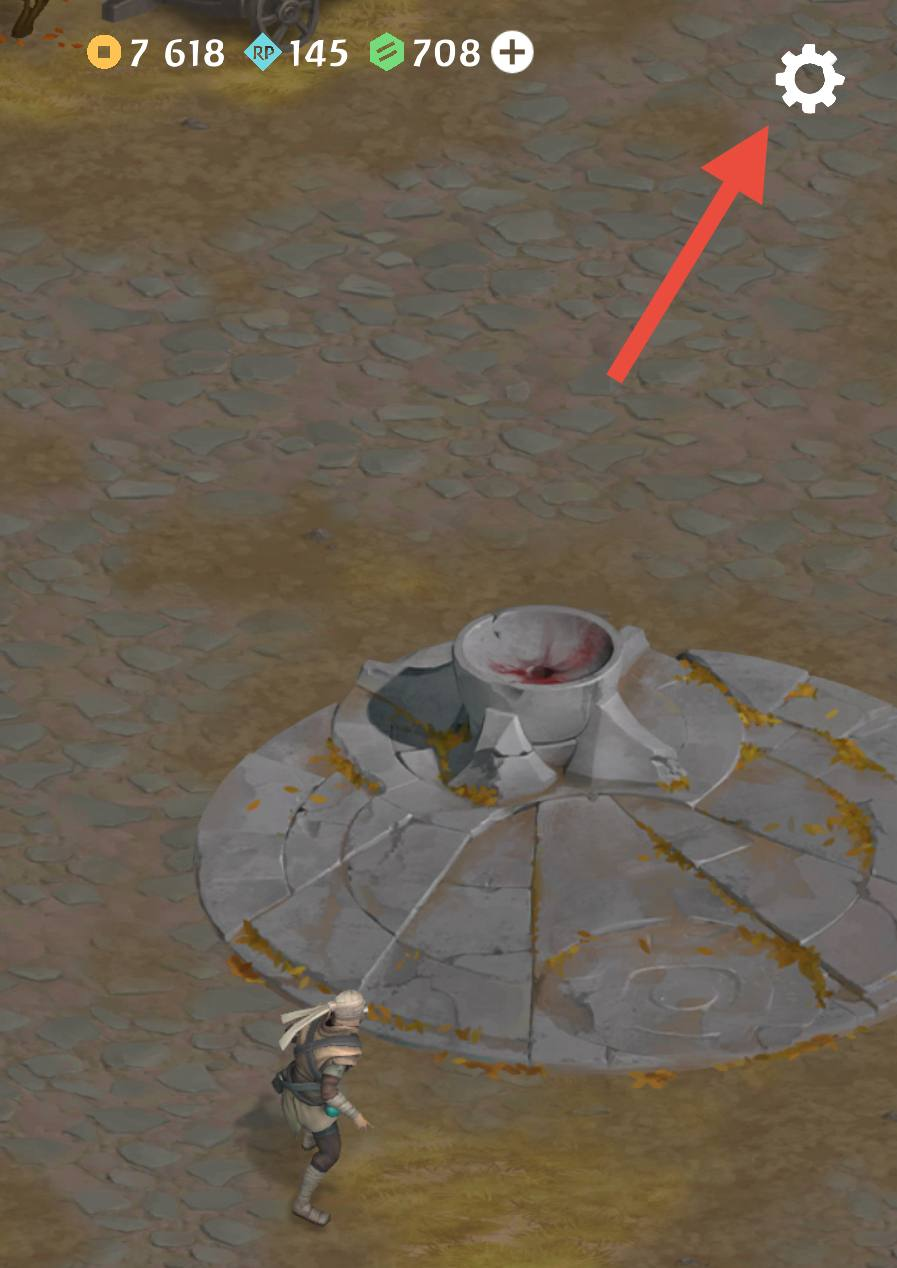
Этот раздел позволяет игрокам настраивать звуковые эффекты, уведомления и социальные активности. Настройки игры становятся доступны после прохождения начального обучения.

<figure><img src="/files/Z17FjQ9SYjtZMtJHxGiq" alt="" width="375"><figcaption></figcaption></figure>

### **Функции**

Меню настроек состоит из трёх разделов:

1. **Общие**
   * Включить / выключить музыку.
   * Включить / выключить звуковые эффекты.
   * Включить / выключить вибрацию.
   * Выбор языка интерфейса.
   * Выбор страны.
   * Настройка схемы управления.
   * Просмотр версии приложения.
2. **Уведомления**
   * Ежедневный бонус.
   * Ежедневные задания.
   * Начало / завершение Гонки Алтаря.
3. **Социальные активности**
   * **Telegram-бот**: скопировать ключ для привязки игры к Telegram Mini App.
   * **Facebook/Google**: привязать аккаунт для восстановления в случае утери.
   * **Discord**: перейти в наш Discord для анонсов и социальных событий.
   * **Instagram**: ссылка на нашу страницу в Instagram.
   * **Поддержка**: связаться с нами для помощи по любым вопросам.
   * **Оценить нас**: оставить отзыв в магазине, будем признательны.
<div><figure><img src="/files/JsLJOPZPCyV6EfszJdbU" alt="" width="375"><figcaption><p>Общие</p></figcaption></figure> <figure><img src="/files/gGnCoo0FNKycX8gQcWHF" alt="" width="375"><figcaption><p>Уведомления</p></figcaption></figure> <figure><img src="/files/JnvIgpbVIWiH0kVxwqL5" alt="" width="375"><figcaption><p>Соц. раздел</p></figcaption></figure></div>


---

# Agent Instructions
This documentation is published with GitBook. GitBook is the documentation platform designed so that both humans and AI agents can read, navigate, and reason over technical content effectively. Learn more at gitbook.com.

## Querying This Documentation
If you need additional information that is not directly available in this page, you can query the documentation dynamically by asking a question.

Perform an HTTP GET request on the current page URL with the `ask` query parameter:

```
GET https://docs.playhattori.io/russian/igra/igrovye-sistemy/bazar/nastroiki-igry.md?ask=<question>
```

The question should be specific, self-contained, and written in natural language.
The response will contain a direct answer to the question and relevant excerpts and sources from the documentation.

Use this mechanism when the answer is not explicitly present in the current page, you need clarification or additional context, or you want to retrieve related documentation sections.
